Text size
Line height
Text spacing
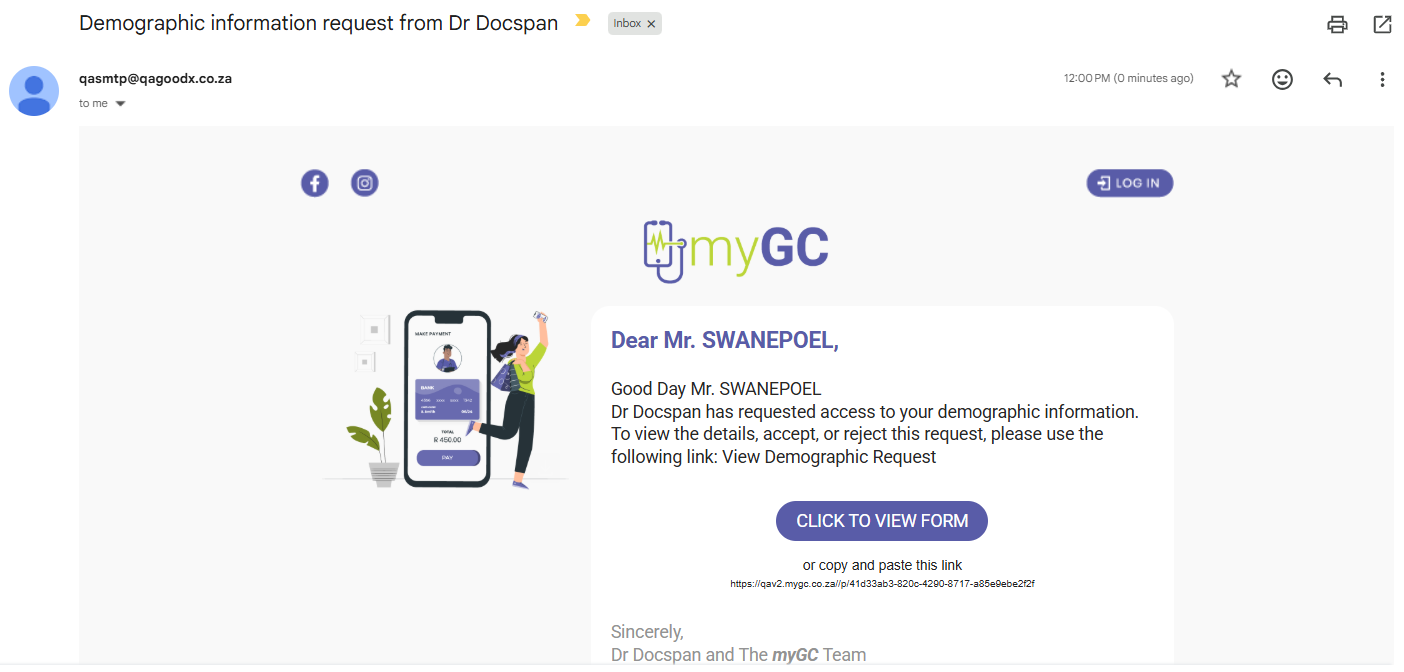
A Debtor Demographic Request, also known as a SyncVite, sends an invitation to a debtor/patient to review and share their personal information with the practice. The request can include details such as their name, ID number, contact details, and address, allowing them to confirm their information and choose which details to share.
Using a SyncVite makes it easier for the practice to collect accurate, up-to-date information directly from the debtor/patient, reducing manual data entry and the risk of incorrect information. It also gives debtors and patients the opportunity to review their details, helping the practice maintain reliable records and reducing the need to update information manually.
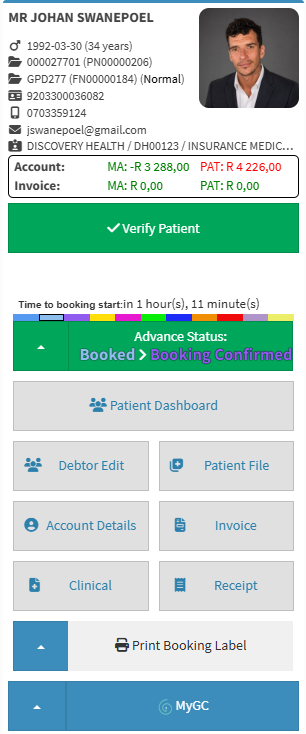
💡Please Note: A SyncVite can be sent with a booking, making it easier to keep debtor/patient information accurate and up to date before the patient's visit.

💡Please Note: You can complete this form without a myGC account or app. If you do not have an account, simply enter your personal details to verify your signed consent. For details, see Demographic Requests on myGC.