Text size
Line height
Text spacing
Dental AI provides a hands-free approach to capturing Clinical Data, allowing the Practitioner to remain focused on the Patient during an examination. This functionality streamlines the charting process by converting spoken dental terminology into digital records without the need for manual typing. Voice commands enable real-time updates to clinical records through simple speech. By using specific trigger words for tooth numbers, surfaces, and procedures, the Practice ensures accurate record-keeping and real-time actions on the Patient's dental chart.
💡Please Note: The Dental AI can not switch between Treatment Planning Mode and Observation/Diagnosis Mode.
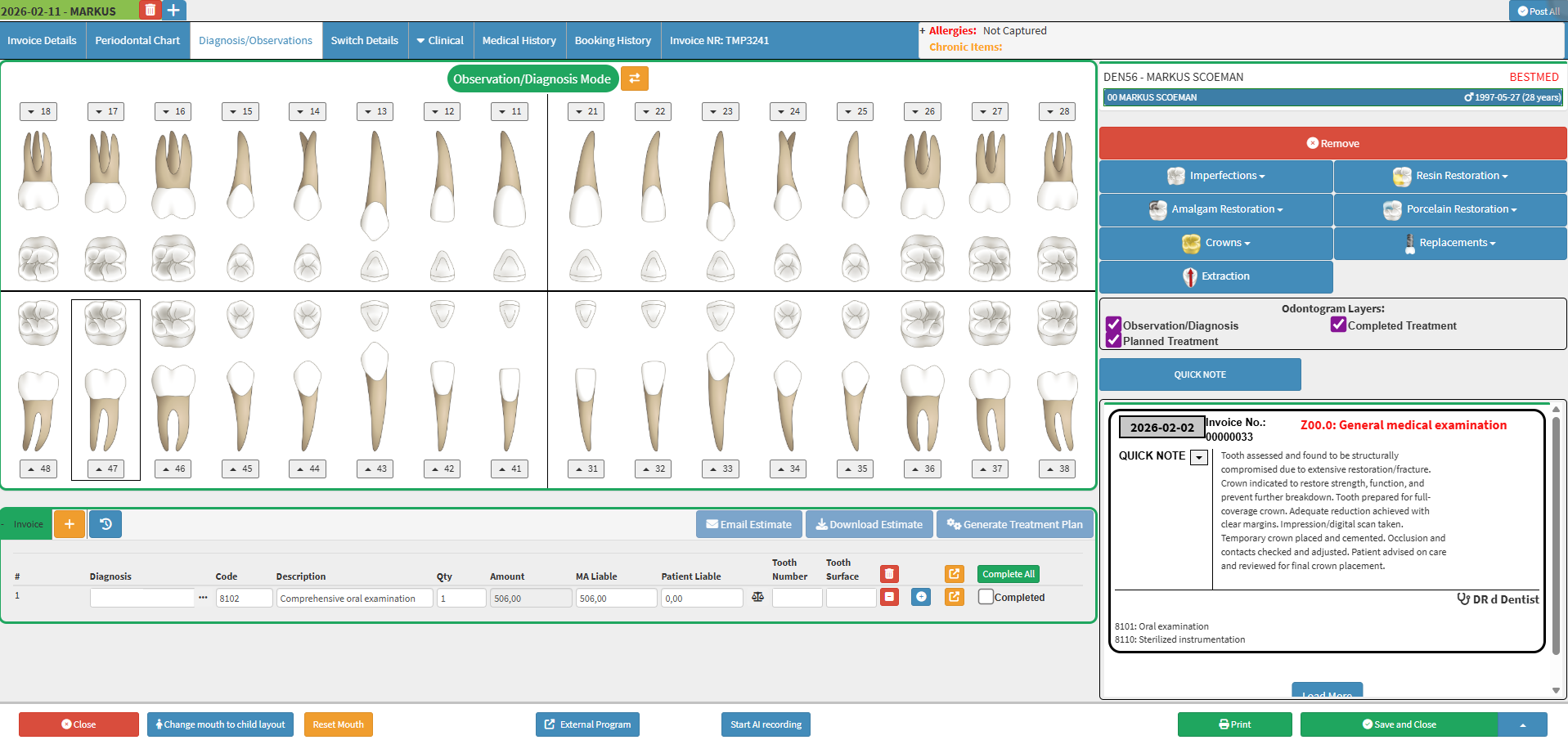

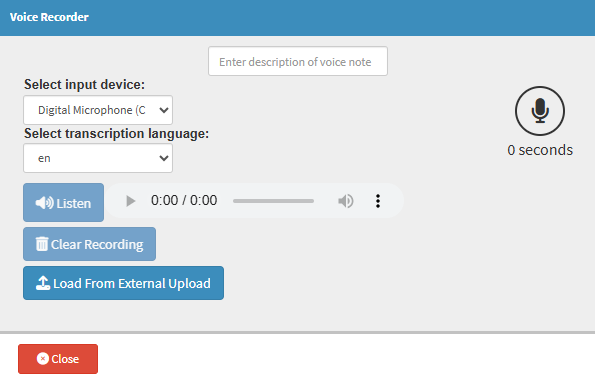

💡Please Note: Make sure you pronounce it very clearly, and when referring to a tooth number and the observation or procedure.

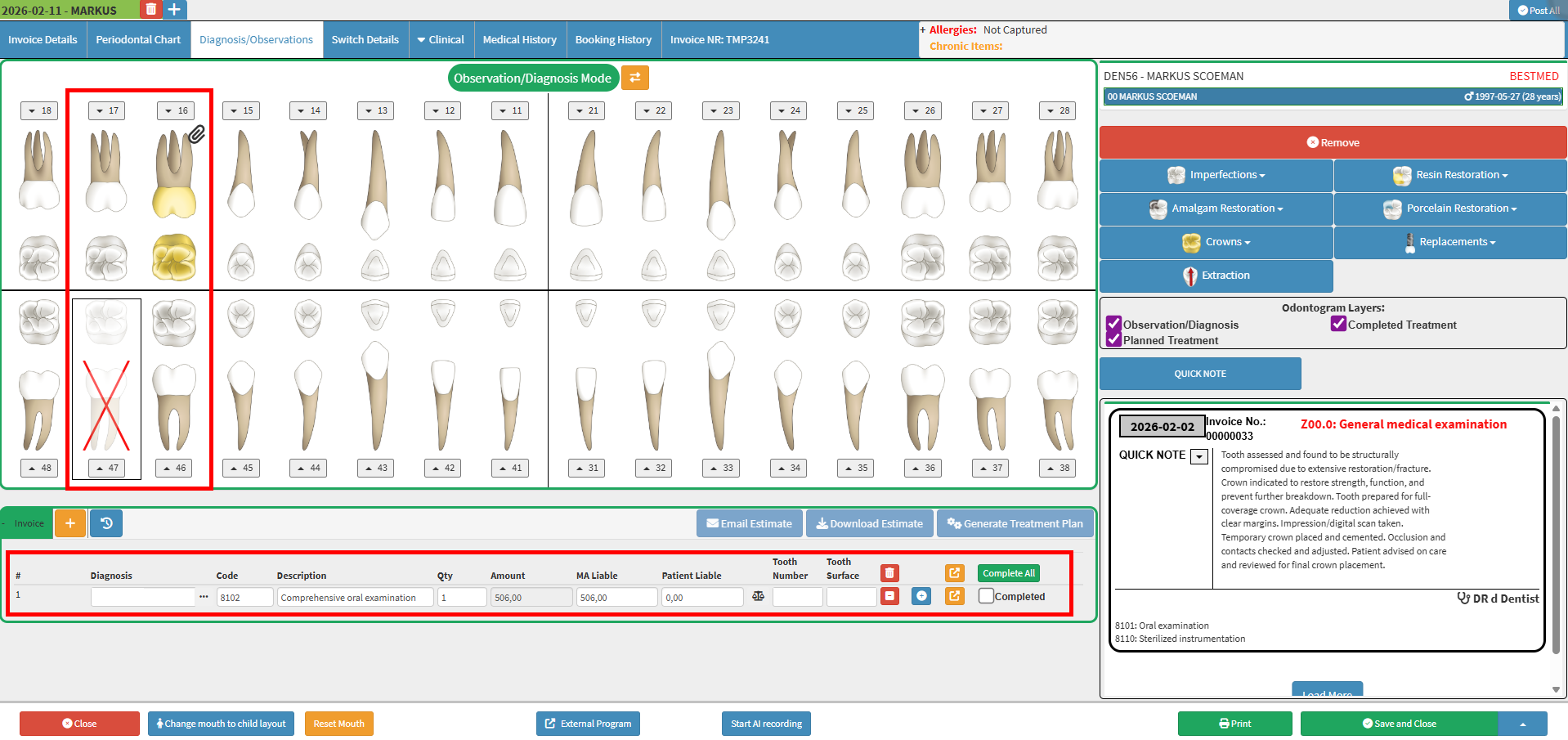
💡Please Note: To remove your requested action or observation, Click on the Tooth you wish to remove the request and Click on the Remove button in the dental sidebar.