Text size
Line height
Text spacing
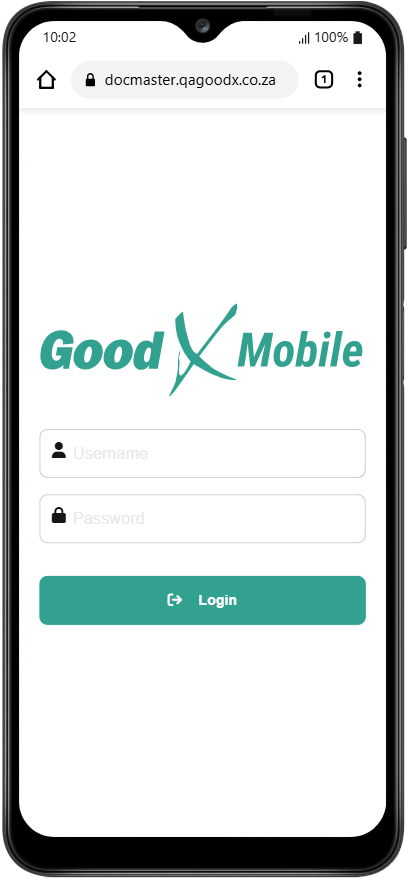
Logging in to the mobile version of the system ensures that you, an authorised user, remain connected to the practice even when away from a desktop. The ability to log in and out of your site ensures that patient safety remains the top priority by verifying your login credentials and terminating your sessions between uses. Safely take your medical practice on the road, and complete clinical forms effortlessly without carrying your laptop everywhere. It's your medical practice in your pocket.
💡Please Note: Your login information for the GoodX Mobile App will be the same as your GoodX Web login. Please contact your designated FCL should any problems arise.
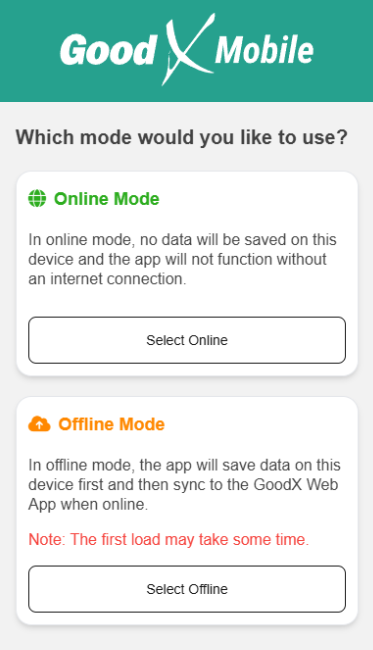
💡Please Note: When logging in for the first time, you will be met with the option to use the app in either Online or Offline mode.