Restoring a deleted Practitioner on the Practitioner List assists in seamlessly reactivating the Practitioner's details at the Practice. By undeleting a Practitioner instead of creating a new profile, the Practice avoids duplicate records and ensures a seamless reintegration into the system.
This user manual will start on the Configuration screen.
For a comprehensive explanation of the Configuration Segment, please refer to the user manual: Configuration Segment
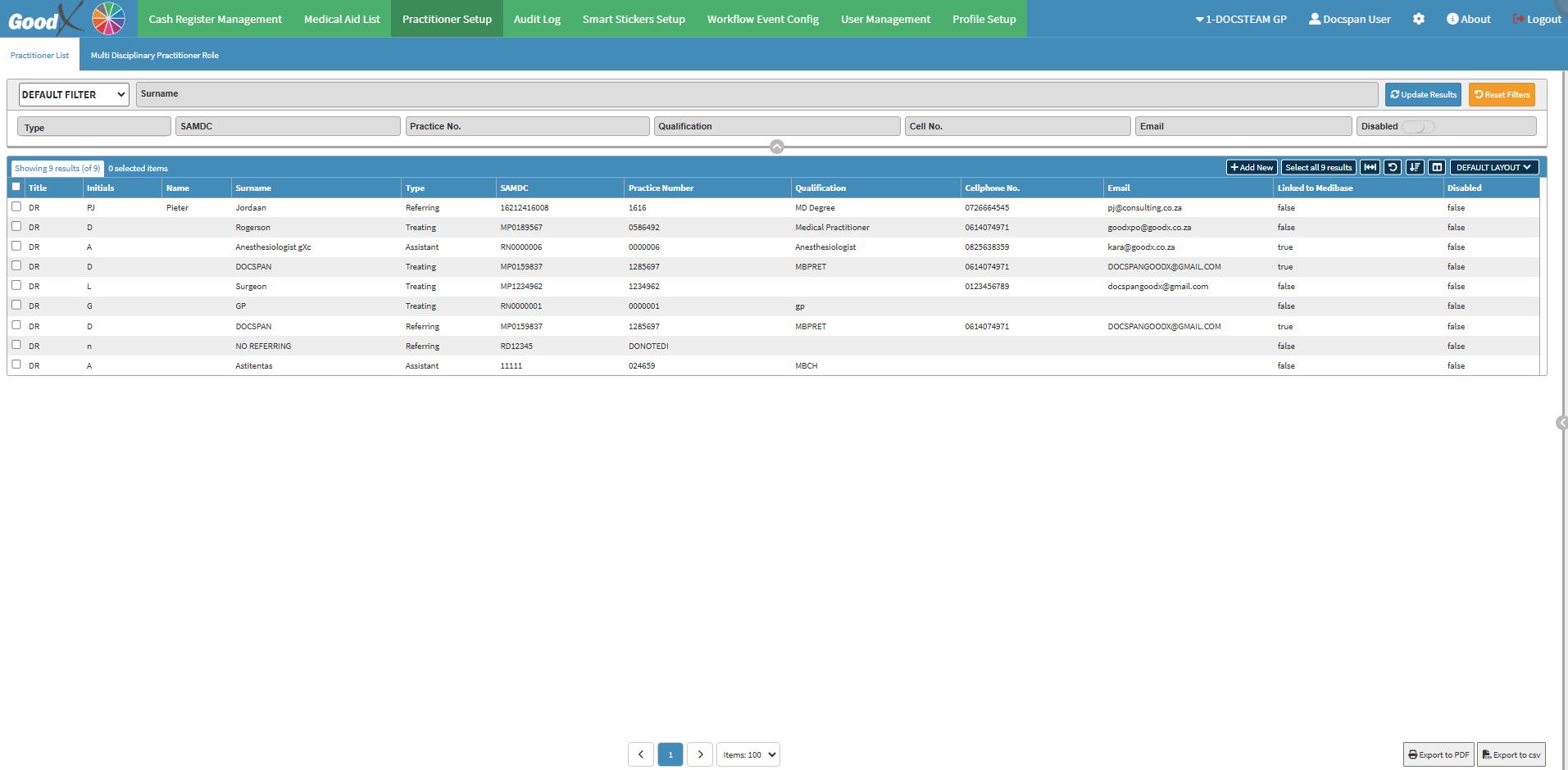
Click on the Practitioner Setup tab on the Navigation bar.
The Practitioner List screen will open with a list of the Practitioners set up at the Practice.
Double-click on the desired Practitioner.
💡Please Note: The Disabled column will be true if a Practitioner was deleted and false if they are still active.
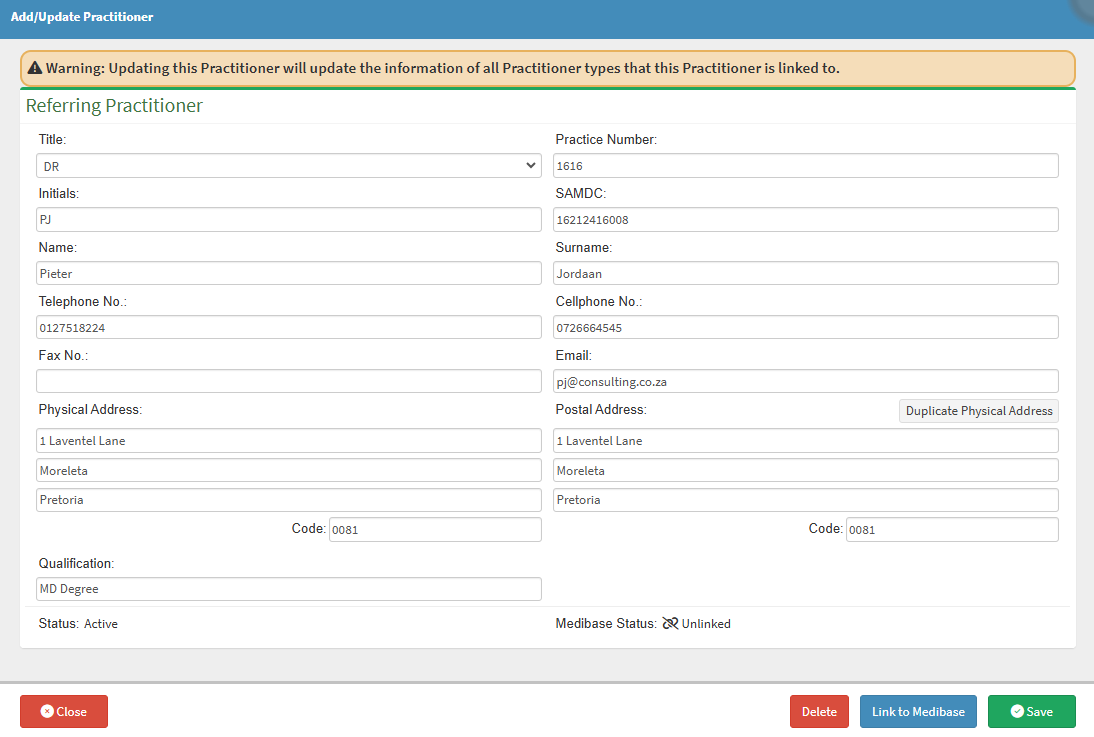
The Add/Update Practitioner screen will open.
For a comprehensive explanation of How to Edit a Practitioner, please refer to the user manual: How to Edit a Practitioner.
Click on the Delete button.
The button will change from Delete to Undelete.
💡Please Note: A Practitioner can easily be reinstated when needed, by Clicking on the Undelete button.