- To access the view busy batches you need to log into the Med debs module.
- Navigate to the Batch transactions tab on the navigation panel
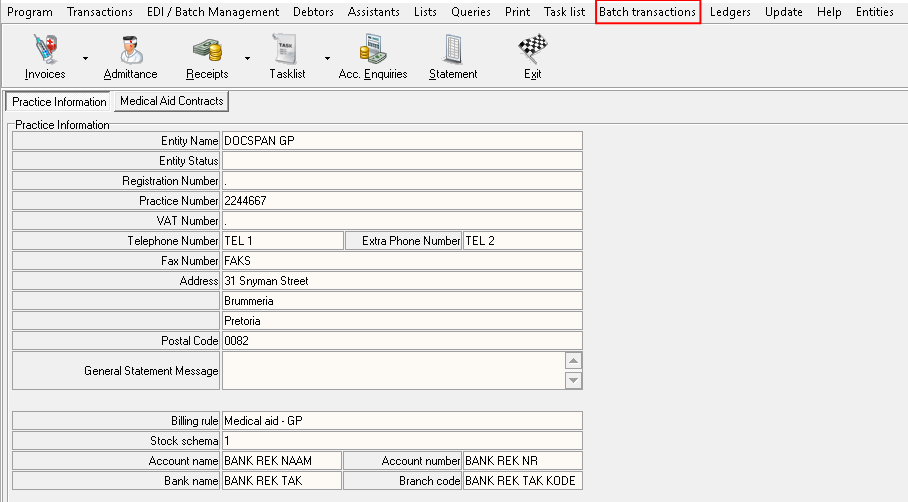
- Click on the batch transactions
- A new drop-down menu will open up
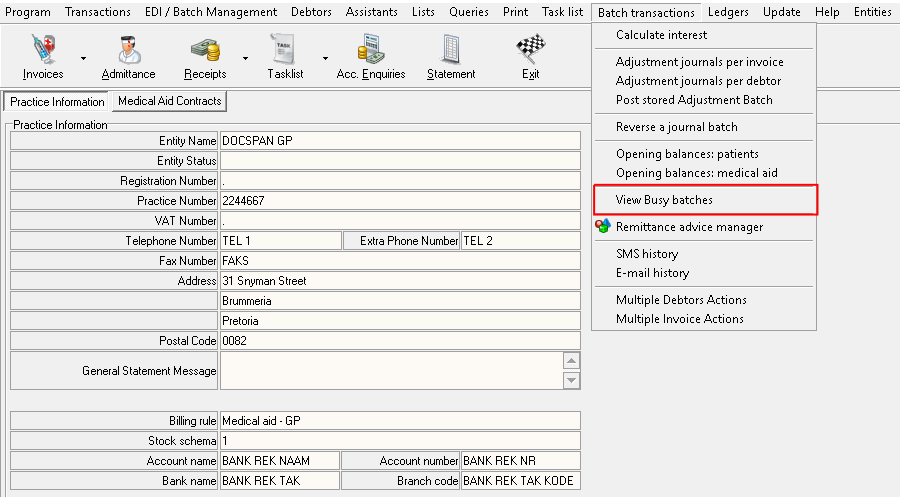
- Scroll down to view busy batches and click on it.
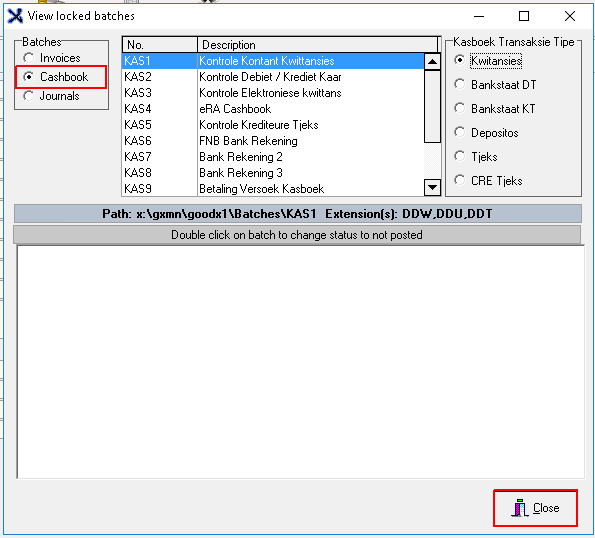
- A new screen will open up where you have the choice to choose which batch you wish to view.
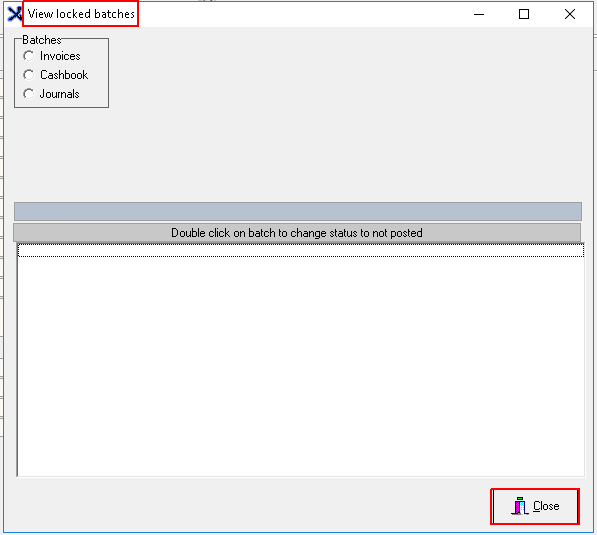
- Click on the robot button to choose which batch you wish to view.
Last modified: Wednesday, 15 April 2026, 12:19 PM