Anaesthetic rules can be set up to be applied on certain codes.
- Sign in to the GoodX Desktop using your GoodX username and password.
- From the Navigator Double Click on the MedDebs Module

- The Main MedDebs screen will open
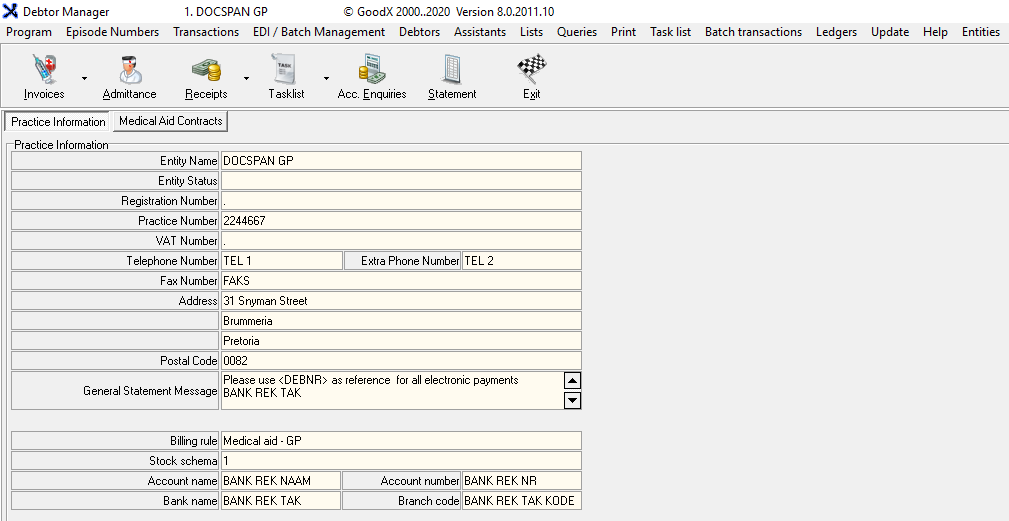
- From the Menu bar, click on Lists

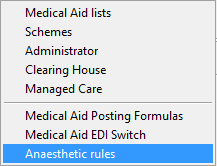
- From the drop-down, Click on Medical Aids

- From the submenu, Click on Anaesthetic rules
- The Anaesthetic screen will open
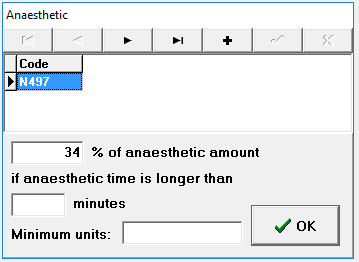
Adding an Anaesthetic Rule
- Add a new Anaesthetic Rule by clicking on the + button

- A new text field will open up indicated with an asterisk *
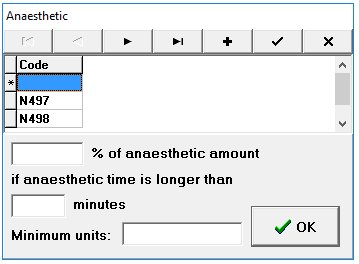
- Add the percentage % of the anaesthetic amount in the text box field provided

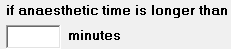
- Add the if anaesthetic time is longer than (text box) minutes, in the text box field provided
- Add the Minimum units in the text box field provided

- Click on the checkmark acode will automatically be added for the new rule
- You will see that the code N499 was added to the list

- Click on OK when you are satisfied with the set up of the new rule to save, the screen will close and you will be on the main MedDebs screen
Last modified: Thursday, 16 April 2026, 9:36 AM