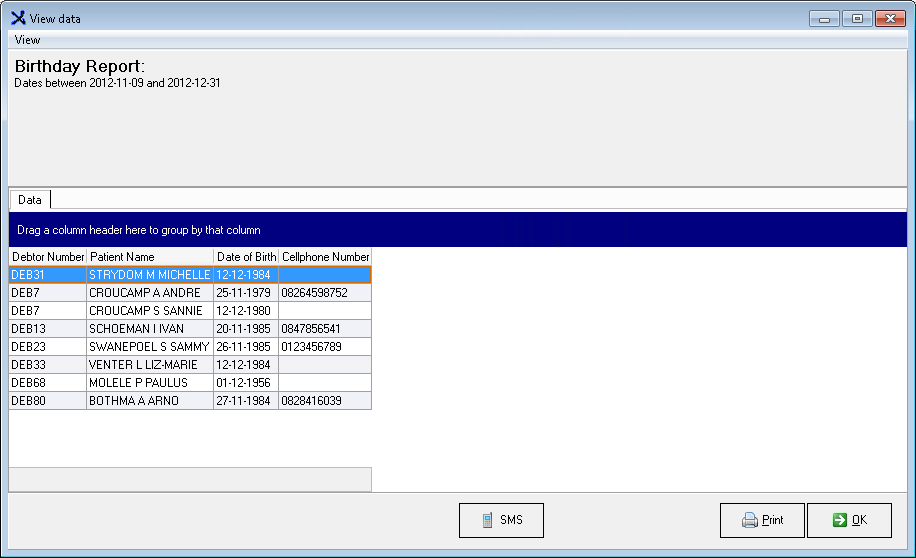
This Report is used to send SMS's to Patients to Congratulate them on their upcoming Birthdays.
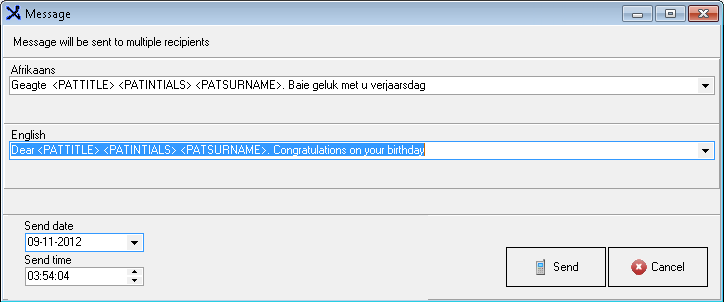
Please Note that the SMS TEMPLATE (body) of the SMS has to be set up in >>GX Manage>> Global Lists>> SMS Template, first before it can be sent (This option will only be visible if the SMS Contract is set up in the System Options).
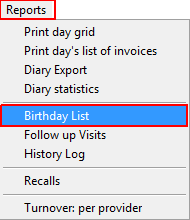
Select Birthday List from the drop down Menu.
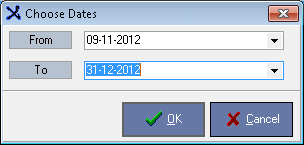
Select the date frame and click on OK.
Click on SMS.
The Birthday List Template needs to be set up in GX Manage first.