Purpose: Other Appointments can be made to organise the medical practitioner's day OR create multiple bookings for a patient for the same time and day of the week over a period of time.
Open the Diary module from the navigation screen.
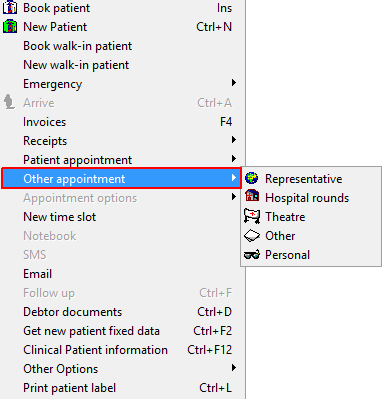
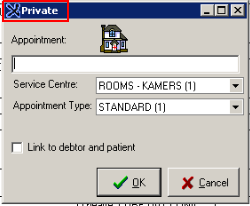
Right-click on the relevant time slot and choose Other Appointment and the type of Appointment that needs to be made.
Representative Appointment.
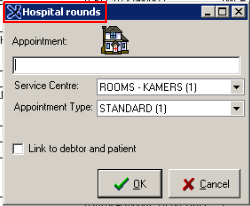
Hospital Rounds.
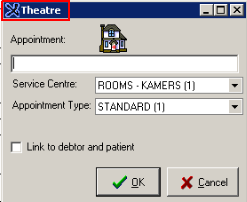
Theatre.
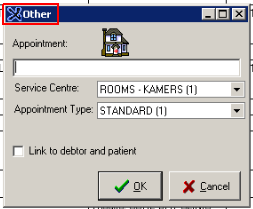
Other.
Personal.
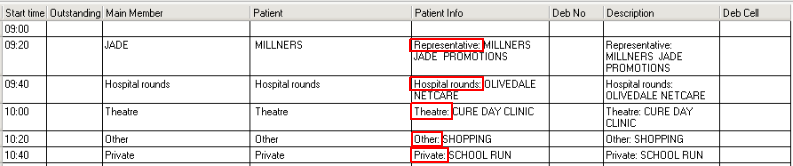
The Appointments will look as follow once booked in the Diary: