The main purpose of using FNB online payments is it helps companies save time, are faster and save maximum efforts for the clients. It also helps in reducing excessive costs involved in physical transactions. It also helps in reducing the significant amount
of paper invoices that will be printed and used to send invoices.
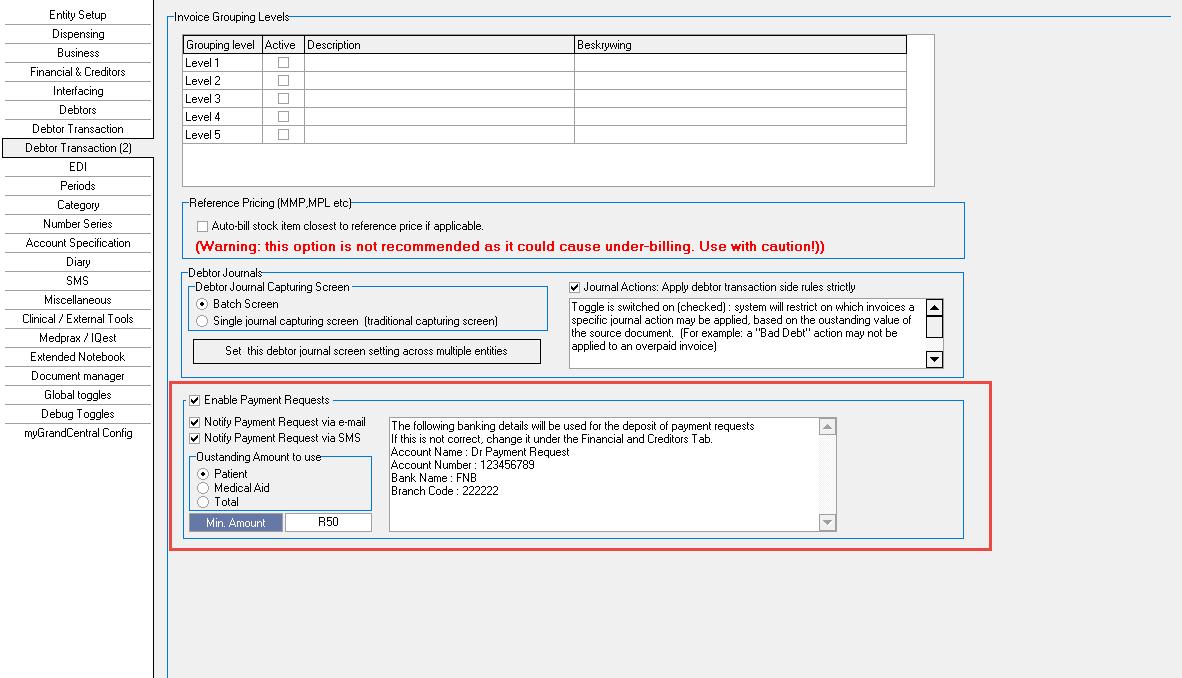
In order to use the FNB Online Payments function, it needs to be set up in Settings:
Supervisor >> System Options >> Debtor Transaction (2) Tab
Enable Payment Requests
Enables payment requests functionality.
Notify payment requests via e-mail
Sends notification via e-mail to main members e-mail.
Notify payment requests via SMS
Sends notification via SMS to main members e-mail.
Outstanding Amount to use
Choose between medical-, patient- or total outstanding amounts.
Min Amount
Minimum payment amount to send a payment request.
This means the list of invoices outstanding on the account must total more than the minimum amount.
Accessible on the following screens:
Diary:
Will send a payment request to the account on the booking
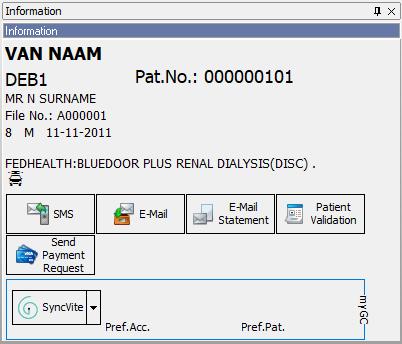
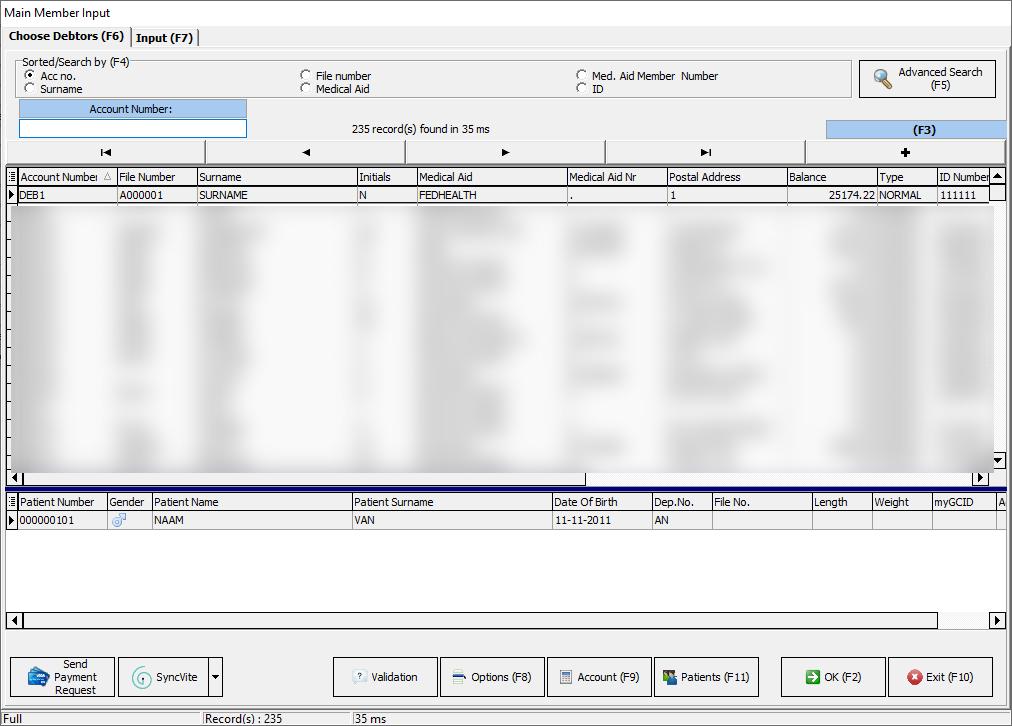
Admittance Screen:
Will send a payment request to the selected account.
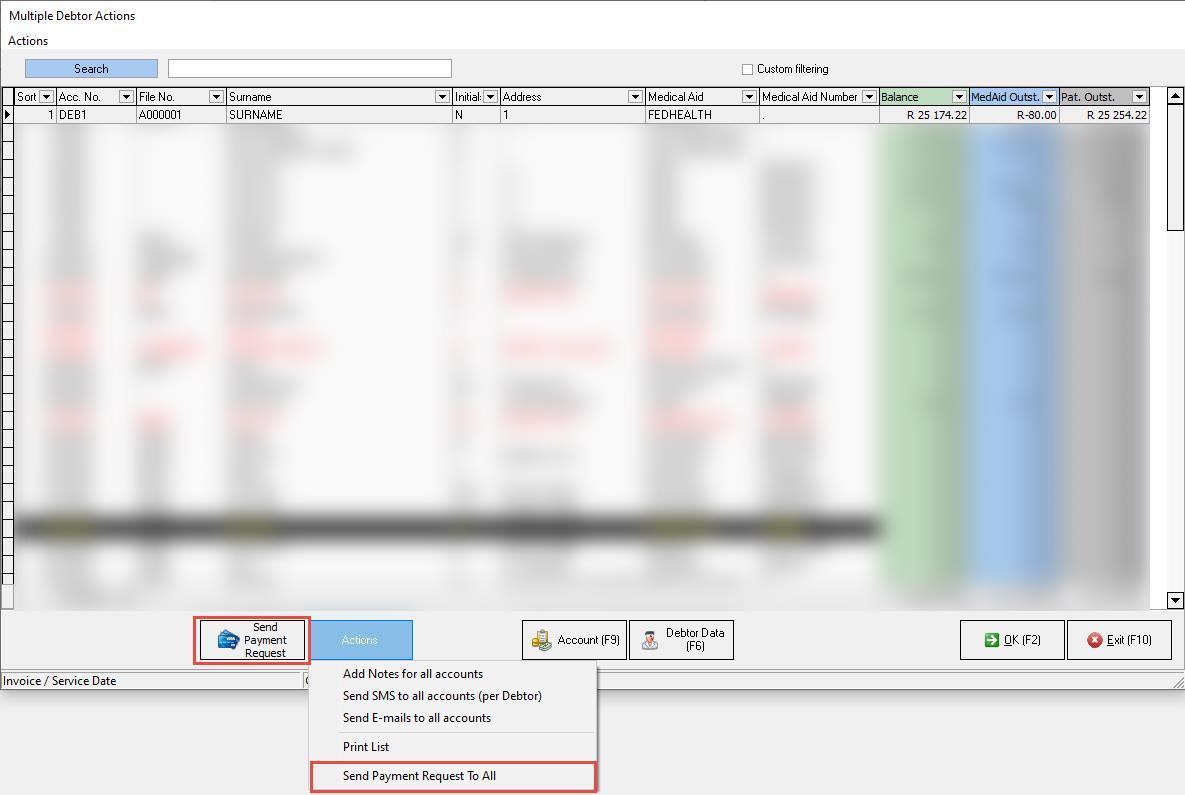
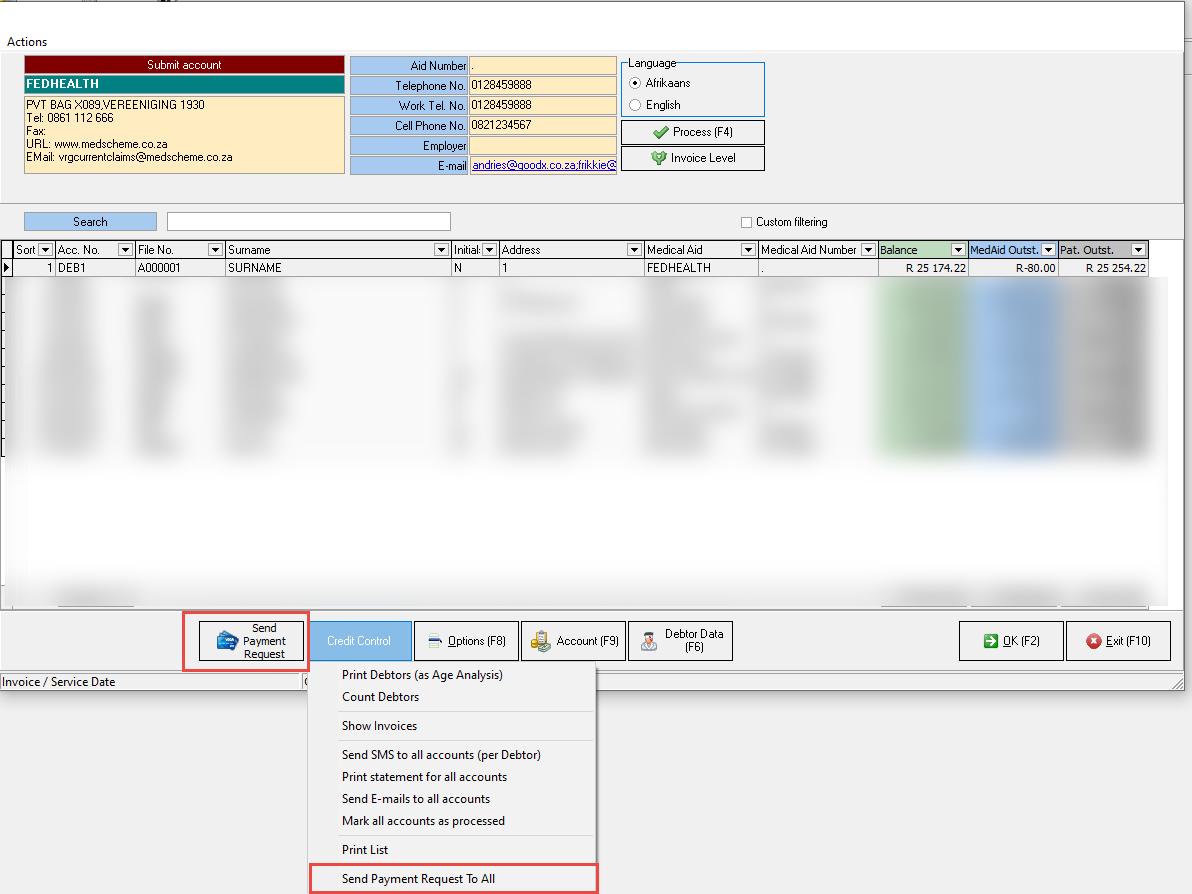
Multi Debtor Actions:
Send payment request to single or all accounts
Credit Control Assistant:
Send payment request to single or all accounts
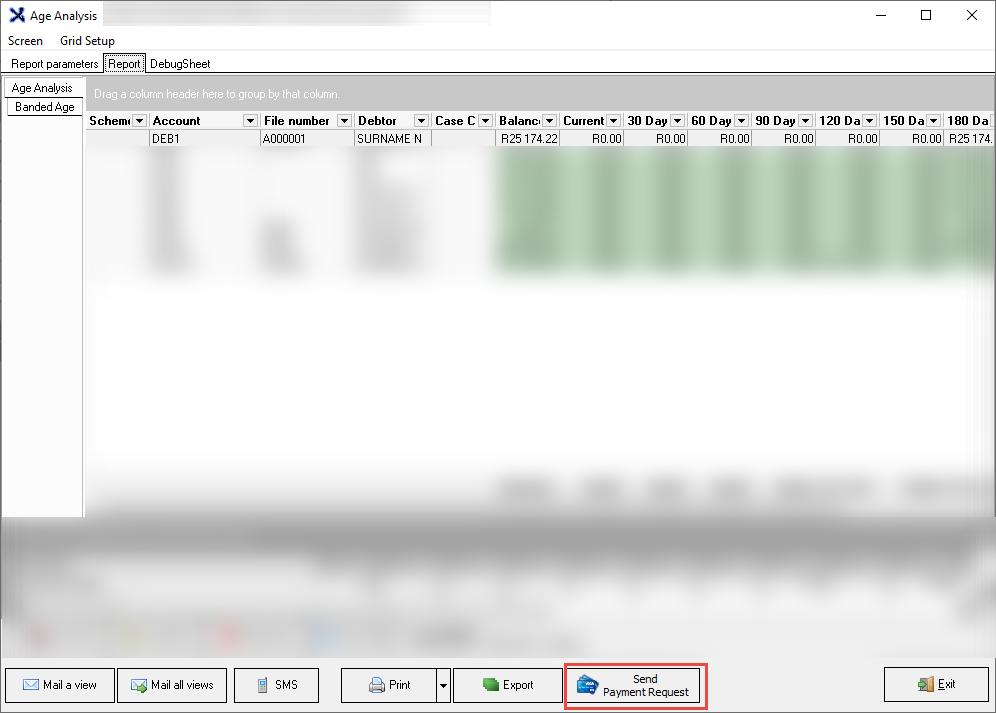
Age Analysis:
Will send payment requests to every debtor on the Age Analysis.
If grouping is used and an account is on the age analysis more than once then only 1 payment request will be sent out.
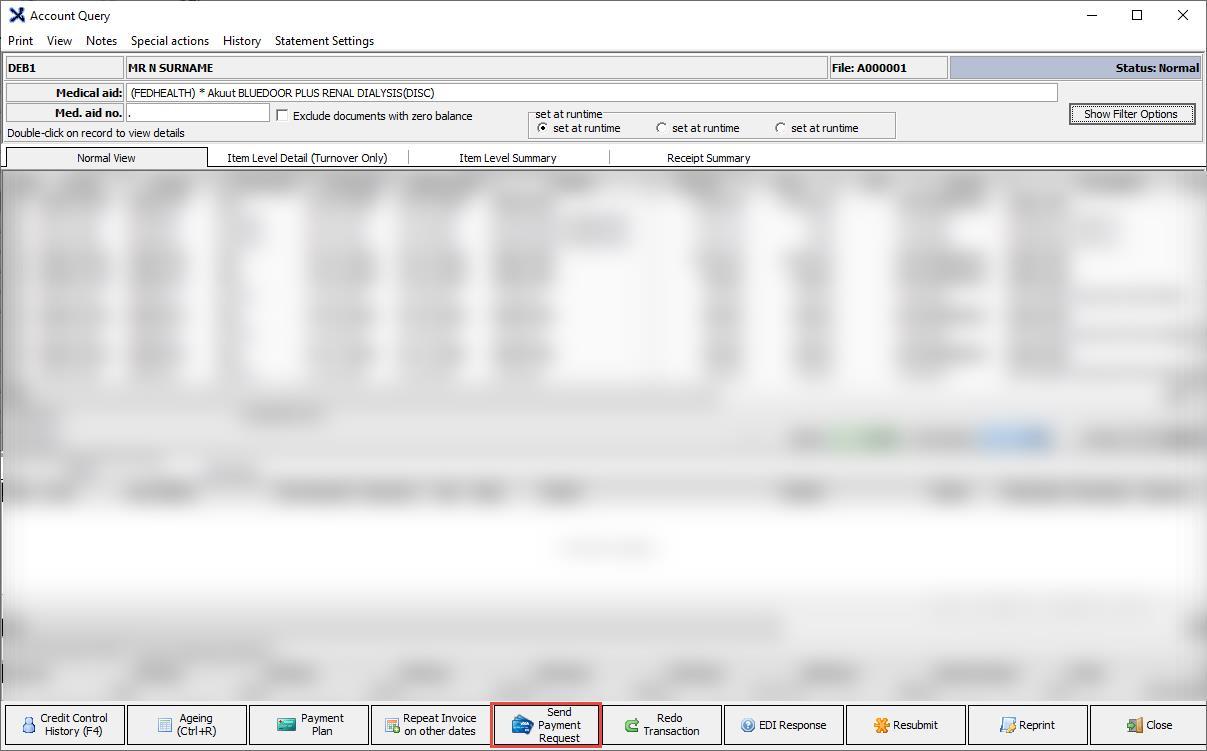
Account Enquiry:
Will send a payment request to the selected account.