Text size
Line height
Text spacing
Patients can use Face ID on the Kiosk in the Practice to search for and view their booking with the Practitioner. Face ID uses facial recognition technology to match a person’s face from an image or video to a database of stored faces, verifying the Patient’s identity. It works by detecting and measuring key facial features from the image provided.

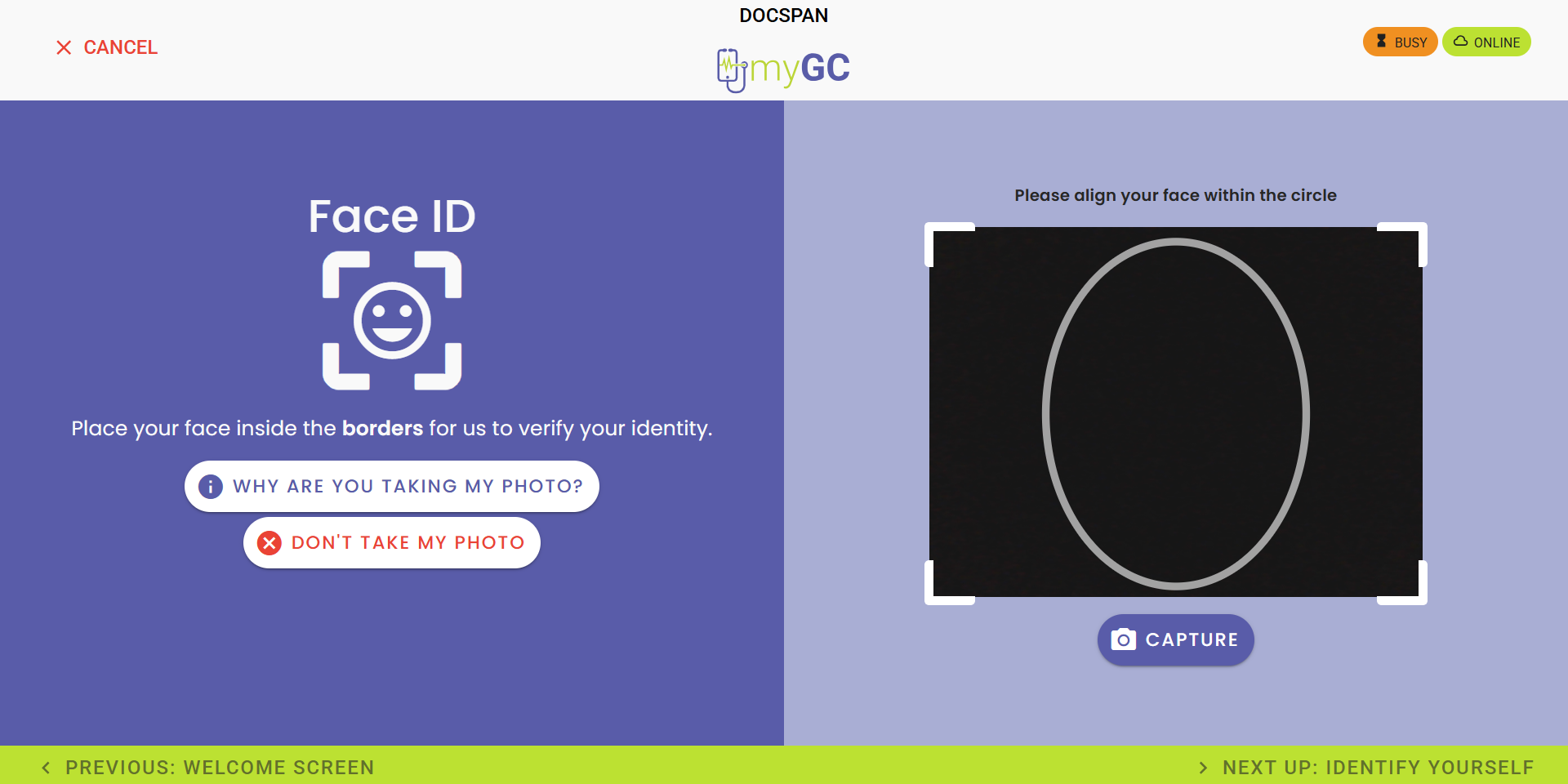
💡Please Note: If you have an image uploaded to your Patient File, you can use Facial Recognition to quickly find your booking.
Click on the Don't Take My Photo button if you don't have an image loaded onto your Patient File.








💡Please Note: You will be redirected to ask Reception for assistance if your booking cannot be located.