The Treatments tab provides you with a convenient way to log and track all treatments performed, ensuring accurate and comprehensive record-keeping.
- This user manual will start on the Medical History screen, General tab.

- Click/Tap on the Treatments tab.

- The Treatments screen will open.

- Click/Tap on the Description text field to enter the relevant information.

- Click/Tap on the Start Date field.

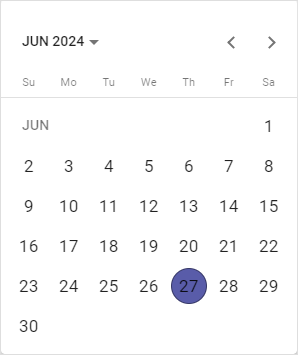
- Click/Tap the relevant Date.
Please Note: Dates can be entered manually.
- Click/Tap on the End Date field.

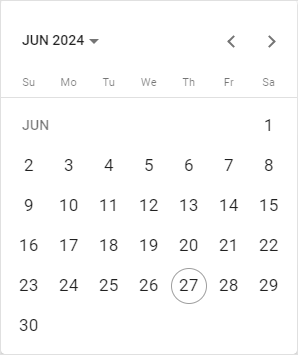
- Click/Tap the relevant Date.

- Click/Tap on the Location text field to enter the relevant information.

- Click/Tap on the Add Treatment button.
- The Treatment information will be added to the Treatment screen.
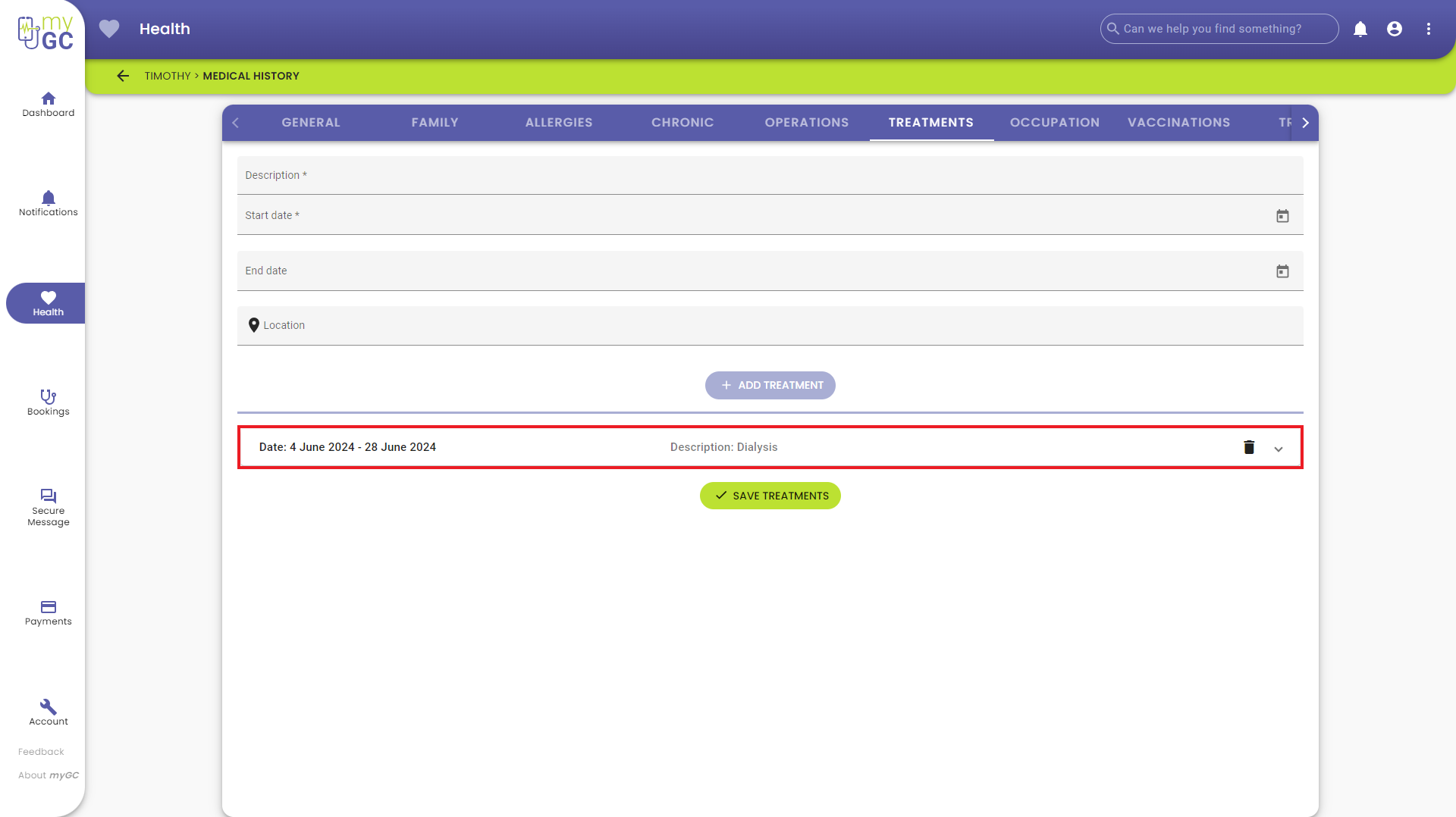
Please Note: More than one treatment entry can be added.
- Click/Tap on the Delete button to remove the operation from the list.

- Click/Tap on the Expand button to open the panel.

Please Note: Any information added about the treatment can be edited once the panel has been expanded.

- Click/Tap on the Save Treatments button to save any changes made.

- A Notification will appear indicating that the Treatment information was saved successfully.

Last modified: Tuesday, 7 April 2026, 10:35 AM