Glossary: Medical History: Family
Listing family history can be an important step in identifying if any hereditary diseases have been passed down from previous generations that might require intervention.
This user manual will start on the Medical History screen, General tab.
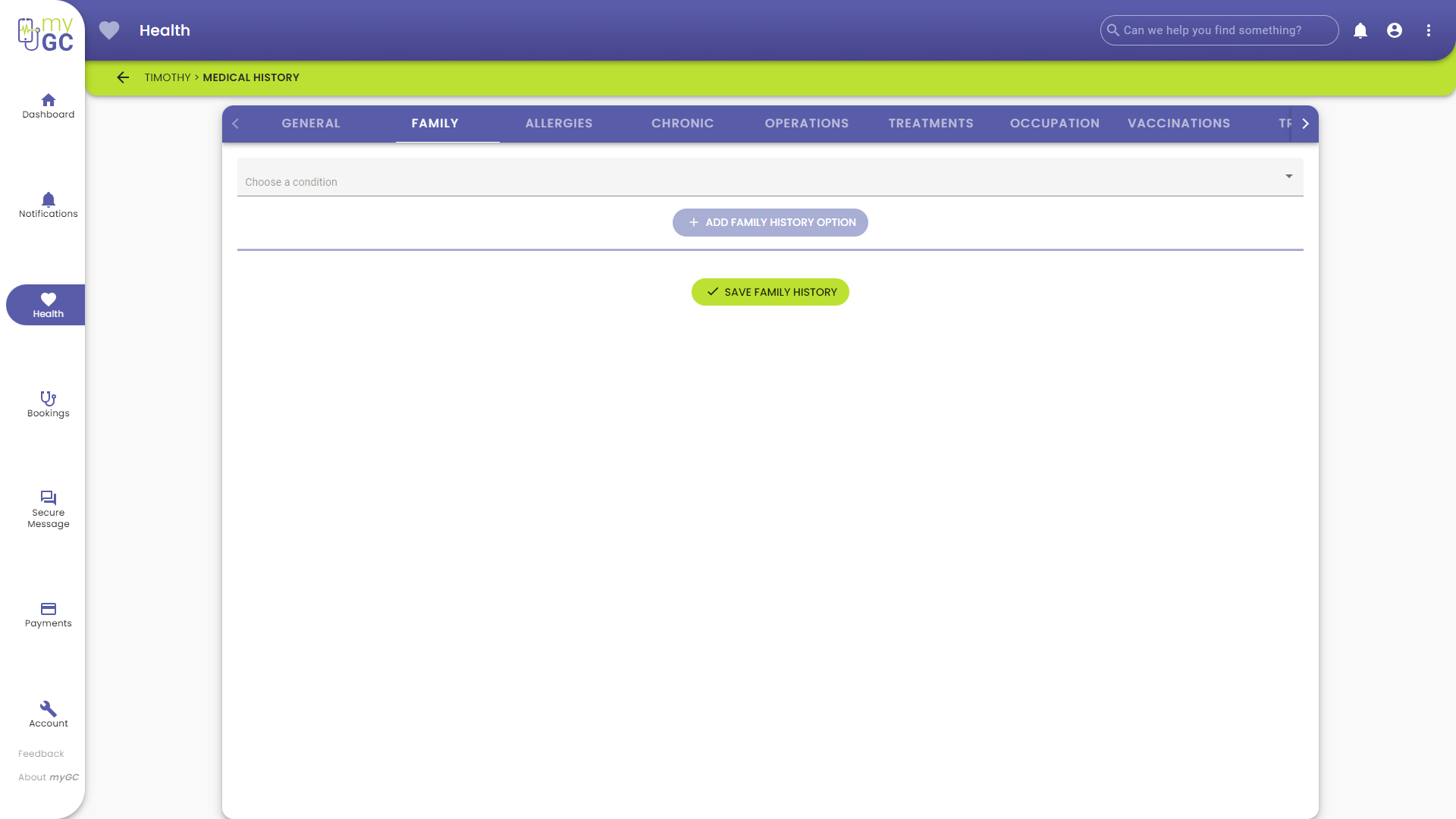
Click/Tap on the Family tab.
The Family screen will open.
Click on the Choose a Condition drop-down menu.
A drop-down menu of hereditary diseases will open.
Select the relevant option.
An Add a Note About field will appear.
Click on the Add a Note About field to enter the desired information linked to the disease.
Click on the Add Family History Option button.
The Selected disease will be added to the Family screen.
Please Note : More than one disease can be added to the list.
Click on the Delete button to remove the disease from the list.
Click on the Expand button to open the panel, and view any notes made.
Please Note: Any notes made on the added disease can be edited once the panel has been expanded.
Click on the Save Family History button to save any changes made.
A Notification will appear indicating that the Family information was saved successfully.
Last modified: Tuesday, 7 April 2026, 10:23 AM