Text size
Line height
Text spacing
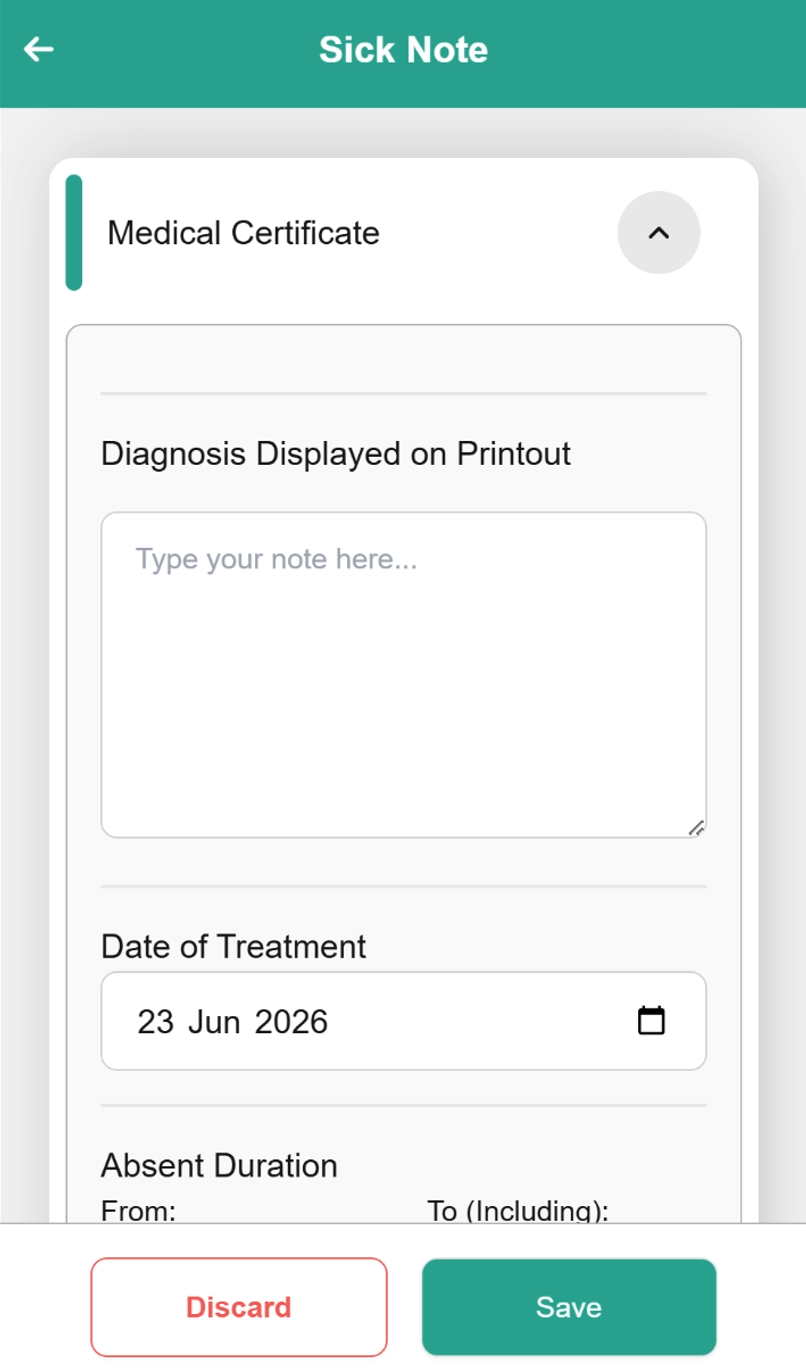
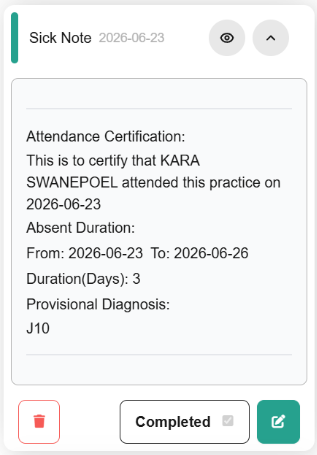
The Mobile App Sick Note enables practitioners to generate, finalise, and issue official medical certificates directly from a smartphone or mobile device. Fully integrated into the clinical workflow, this digital form allows users to enter patient demographics, specify illness dates, add clinical annotations, and apply secure digital validation on the move.
By eliminating the reliance on traditional paper blocks or desktop terminals, the feature provides a seamless mechanism for recording medical leave during or immediately after a consultation, or even running into a patient at the shops, automatically synchronising the clinical note with your GoodX Web App.
Practitioners can issue sick notes immediately from any location, which minimises post-consultation administrative backlogs and significantly reduces the time patients spend waiting for documentation. Furthermore, the electronic delivery of these certificates supports a modern, entirely paperless information-sharing ecosystem, ensuring that patients receive authentic documentation instantly while reducing the practice's carbon footprint and administrative overhead.