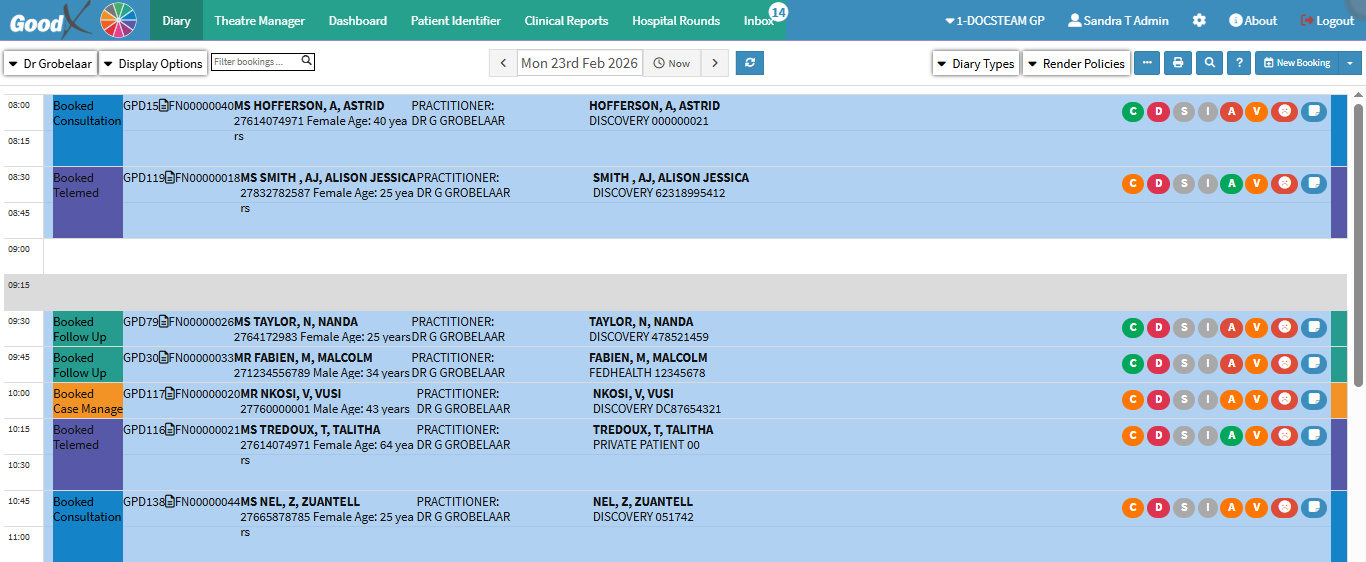
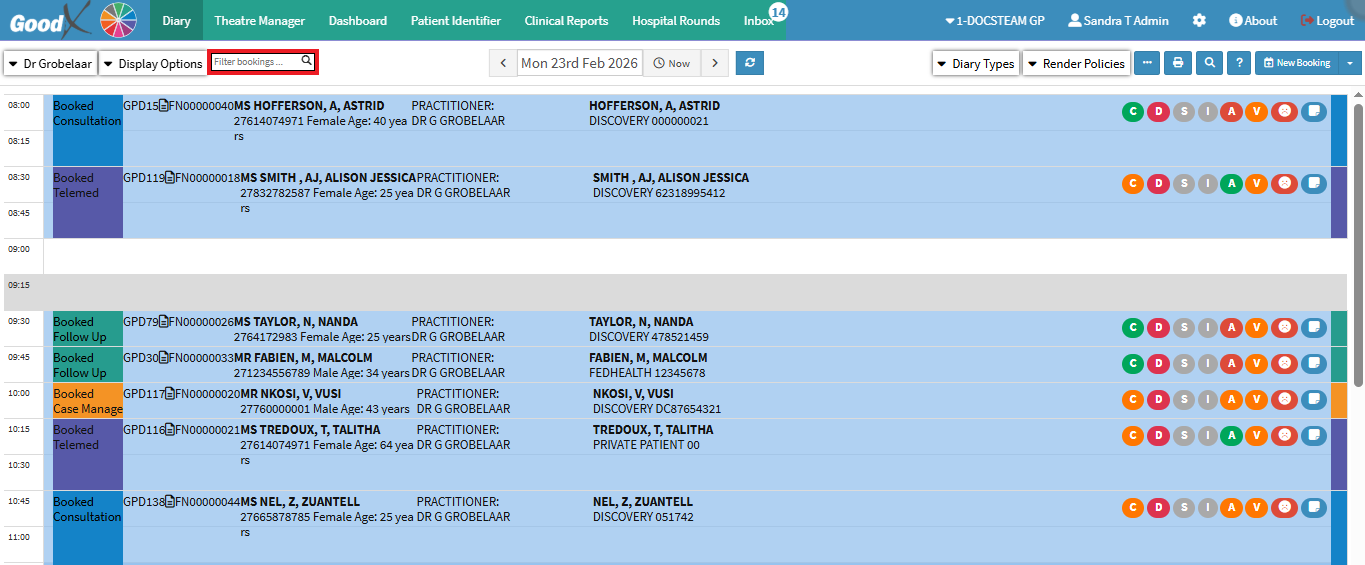
The filter assists in organising per user the diary per booking, and will indicate all the bookings that were made that were selected. This filter is per the specific day that is chosen.
This user manual will start on the Diary screen.
From the taskbar, click on Filter bookings.
Any of the following information can be typed into the search bar to filter the bookings:
Patient Name
Debtor Name
Patient ID
Debtor ID
Patient Contact Number
Debtor Contact Number
Medical Aid Provider
Medical Aid Plan
Medical Aid Number
The more characters that are typed in the bookings field, the more relevant information will appear.