Text size
Line height
Text spacing
Step 3
Compare the transactions in the Recon View with the transactions reflected on the bank statement
Select the transactions under the Recon column either by:
When the Recon balances, the colour in the Balance changes from Yellow to green
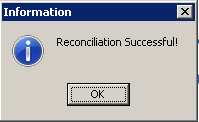
Click on the Do Reconciliation (F2) button

Click on OK to continue

Click Next to continue
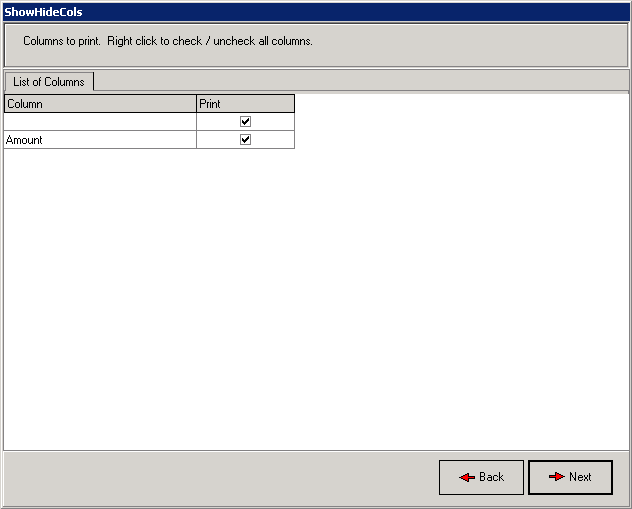
A report reflecting the details of the Recon will be displayed
Print the report if necessary
Click Close to continue

Click Yes

Click OK