Text size
Line height
Text spacing
Correction of an Incorrect Amount
When an amount (different to the amount on the Bank Statement) was incorrectly captured on GoodX, the amount can be corrected by using the Correction button
Select the transaction to be corrected
Click on the Correction button on the recon screen
Select the correct Period
Click on OK (F2)

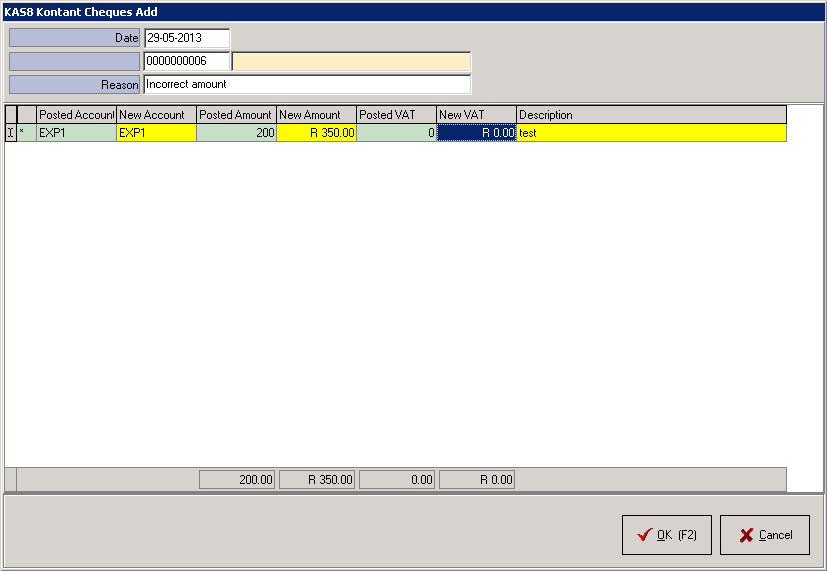
Complete the Reason for the correction
Enter the amount as it should be under the New Amount column
Click on OK (F2)
Click on Post (F2)
The user can also choose to Return to Batch or Exit and Cancel
The following documents can also be printed
Mark the radio button and once the transaction is posted, the screens to print will display
Click on Continue
