The purpose of reports is for the Practitioner to draw a Report for bookkeeping purposes. A report is a document that presents information in an organized format for a specific audience and purpose. In this case for the Practice and the Doctors.
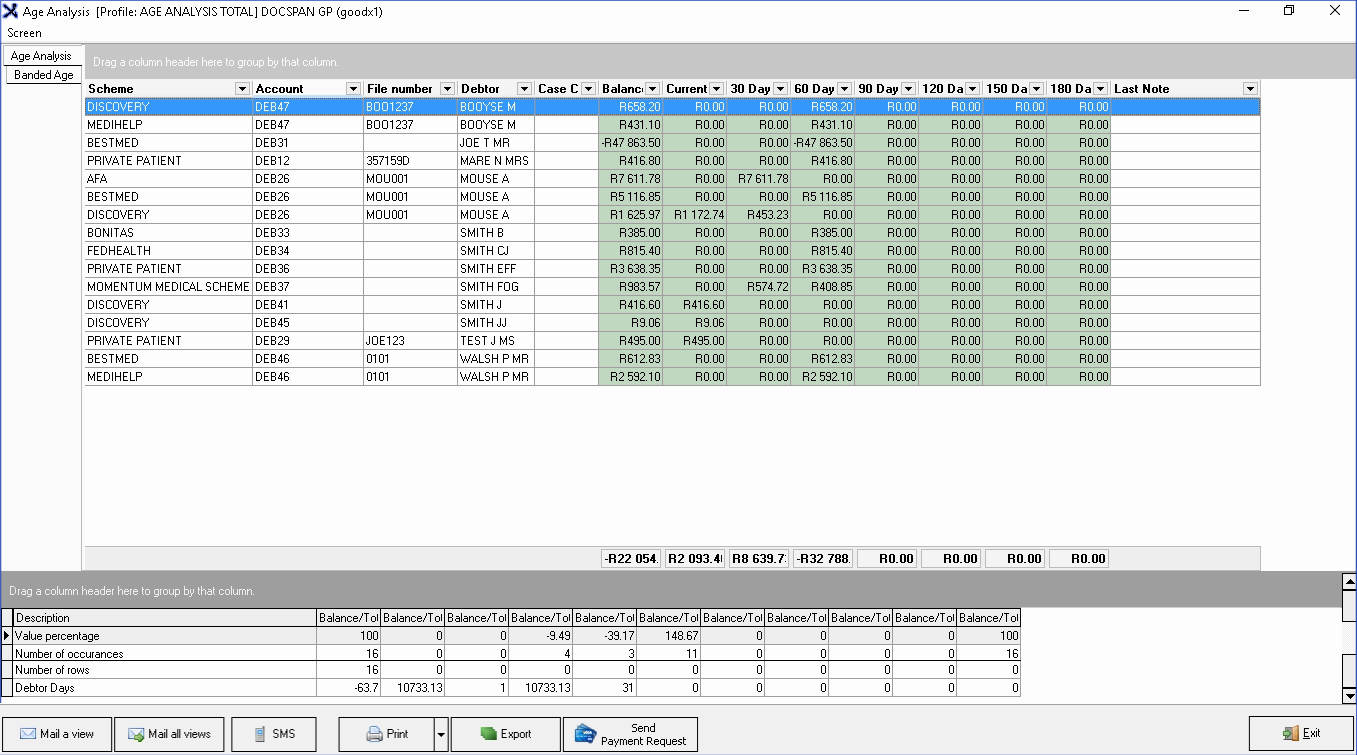
The Age Analysis will indicate all the amounts still outstanding or not paid yet. This will be grouped into certain age groups for example Current, 30 Days, 60 Days etc. The Age Analysis will also be divided into Total, Medical
Aid and Patient outstanding on each invoice.
Log in to the GoodX Desktop using your GoodX username and password.
From the Navigator Double Click on the MedDebs Module.
The Main MedDebs screen will open.
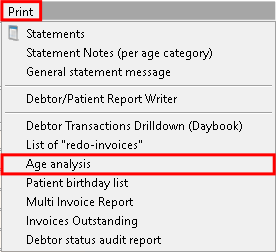
From the Menubar, Click on Print.
From the Sub-menu, Click on Age Analysis.
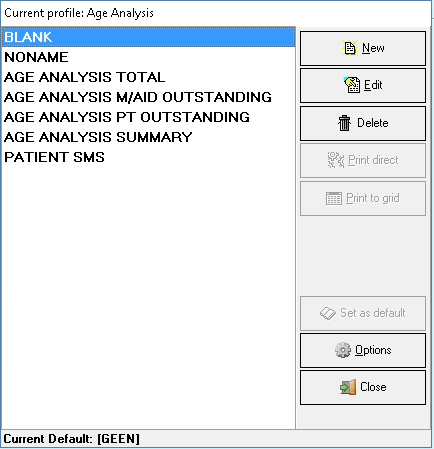
Current Profile: Age Analysis Overview
The Current Profile: Age Analysis screen will open.
Please note: The following Age Analysis Profiles will be loaded by default with new installations.
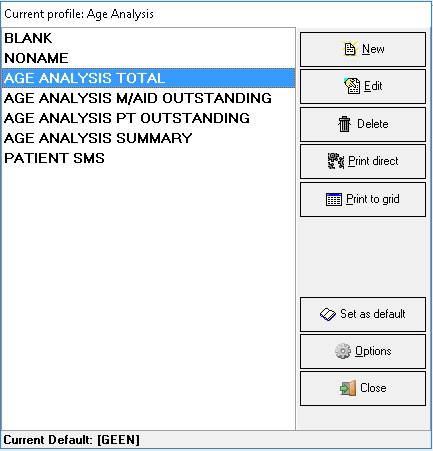
Click on the Age Analysis Report that would like to be printed.
Click on Print to Grid.
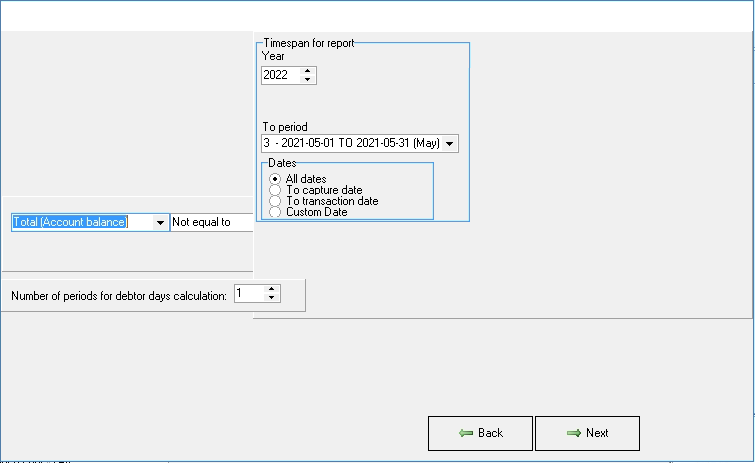
The Report Options screen will open where the details of the report can be checked and altered if the need arises.