Text size
Line height
Text spacing
The X-ray interface button on GoodX Web allows you to quickly interact with your x-ray program and take an x-ray for any patient. The end user does not have to capture the patient file twice on both GoodX Web and your current x-ray program as the integration does it for you.
Setup the button in your Settings:
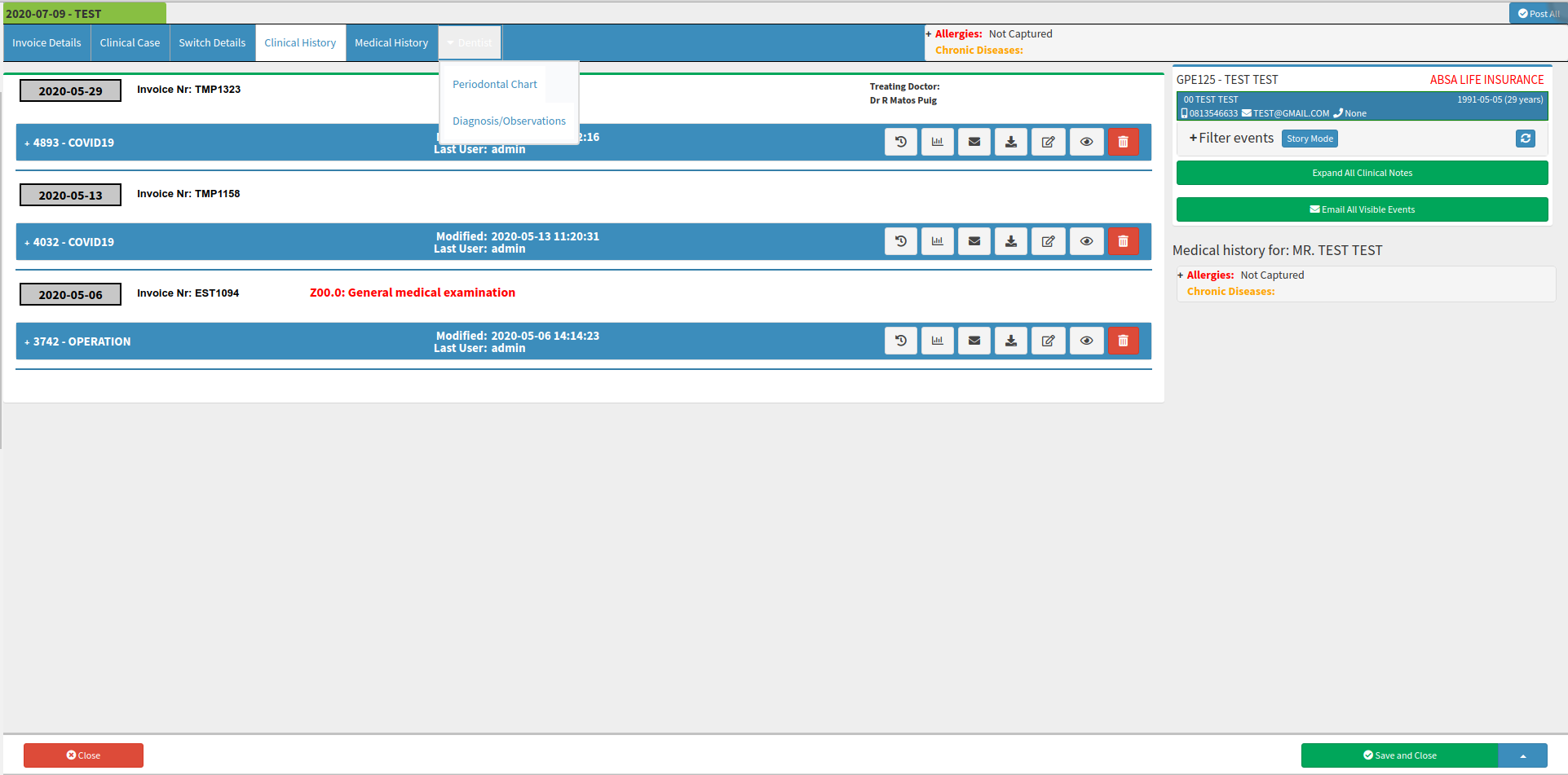
Once the dentist screen is activated, a new tab will appear under Clinical History.

Below are few videos of how the integration works: