Extending a medical appointment can have different reasons. If a Practitioner needs more time to perform a procedure on a Patient, they are able to add 15 or 30+ minutes to the appointment, depending on the extra time required.
If you want to extend an Appointment, you can change the duration of the appointment on the booking screen.
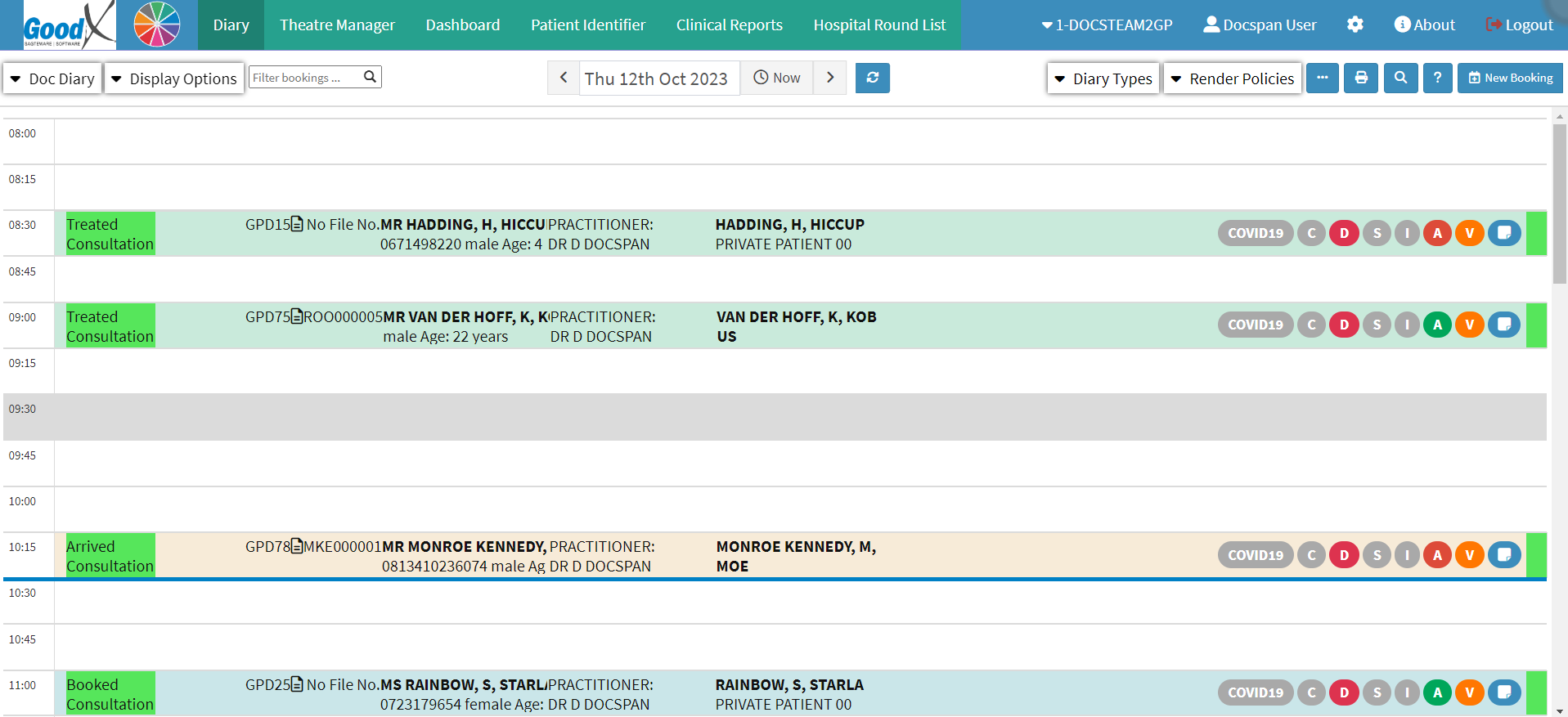
This user manual will start on the Diary screen.
Double-click on the current appointment you wish to extend.
The Add/Edit Booking screen will open.
Click on the drop-down menu on the Duration field.
Select the End time for the appointment that you are extending, for this example you shall extend the appointment to 11:15.
Please Note: After the duration was changed, the system will warn you that the duration exceeds the default duration for that specific Booking Type (Consultation - 15 minutes).
Click on the Save button to save the changes made.
The appointment will now be extended over 3 timeslots. The next available booking is at 11:15.