Text size
Line height
Text spacing
Stock Take
Step 4: Consolidate the Different Counting Locations into one General Bin
Open the Stock module
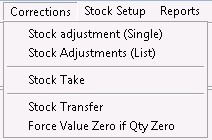
Click on Corrections
Click on Stock Take
Click on the Multi-batch processing
Choose the correct snapshot

Click on Mark all
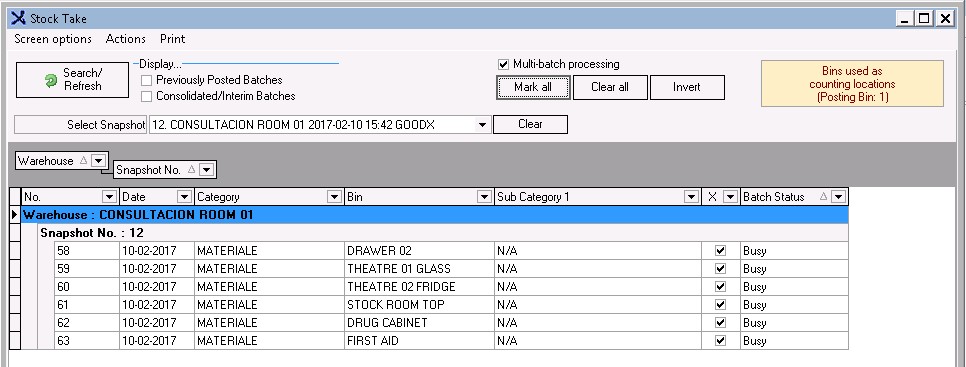
Click on Consolidate

Confirm and click on Yes

The different Counting locations will consolidate into one General Bin

When the consolidate are completed, please move to the next step (Printing Variance report) of the Stock Take or Click here for Step 5 instructions - Printing Variance report