Text size
Line height
Text spacing
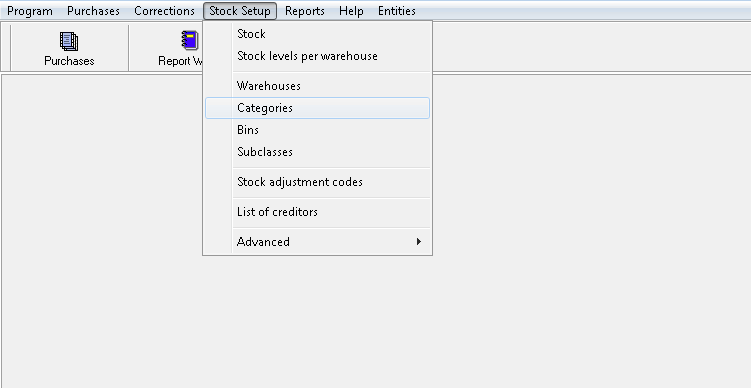
Setup of the Categories
Select Categories from the dropdown list under Stock Setup
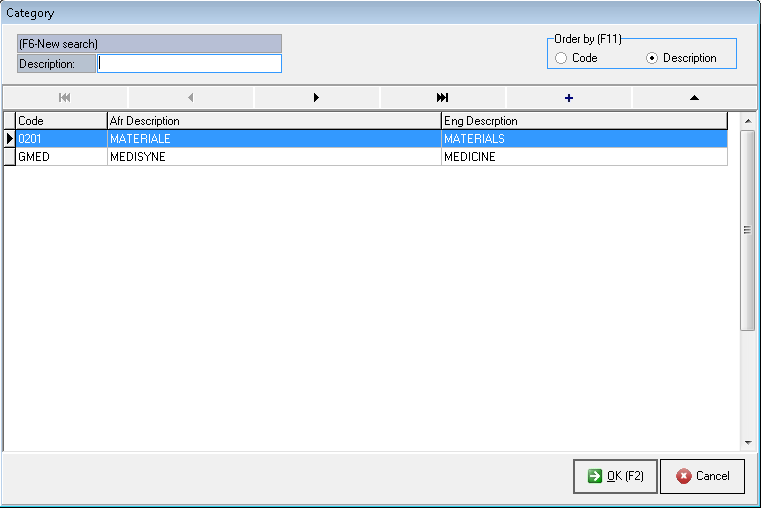
Create new Categories by clicking on the +
The Description can also be edited by clicking on
Click on OK [F2] or press F2
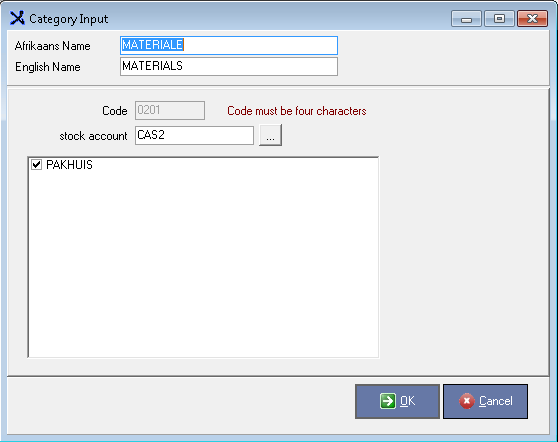
Enter the Afrikaans and English Descriptions
The Stock code for Material is always 0201 and GMED for Medicine
Select the Stock account from the list by clicking on the lookup box (it will always be a CAS account)
Very important: Always link the Category to the Warehouse
Click on OK