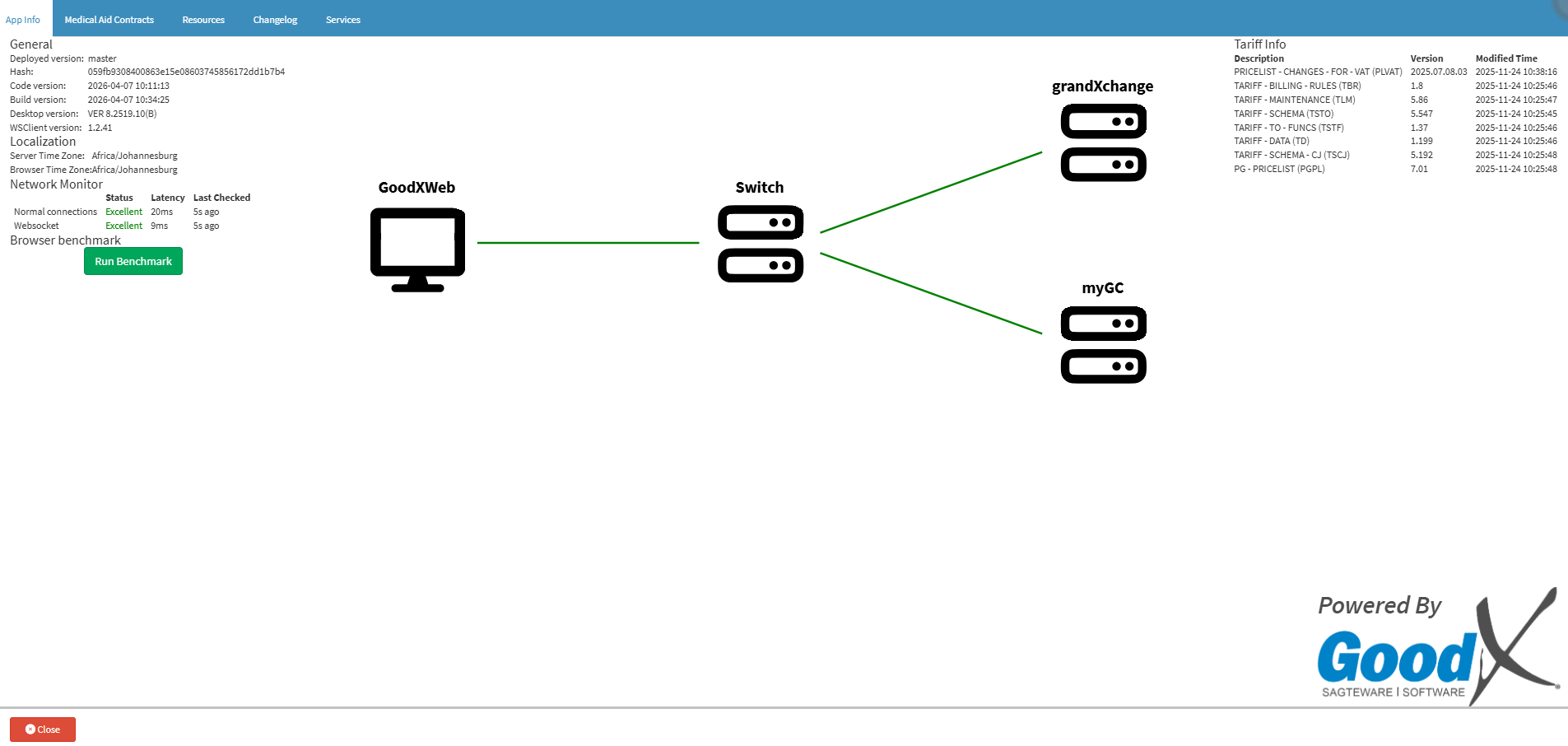
A Benchmark Test checks the performance of your web browser when running GoodX, helping you identify whether your browser is processing GoodX operations at the expected speed.
Running a Benchmark Test can help your practice identify local computer or browser performance issues that may cause GoodX to run slowly. Identifying these issues early makes it easier to troubleshoot performance problems before they start affecting daily tasks, helping your team work more efficiently and with less frustration.
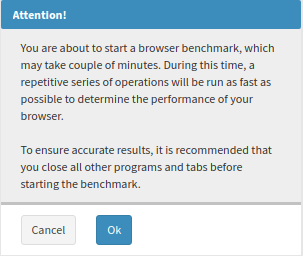
An Attention! pop-up will appear, advising you that you are about to run a browser benchmark to measure performance and to ensure accurate results, close all other web browser tabs.
Click on the Ok button to run the Benchmark test.
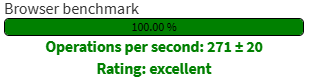
A Progress Bar indicates the current status of the browser Benchmark Test.
Result
Once the Benchmark is complete, the results will show a rating of the speed at which operations are running and a rating of how the system is performing.