Text size
Line height
Text spacing
Adding or editing a Diary is used to create a new Diary or update an existing Diary in GoodX. It provides the information needed to maintain the Diary according to the requirements of the practitioner and practice.
Keeping Diary information up to date ensures that the correct Diary is available for managing appointments and practitioner availability. This supports accurate and consistent scheduling and helps the practice manage its daily appointments effectively.
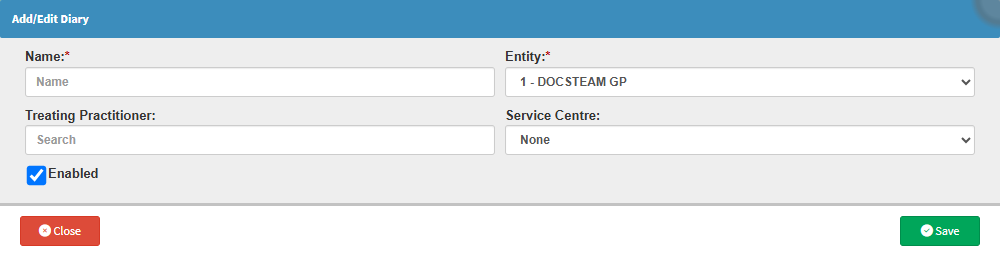

💡Please Note: Entities can only be set up in the Desktop App. For details, see Entity Setup.

💡Please Note: The Enable checkbox is selected by default.