Cases that have already been switched to Medical Aid can be reversed. Reversals can be done for various reasons, for example: not all Invoices were submitted on time and were not part of the Case Submission.
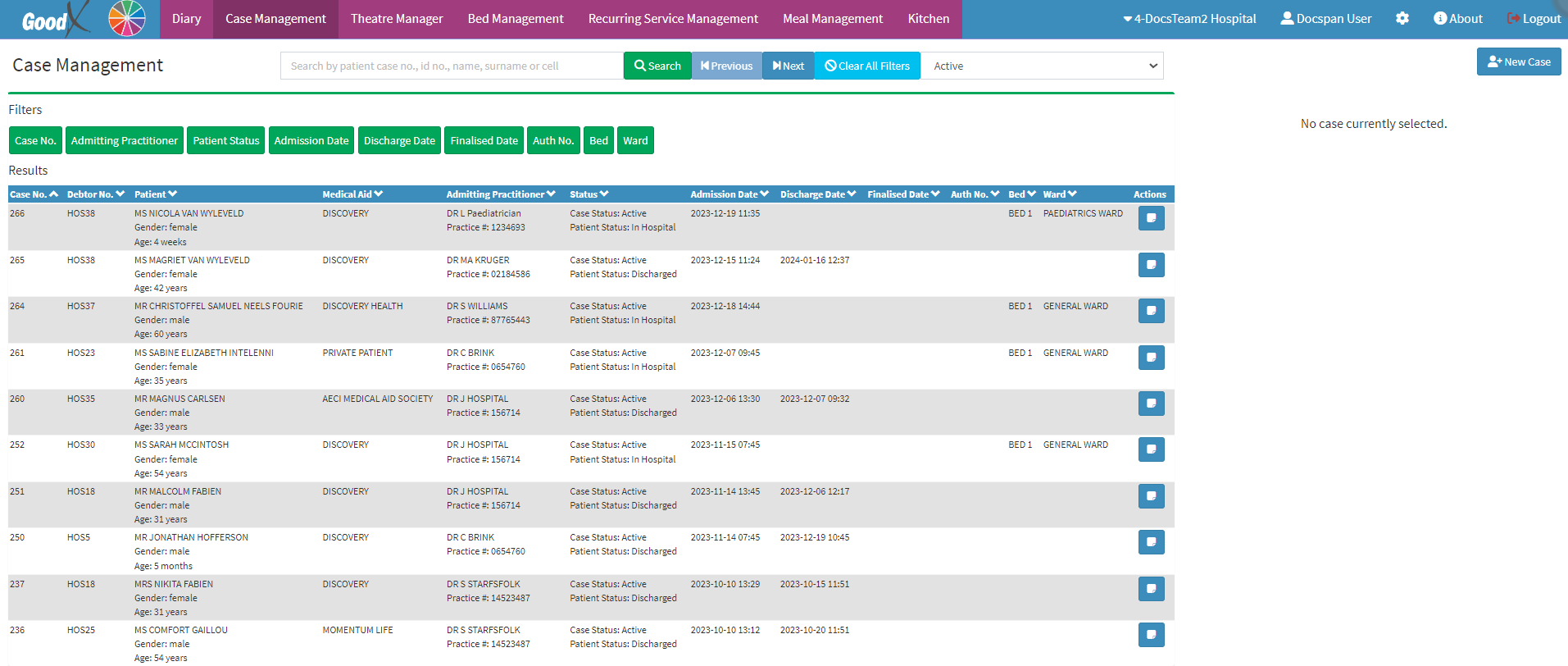
This user manual will start on the Case Management screen.
Click on the Hospital Case you wish to do the Reversal on.
The Case sidebar will open.
Click on the Reverse Claim button.
An Attention! pop-up will appear, asking if you are sure that you want to reverse the Hospital Case with their respective Case number.
Click on the Ok button.
A Notification will appear advising that the Claim has been submitted.
The Notification will disappear and you will return to the Case Management screen.
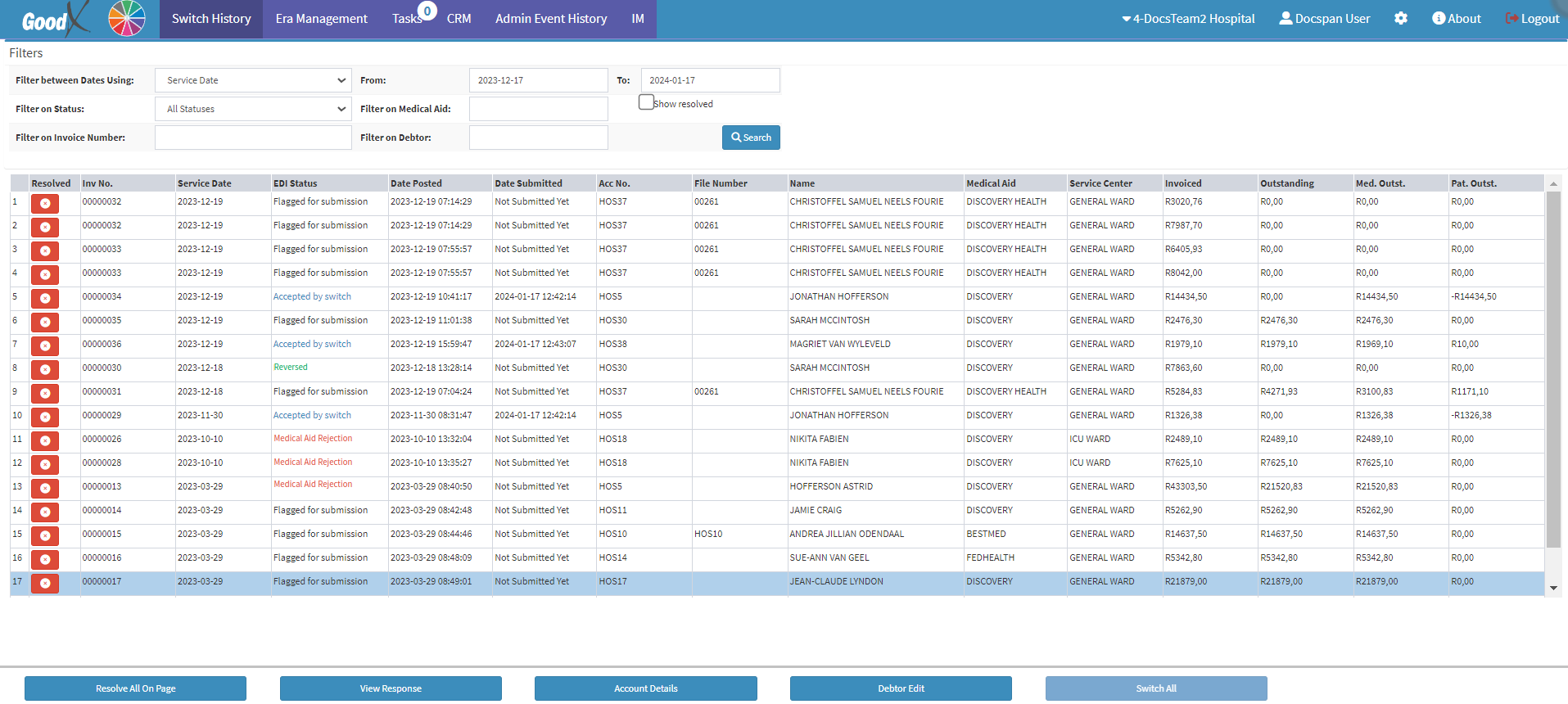
Please Note: To view the Switching Status on a Case, you can view it on the Switch History screen.