Text size
Line height
Text spacing
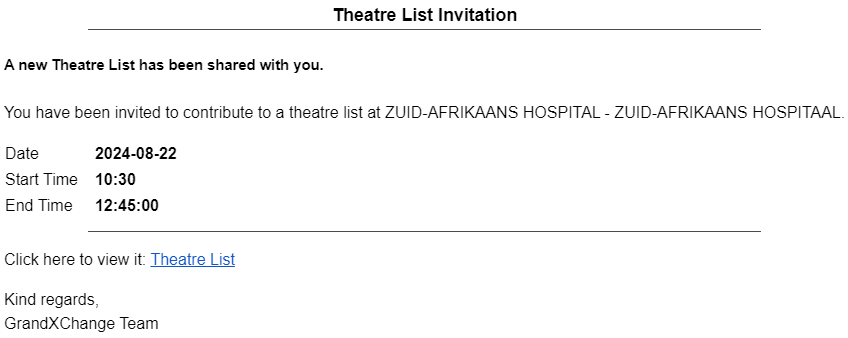
Syncing Theatre Lists enables seamless communication between GoodX clients and non-clients through grandXchange. When a Theatre List is created and synced by a GoodX client, GXC sends an email with a link to the list of operation team members' email addresses, ensuring everyone is informed and prepared for the surgery.


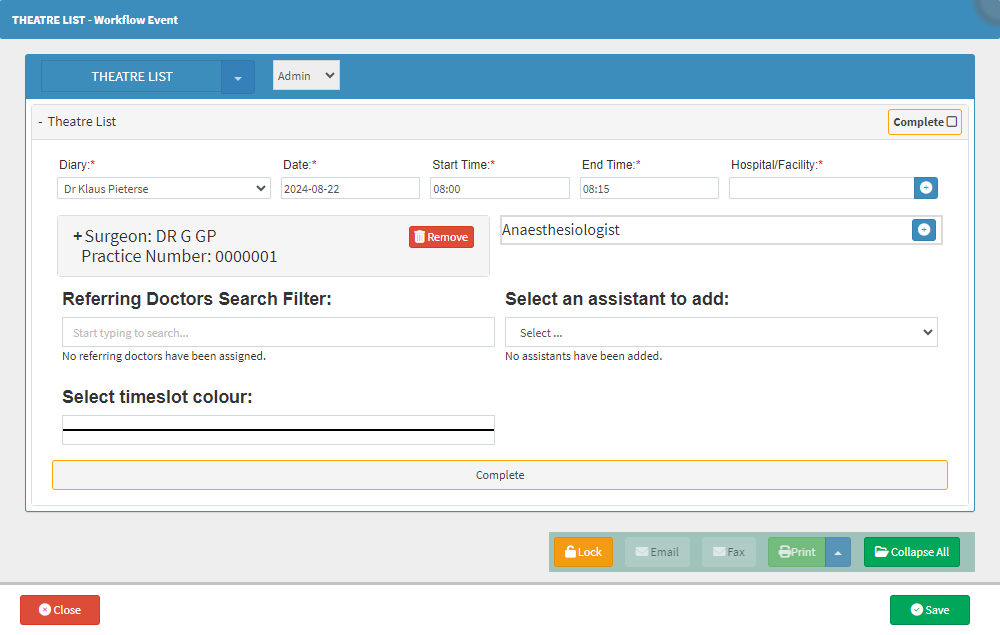
Please Note: Please ensure that all necessary information is completed, including email addresses for anyone who needs to receive the Theatre List.