Text size
Line height
Text spacing
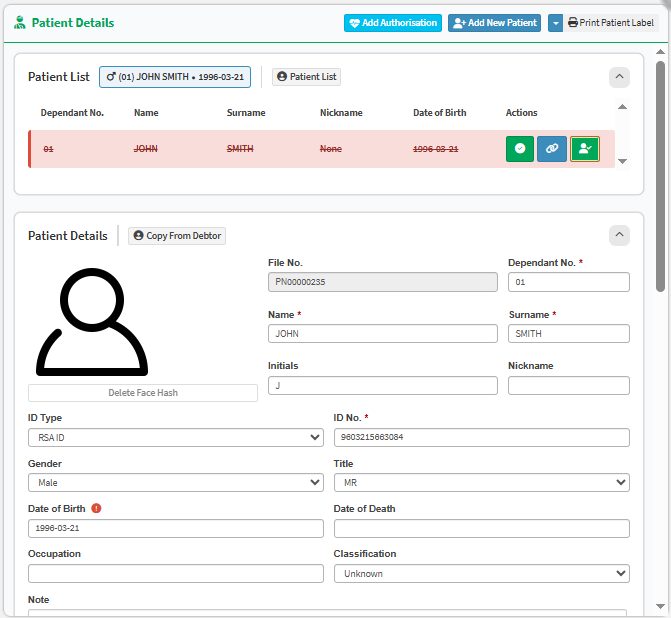
The purpose of marking a patient as inactive on a file is to indicate that the patient is no longer associated with that specific file. This may be due to various reasons, such as the patient having passed away, obtaining independent medical aid, or a change in marital status (e.g., divorce). This status helps prevent the doctor from billing the patient incorrectly or sharing personal information that the patient is no longer authorised to access.
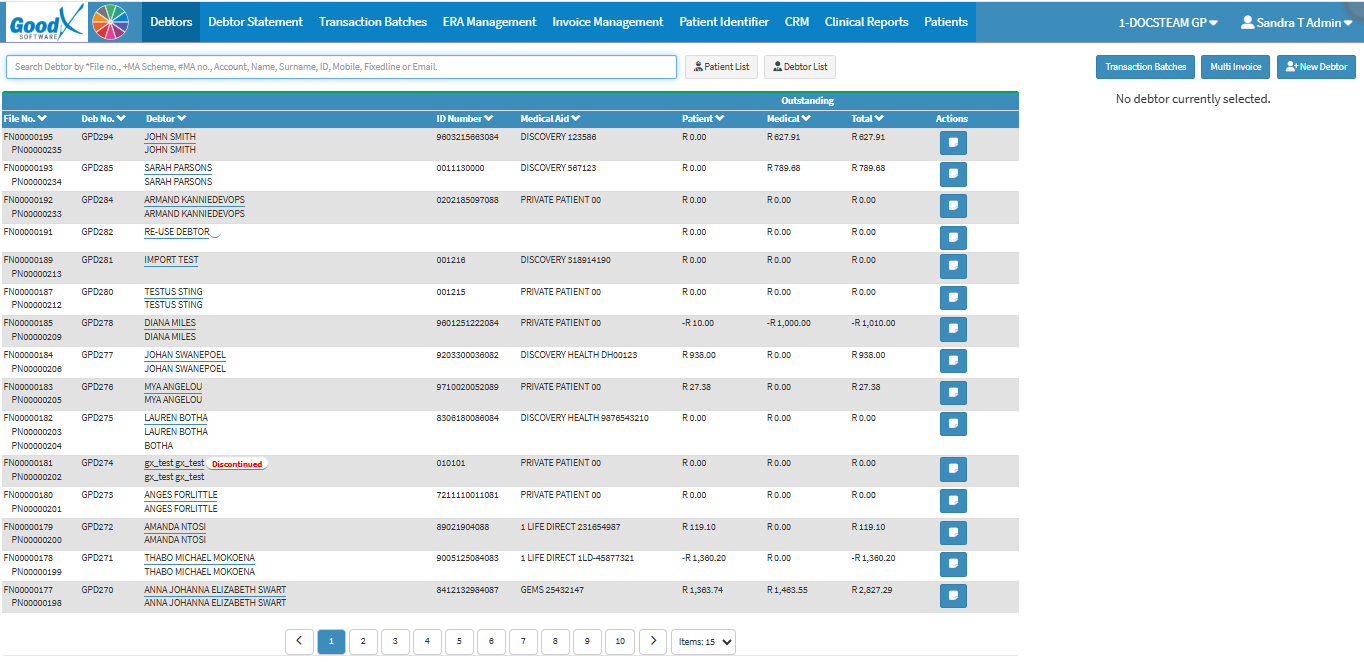
The patient will be marked as inactive.