Text size
Line height
Text spacing
Booking an appointment for a patient who has not visited the practice before allows you to secure a time slot without capturing their full details upfront. Only basic information, such as their name, surname, contact number, and ID number, is required to create the booking.
This helps save time during the booking process while ensuring the patient has a place in the Diary. When the patient arrives, their electronic file can be created and completed with the required information, providing a smooth transition from booking to registration.
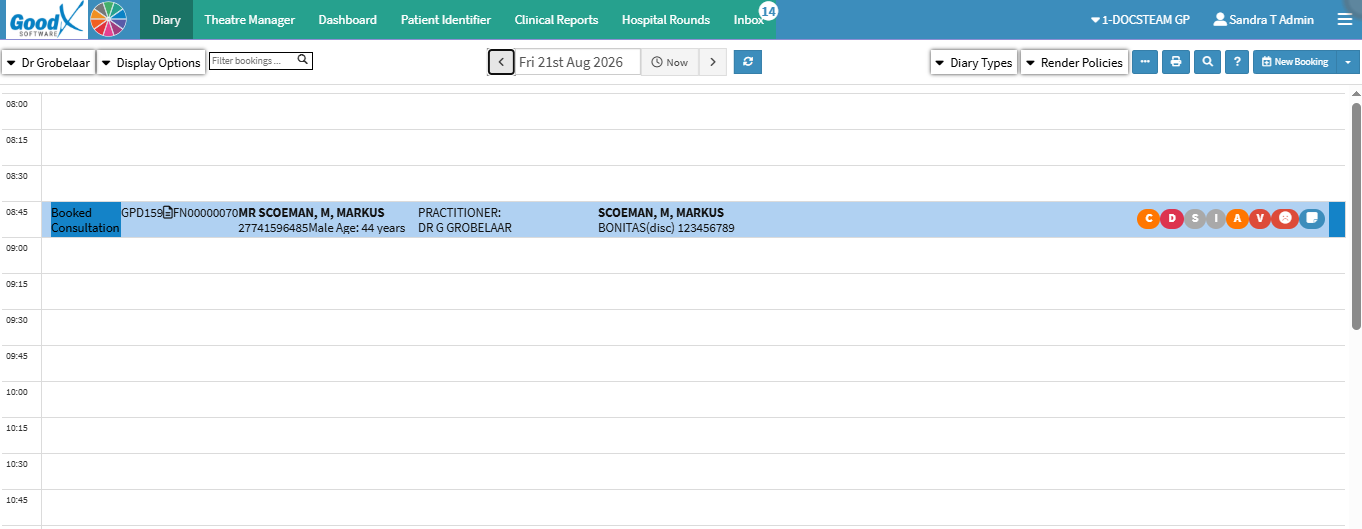

💡Please Note: The New Booking button is tailored to the Practice’s needs and can be removed in Settings if required. For details, see General Settings: Navigation and Use.
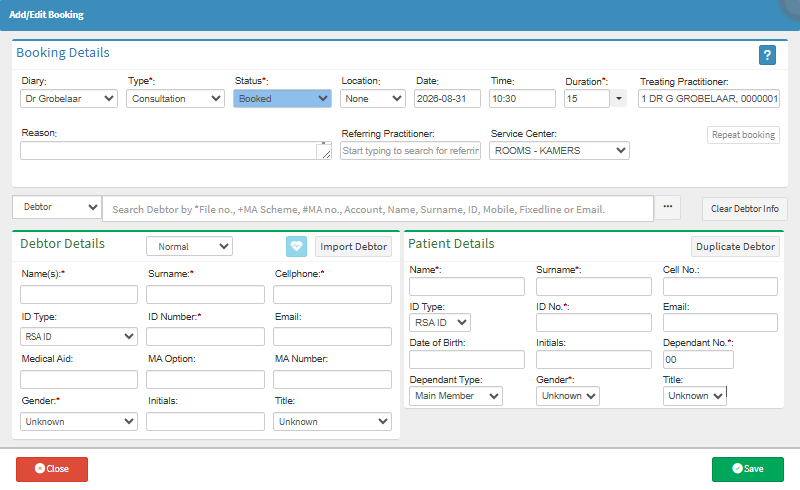

💡Please Note: The patient has not yet been added as a Debtor. A debtor account must be created before recording any transactions or notes. For details, see How to Create a New Debtor.