Text size
Line height
Text spacing
The Diary Filter helps you quickly find bookings in the Diary by filtering them according to specific Patient or Debtor information. You can search using details such as:
Patient Name, Debtor Name, Patient ID, Debtor ID, Patient Contact Number, Debtor Contact Number, Medical Aid Provider, Medical Aid Plan, and Medical Aid Number.
Using the Diary Filter saves time by reducing the need to manually search through bookings and makes it easier to find the relevant booking quickly.
💡Please Note: The filter only applies to the selected day in the Diary.
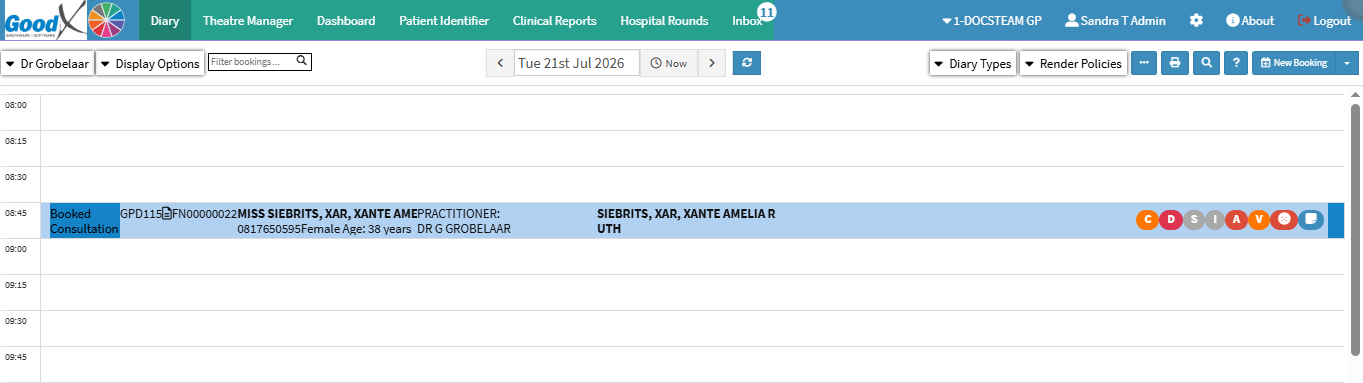

💡Please Note: The more information you enter into the Filter Bookings field, the more accurate and relevant the search results will be.
