Think of the Configuration Segment as setting up the control centre for your entire GoodX system. Properly setting up these features ensures your medical practice runs smoothly, safely, and without extra hassle every single day. By taking the time to configure your specific practitioners, locations, medical aids, and online booking options, you align the software with the way your practice naturally works. This makes daily tasks, like taking payments, organising schedules, managing team messages, and keeping patient records secure, much faster, easier, and error-free for everyone on your team.
Start on the Configuration segment, Cash Register Management screen.
💡Please Note: You have to click on the Practice Setup drop-down to open each tab.
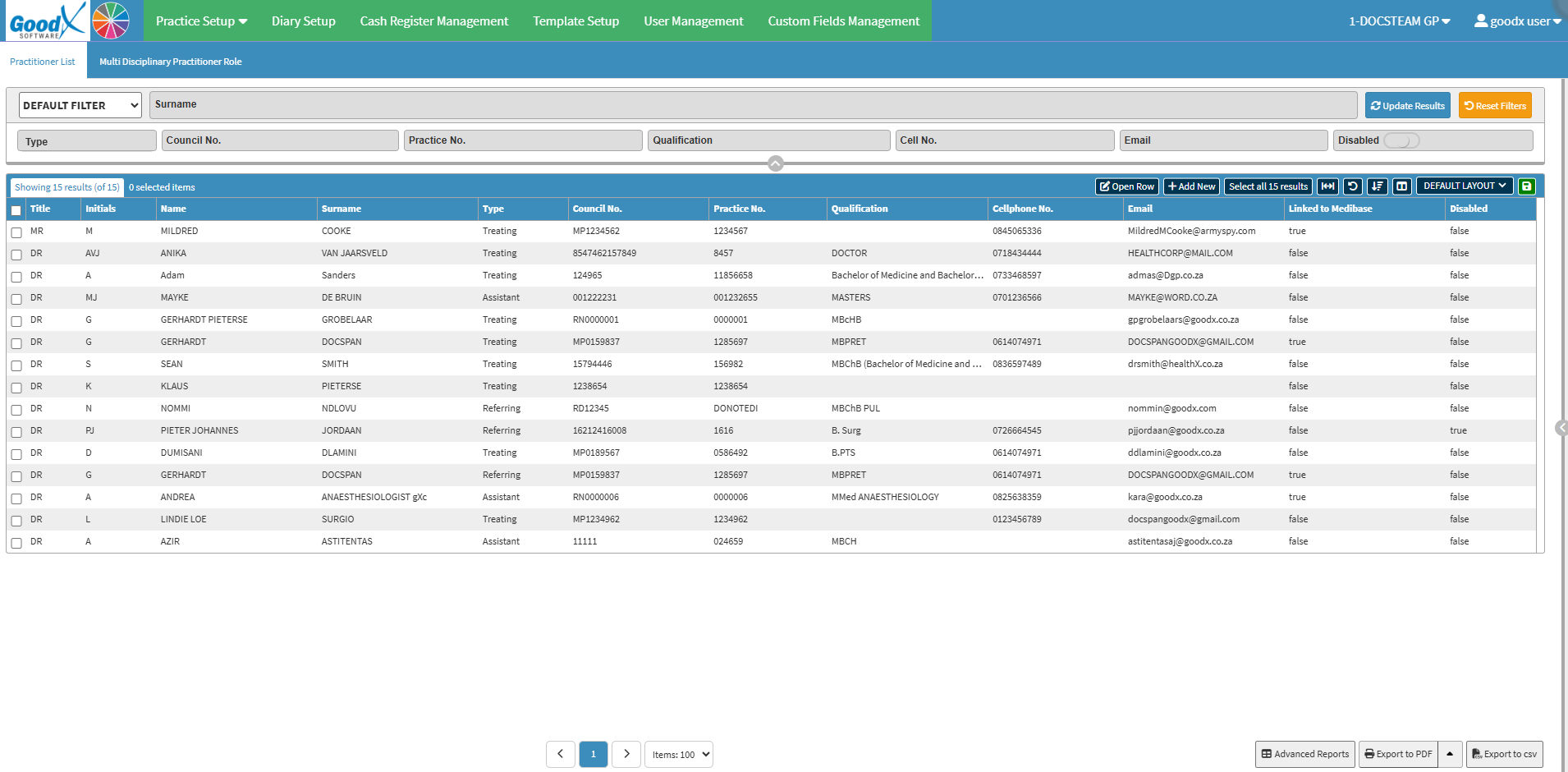
Practitioner Setup
Practitioner Setup: Displays a list of practitioners configured on the system and allows you to add new practitioners. For details, see Practitioner Setup Navigation.
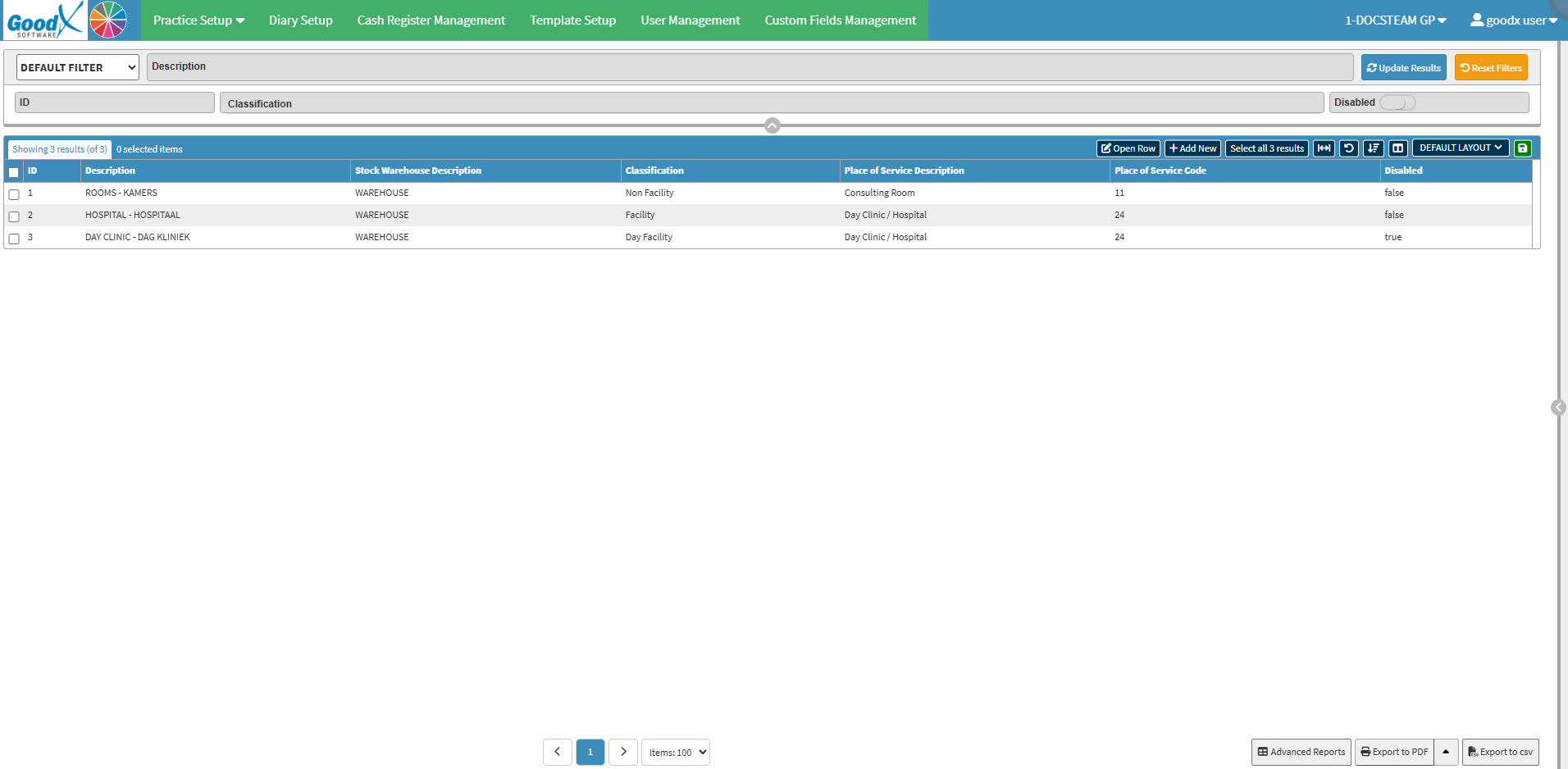
Service Centres
Service Centres: Service centres serve as clear indicators of exact locations where a Patient was examined or treated, such as in an ambulance, theatre, ward, or a specific practitioner's room. For details, see Service Centres Tab Navigation.
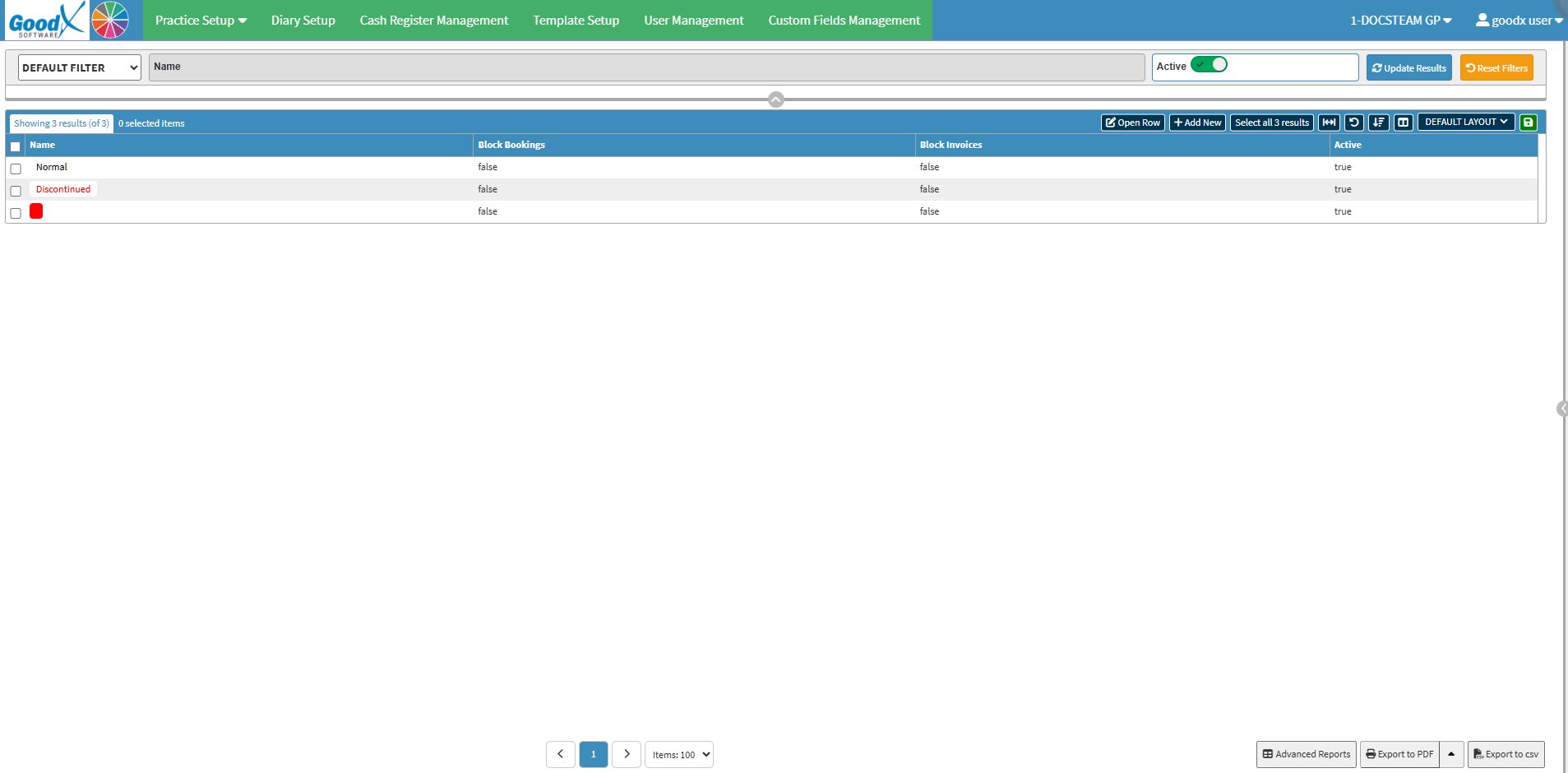
Debtor Statuses
Debtor Statuses: Used to configure debtor status tags to track account statuses. For details, see Debtor Statuses Navigation.
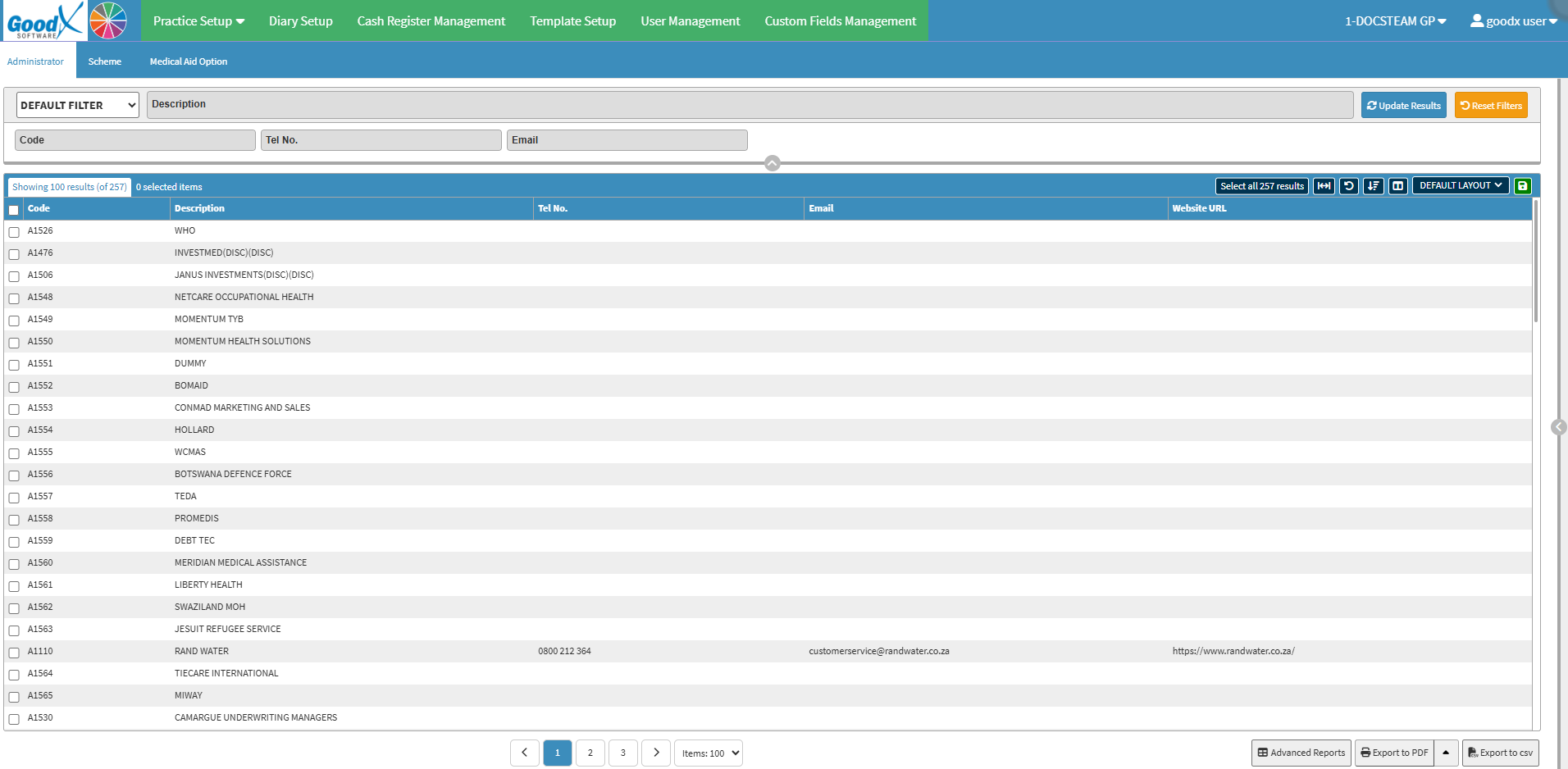
Medical Aid List
Medical Aid List: Displays the available medical aid plans offered to members to accommodate different healthcare and financial needs. For details, see Medical Aid List Tab Navigation.
Instant Message Groups
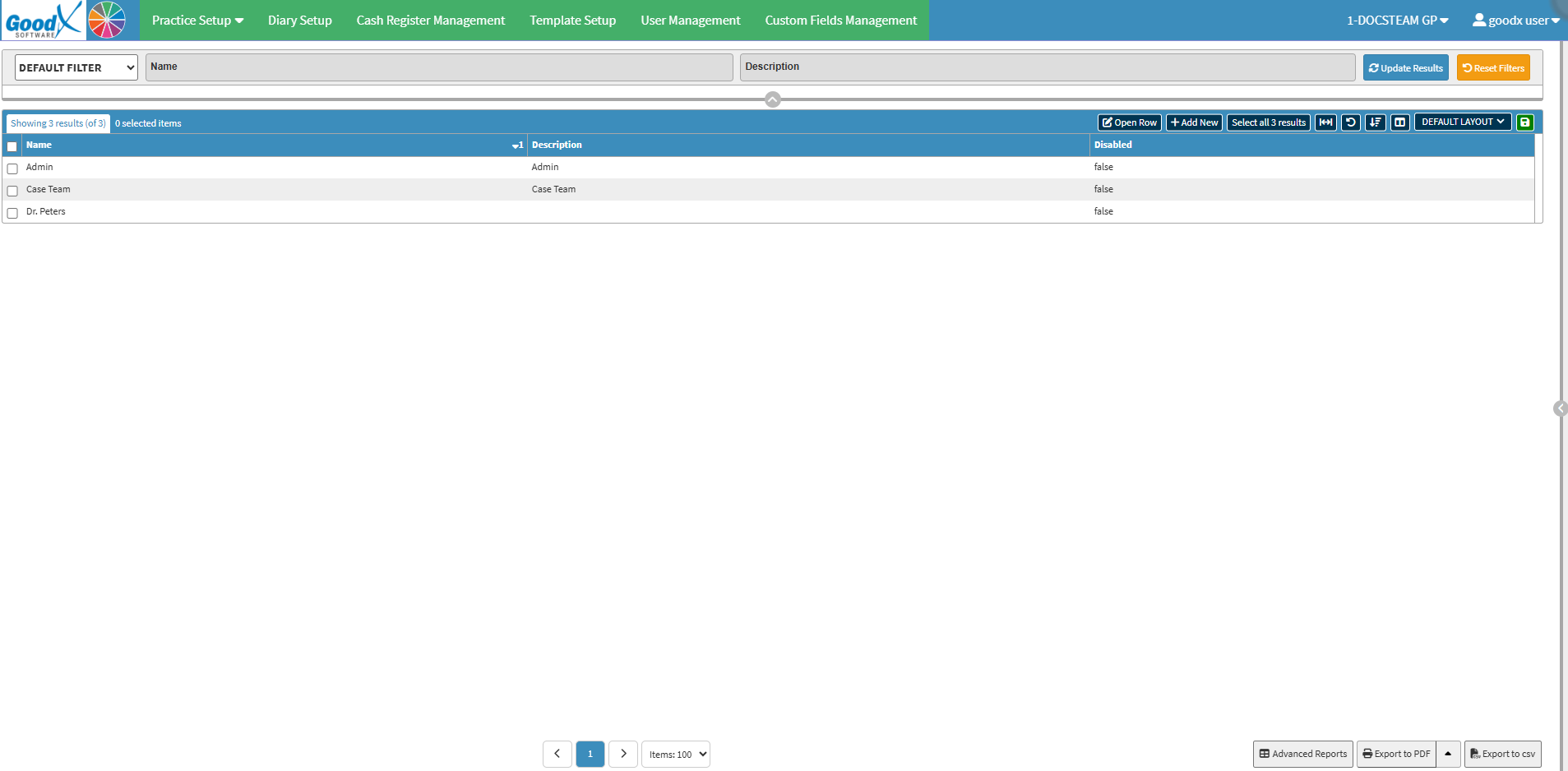
Instant Message Groups: Organises team members into communication channels by role or department to streamline internal updates and workflows. For details, see Instant Messaging Groups Tabs Navigation.
Online Presence
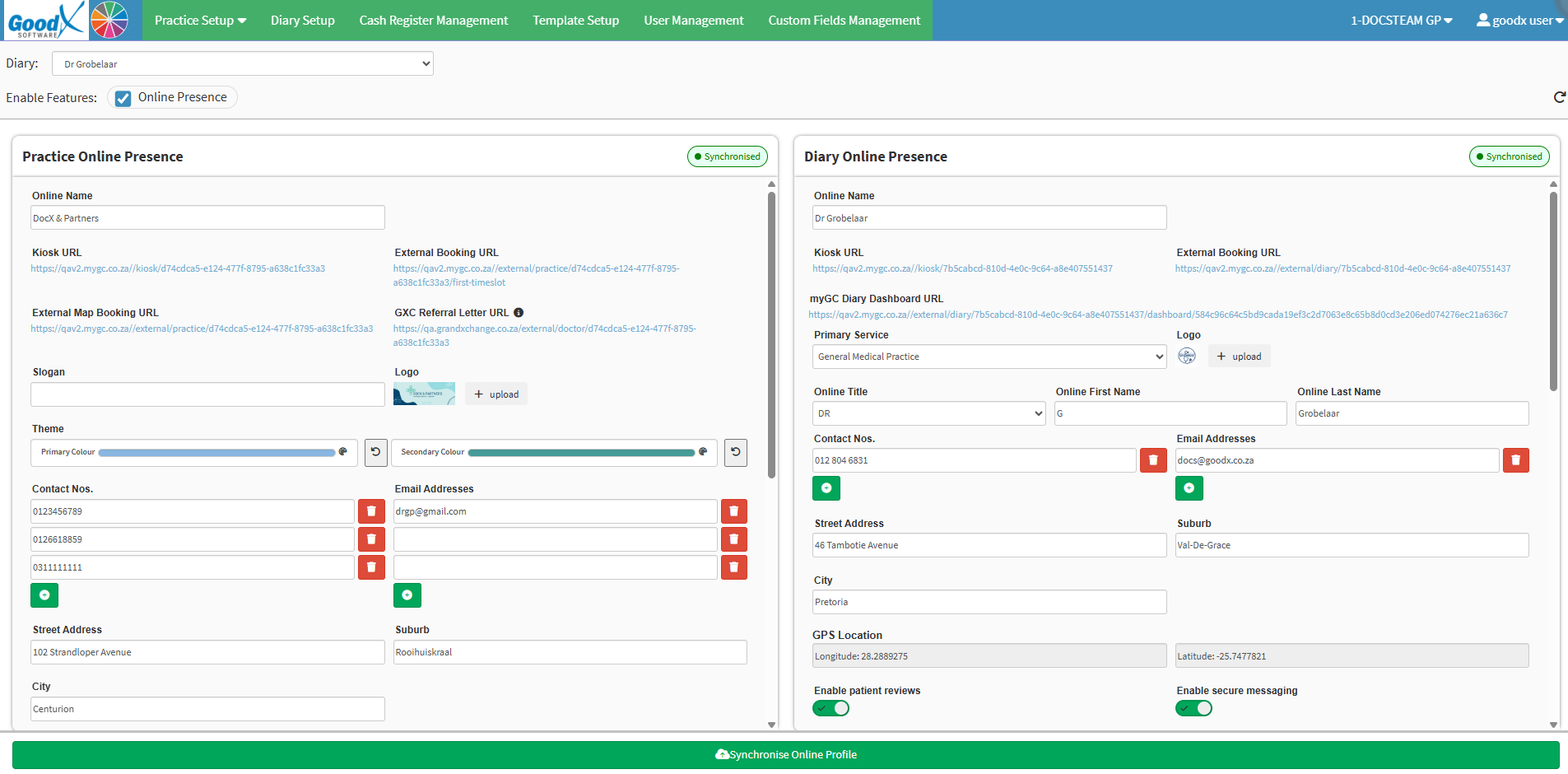
Online Presence: Set up and manage online booking links, contact details, branding, and availability for a medical practice and its individual practitioner diaries. For details, see Online Presence Tab Navigation.
Smart Stickers Setup
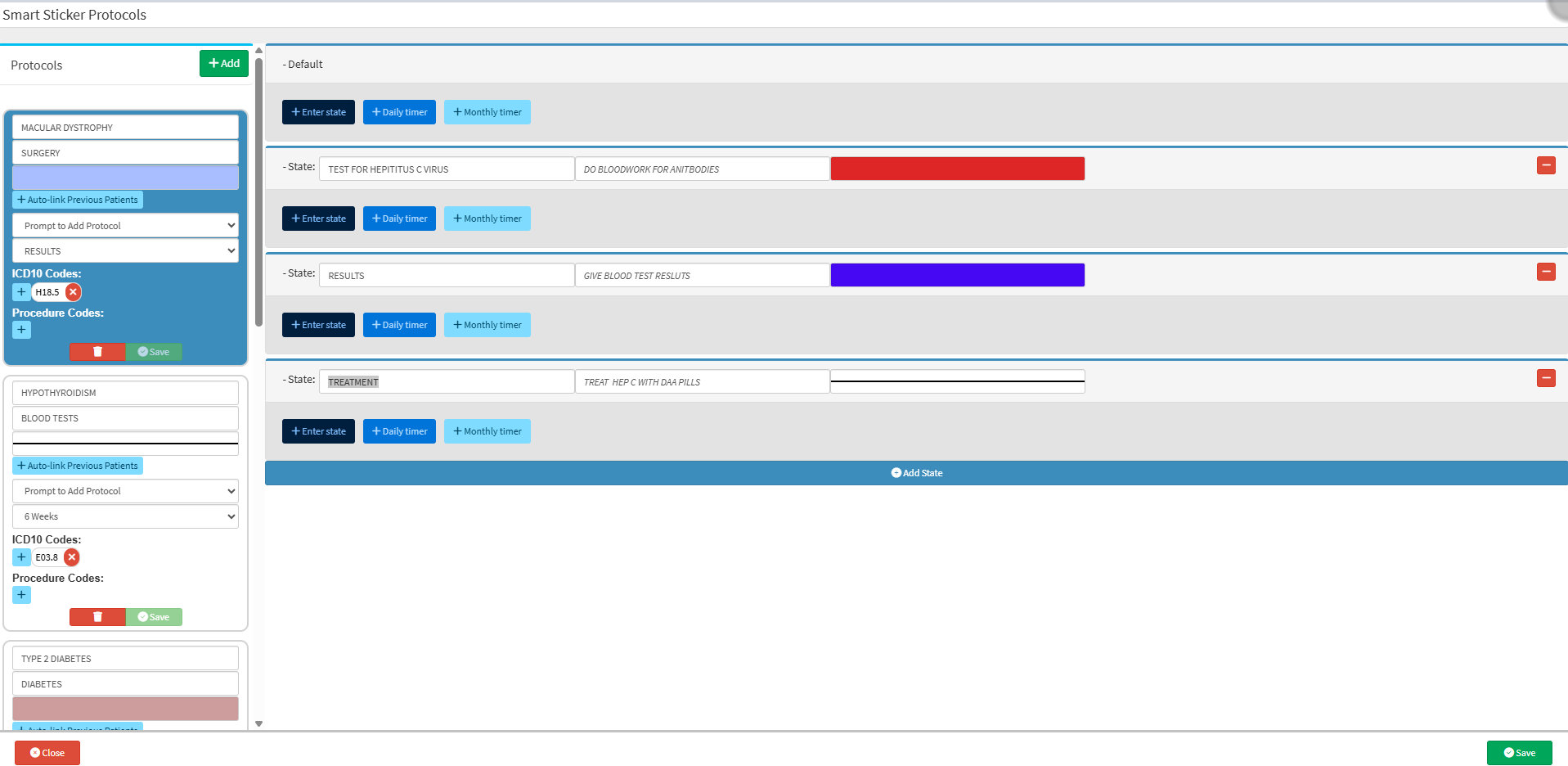
Smart Stickers Setup: Allows practitioners to configure medical guidelines that outline procedures for investigating findings or managing specific conditions. For details, see Smart Stickers Tab Navigation.
Credit Control Management
Credit Control Management: Configure and manage financial credit control workflows by setting up account status groups, custom statuses, automated events, and system actions. For details, see Credit Control Management Navigation.
Profile Setup
Profile Setup: Used to configure Report Files, Debtor Statements, and the Patient Dashboard to ensure important documents are organised and accessible. For details, see Profile Setup Tab Navigation.
Diary Setup
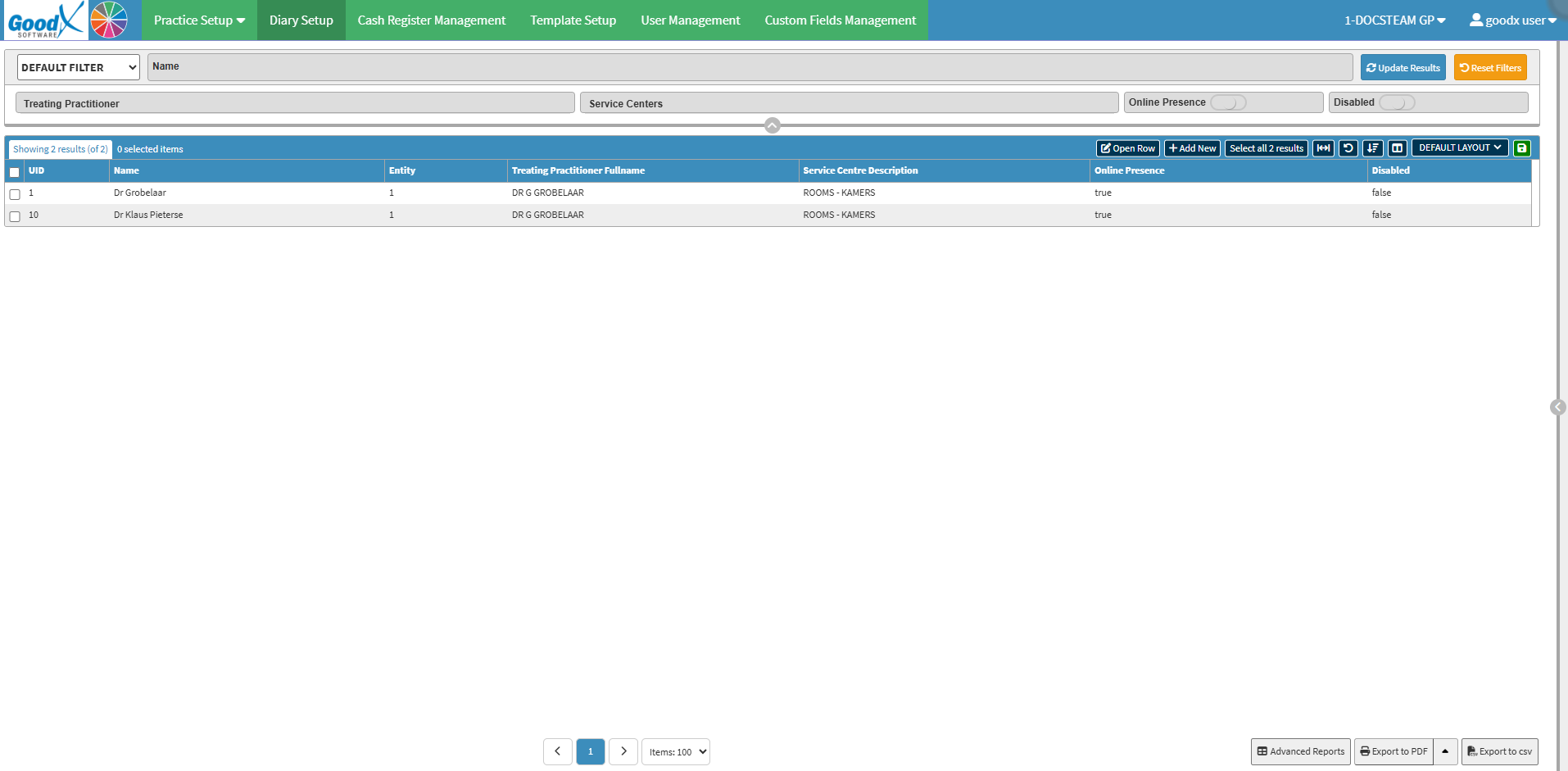
Diary Setup: Create, view, filter, and manage practitioner diaries, linking each diary to its respective treating practitioner, service centre, and online presence status. For details, see Diary Setup Tab Navigation.
Cash Register
Cash Register: Used to process patient payments, manage user cash-up sessions, and complete daily reconciliations. For details, see The Cash Register.
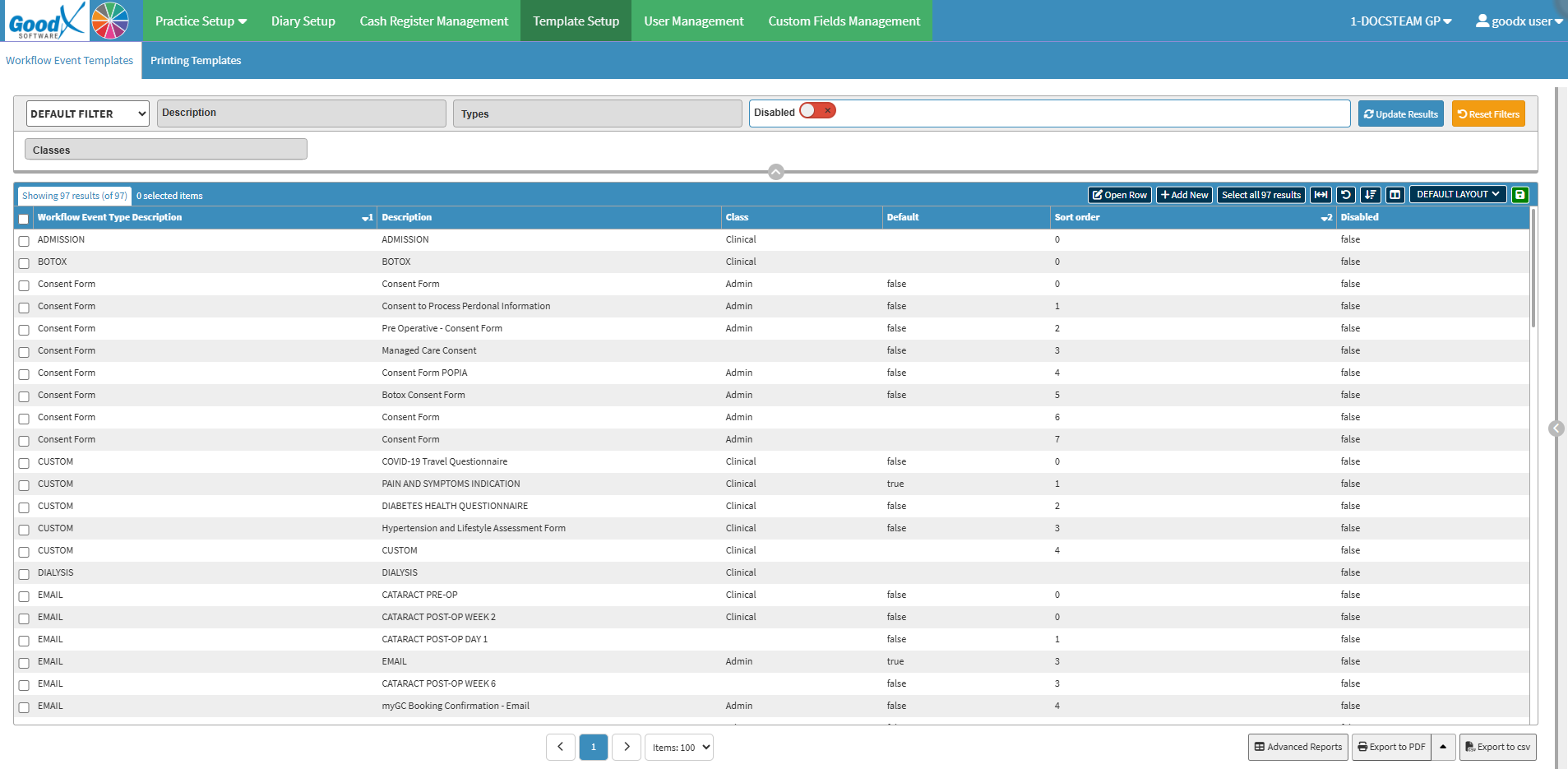
Template Setup
Template Setup: Determines the contents of different workflow processes. For details, see Template Setup Tab Navigation.
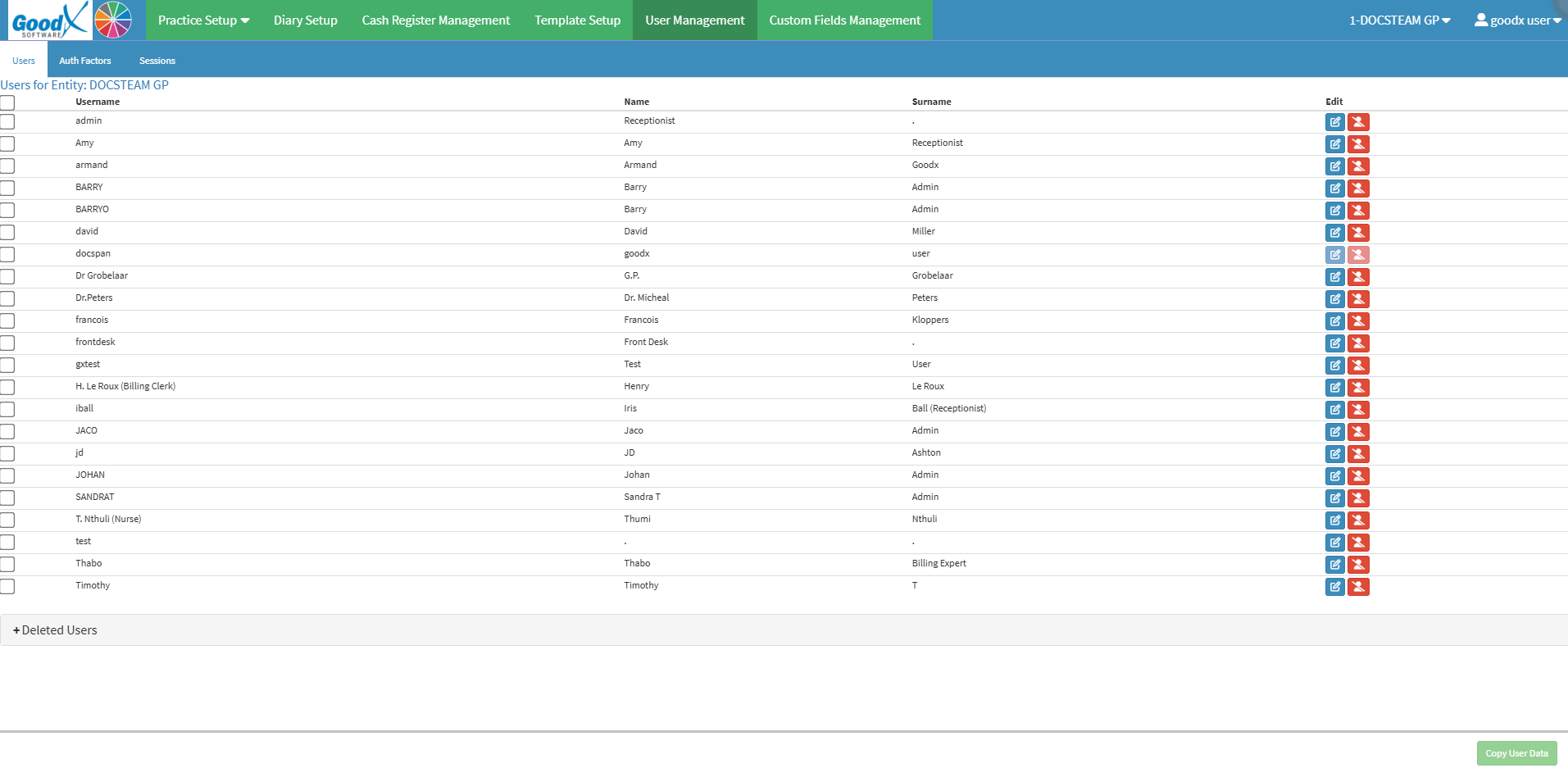
User Management
User Management: AAllows you to add, update, delete, or disable users to maintain system security and access control. For details, see User Management Tab Navigation.
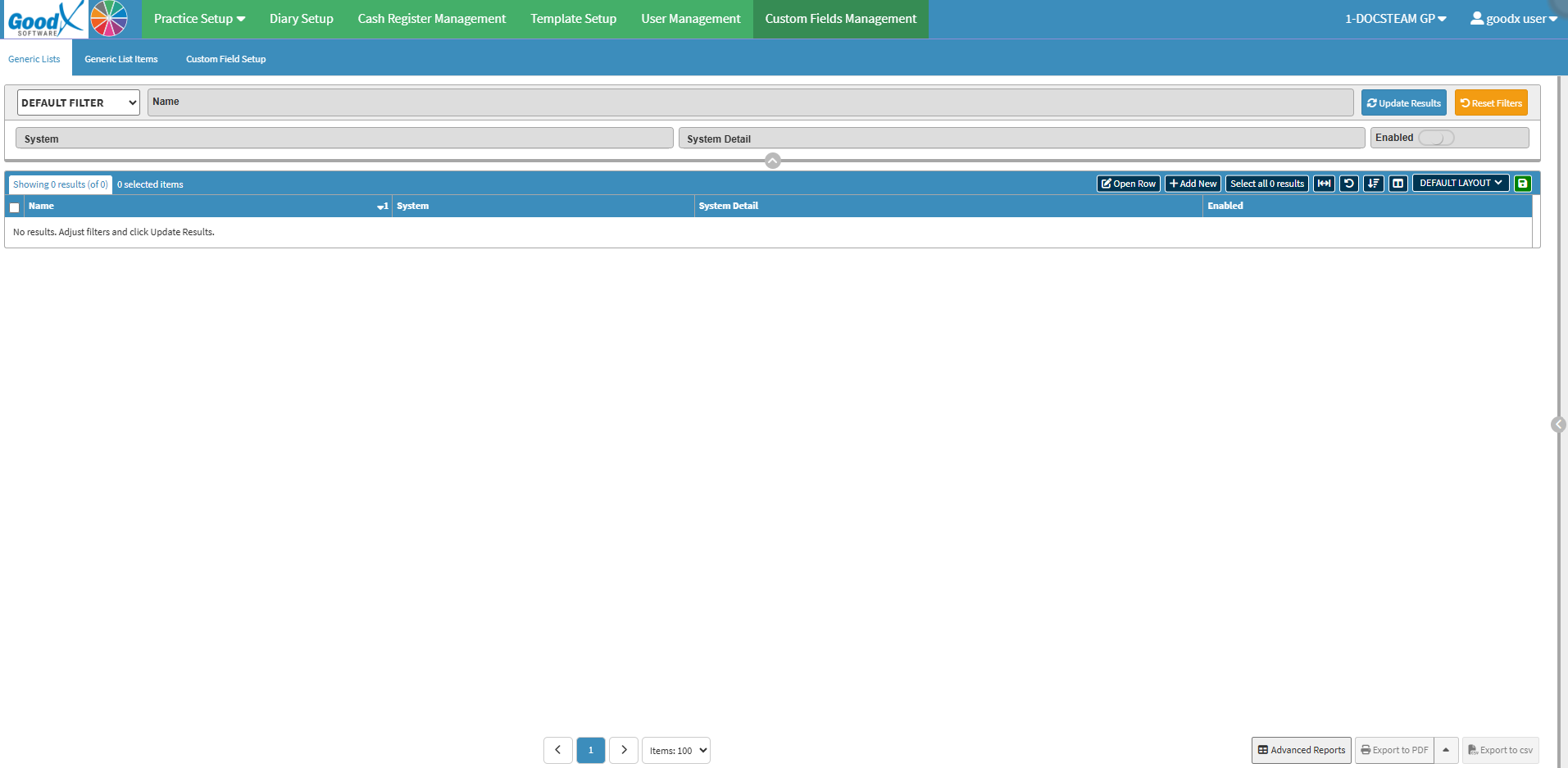
Custom Fields Management
Custom Fields Management: Allows users to create, configure, and manage generic lists, list items, and custom field setups across system modules. For details, see Custom Fields Management Navigation.