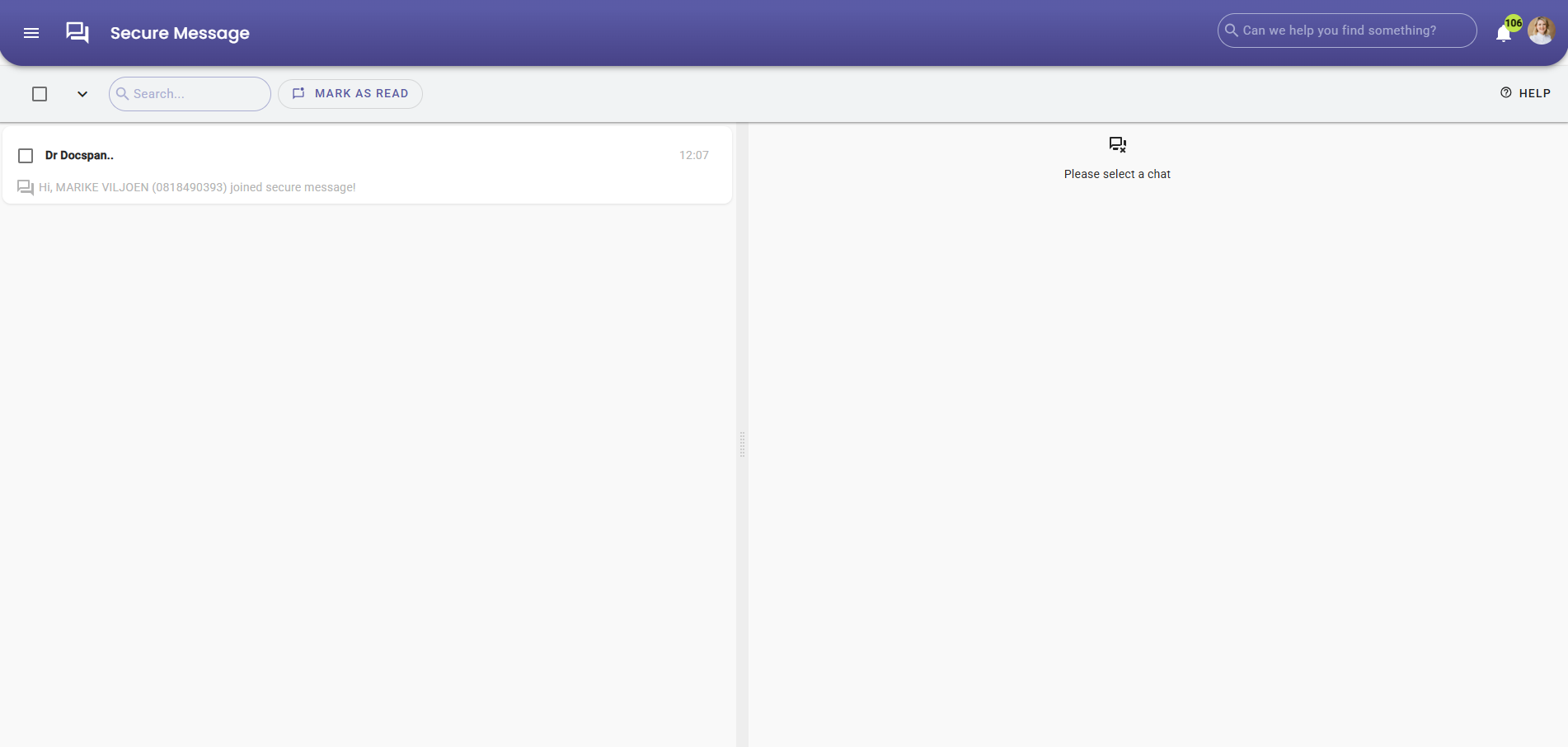
Registering for myGC via a Secure Message allows Patients and Debtors to create a secure online account directly from a message sent by a Practice. Using the Secure Message email ensures that registration details are prefilled and verified, making the signup process quick and accurate. Access to myGC through secure registration supports safe communication, protects sensitive information, and enables convenient online interaction with the Practice.
This user manual will start on the Secure Message Email screen, sent from the Practitioner.
Click on the Login to View Message button.
The Secure Message screen will open.
Click on the Log In button.
The Log In screen will open.
Click the Sign Up link.
The Sign Up screen will open with the first six fields already filled in from the Debtor's information on the GoodX web.
For more information on how to Sign Up for myGC, please refer to the user manual: How to Sign Up.
Once Logged In, the Secure Message screen will open.