ICD-10: International Classification of Diseases, Tenth Revision.
ICD-10 codes are used to indicate the diagnosis of the patient's illness or problem. In basic terms, what is wrong with the patient?
In health care, coding systems are used to differentiate diagnoses and procedures in virtually all treatment settings. Diagnostic and procedural codes are connected to nearly every system and business process in health plans and provider organizations, including reimbursement and claim processes.
Sign in to the GoodX Desktop using your GoodX username and password.
From the Navigator Double Click on the MedDebs Module
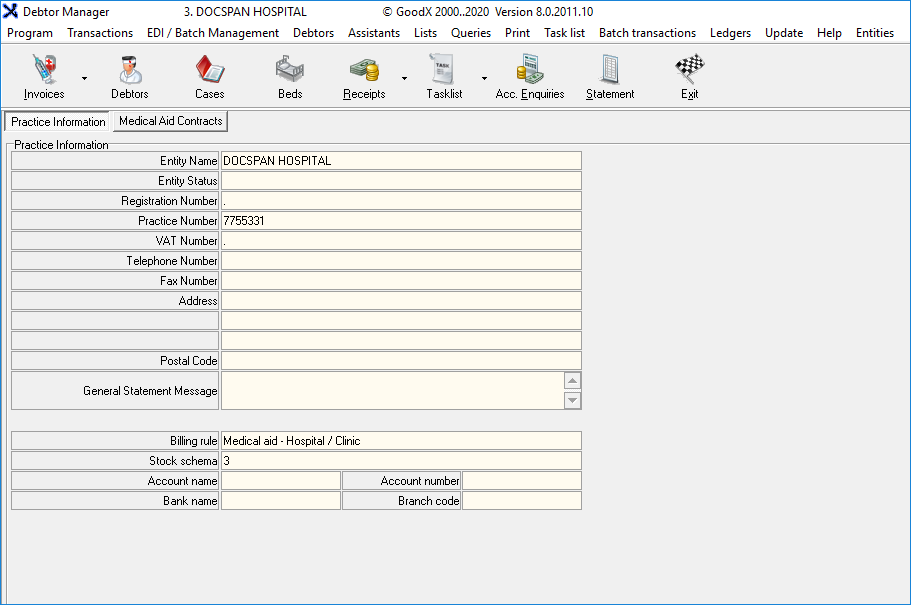
The Main MedDebs screen will open
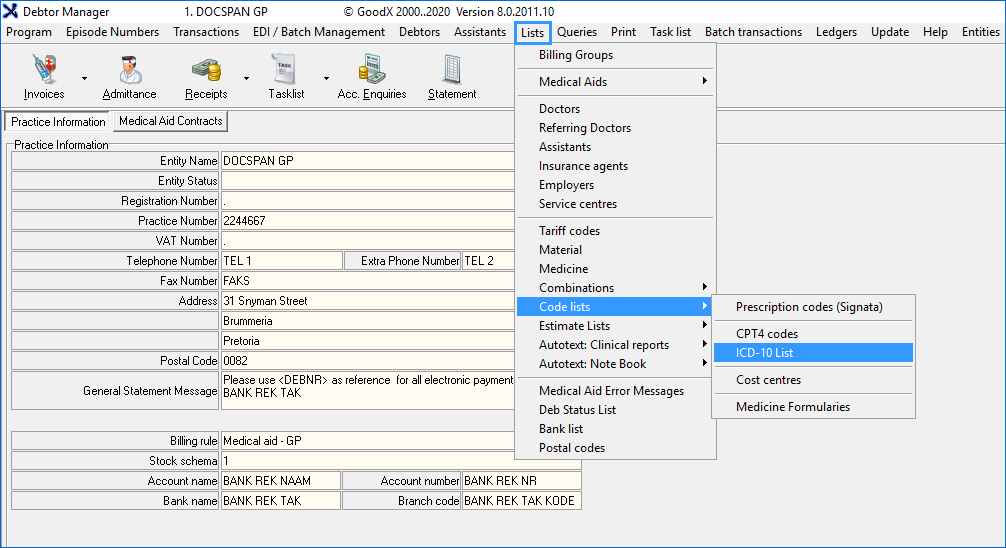
From the Menu Bar, Click onLists
From the drop-down Click on Code Lists
A sub-menu will open, Click on ICD-10 List
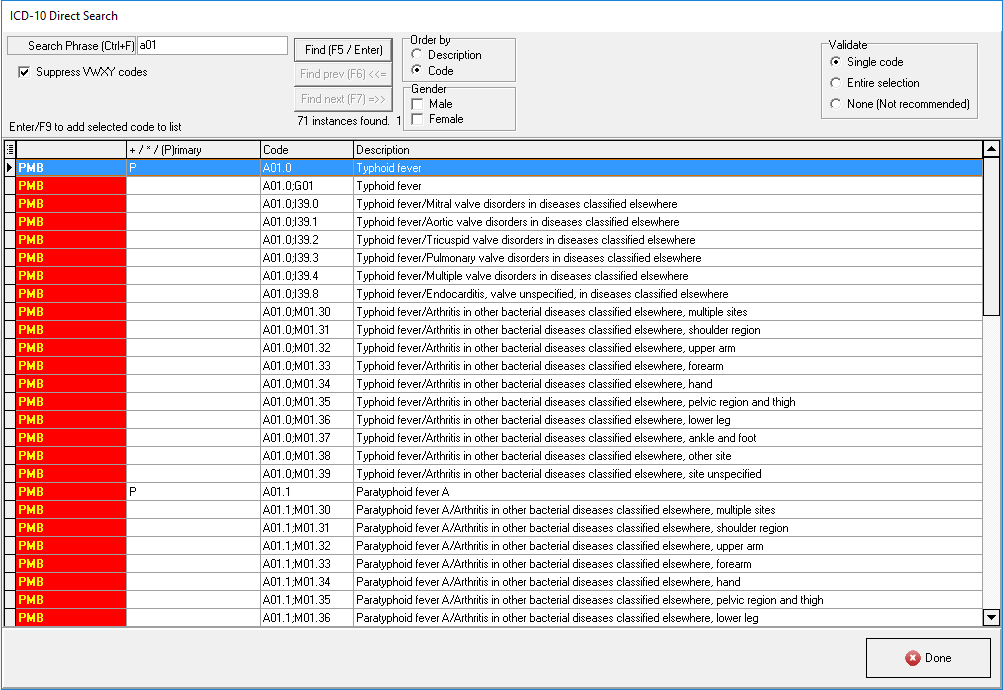
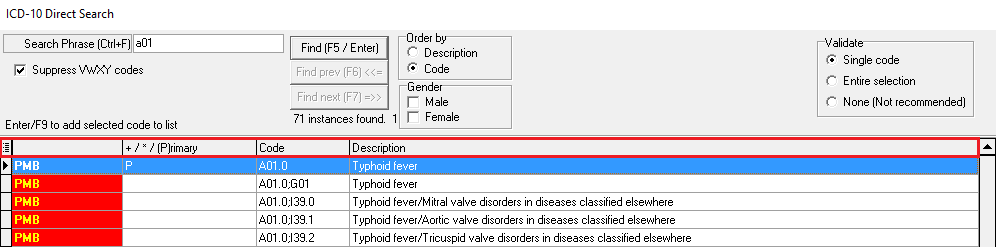
You will be directed to the ICD-10 Direct Search Screen
Search Phrase (Ctrl+F): In the Search field type either a code or a description or part thereof
Find (F5 /Enter): When you want to search after typing either a code or a description or part thereof Press Enter or F5 on your keyboard to bring up the result.
Suppress VWXY codes: If ticked ithides all codes that start with V, W, X and Y
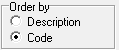
Order by: How would you like your codes to be ordered by
Description: Name of the diagnosis of the patients condition/illness
Code: Unique code allocated to a specific diagnosis
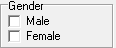
Gender: By ticking the check box you are able to filter the list by gender, by not ticking any option you are able to see all codes
Male: Only shows codes relevant to Male patients
Female: Only shows codes relevant to Female patients
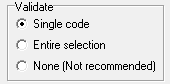
Validate: Validates the ICD-10 Code in the Billing ICD-10 selection screen whether the code is relevant to the specific patient
Single Code: Validates one code at a time
Entire Selection: Validate the entire selection of codes chosen after a selection
None (Not Recommended): Does not validate any codes -This is not recommended as this can result in errors
Columns:
(Blank): In this Column, it gives an indication if the code can be used as a PMB: Prescribed Minimum Benefit Condition
+/*/(P)rimary: Will show whether it is a + (Dagger code) /* (Asterisk code) / Primary ICD-10 code
Code:The diagnosis code as determined by ICD-10 is in this column
Description:Describes what the condition is according to the code
When you are done and satisfied with your code lookup click on Done
This will exit and close the screen and return to main MedDebs screen