A creditor is an entity, a company or a person of a legal nature that has provided goods, services, or a monetary loan to a practice Creditors refer to the party that has delivered a product or service and is owed money by one or more debtors. Once a creditor has delivered the goods/service, the payment is expected at an agreed-upon date.
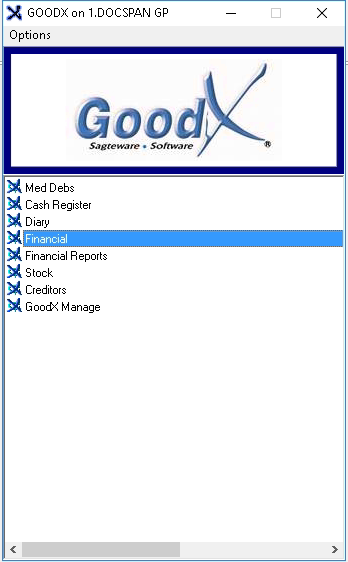
Log in to the GoodX Desktop using your GoodX username and password.
From the Navigator Double Click on the Financial Module.
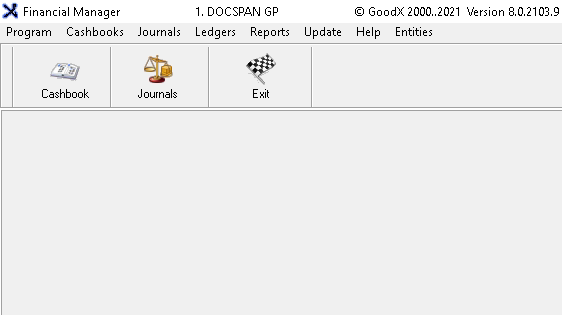
The main Financial Manager page will open.
Click on the Cashbook button on the toolbar.
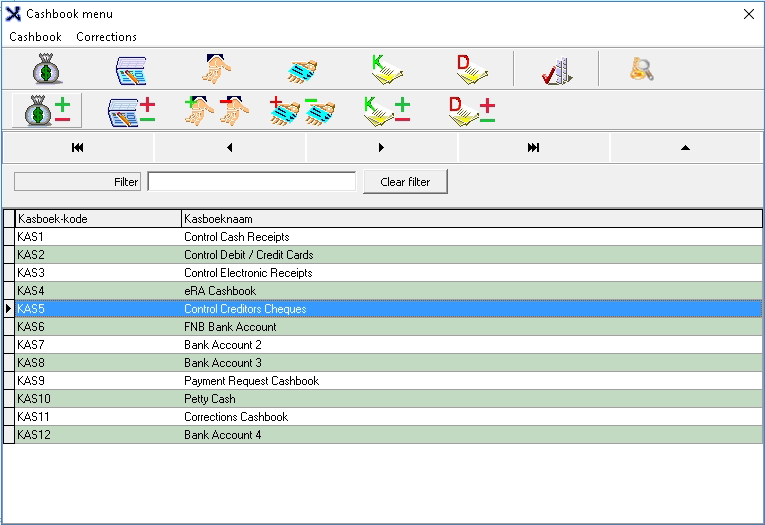
The Cashbook Menu will open.
Select the Cashbook: Control Creditors Cheques by clicking on it. (this will be dependant on the user's setup)
Click on the Cre Cheques button on the toolbar. Hover over the icon to see the name of the button.
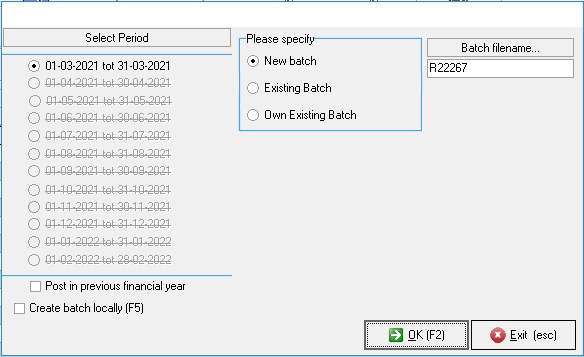
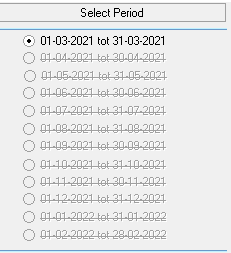
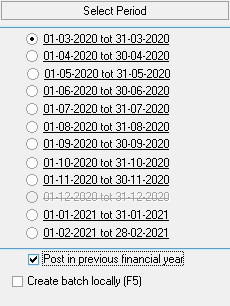
The Select Period screen will open.
Select the Period the transaction should be posted to.
To post in the previous financial year, tick the check box. This depends on the user's access, not all users will have access to this setting.
The previous financial year will open, in order to select a period.
Please Specify: Select a batch option by clicking on the radio button if the desired option.
New Batch: Creates a new batch.
Existing Batch: Uses a batch that was previously set up by the user.
Own Existing Batch: Uses a pre set up custom batch that the user has created.
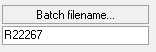
Batch File Name: This is automatically allocated to the batch depending on theplease specifybatch selection. This batch number can be changed by the user.
For an extensive explanation on how to continue with the transaction please refer to the user manual: Payments / Cheques to Creditors