Text size
Line height
Text spacing
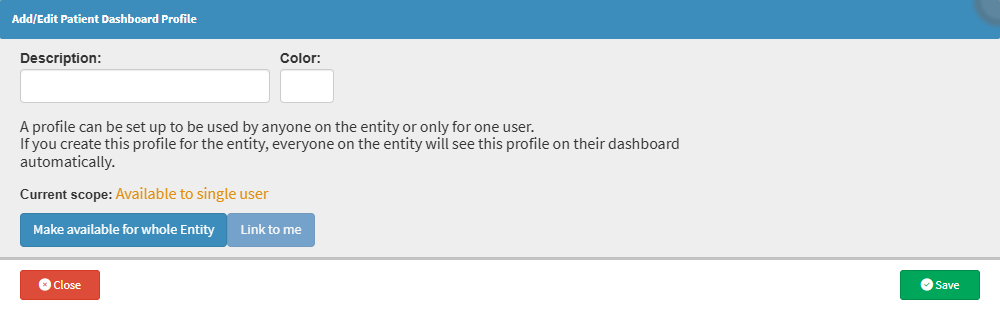
Adding or editing Patient Dashboard Profiles is used to customise the information and widgets included in a profile. This makes it possible to tailor the Dashboard to the specific clinical information practitioners need when managing patients.
Customising a profile helps ensure that the most relevant information is readily available on the Dashboard without adding unnecessary information. This makes the Dashboard easier to use and gives practitioners greater flexibility to structure the information according to their workflow.