Why This Matters?
- Start on the Add/Edit Patient Dashboard Item screen.
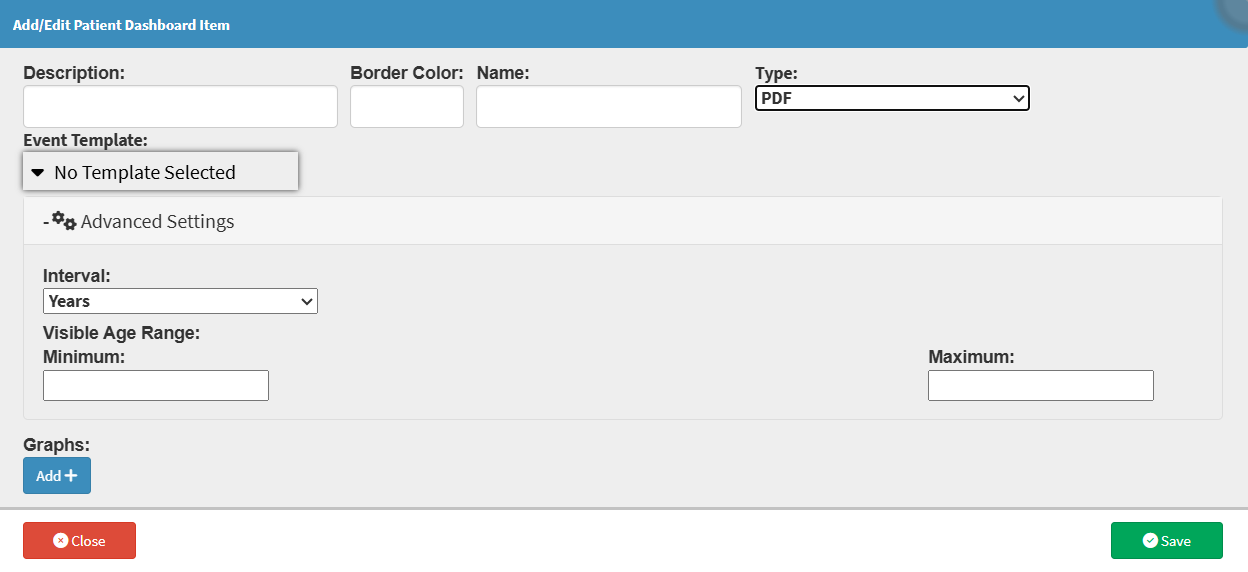
Sections
- Interval
- Visible Age Range
Interval

- Years: Defines the interval in years.
- Months: Defines the interval in months.
- Days: Defines the interval in days.
Visible Age Range

- Minimum: Sets the starting age used in the graph.
- Maximum: Sets the ending age used in the graph.
💡Please Note: If an age range does not apply to the template used, entering information into these fields is unnecessary.

Last modified: Monday, 19 October 2026, 9:42 AM