An Operation can be created directly from a current Hospital Case.
- This user manual will start on the Operation screen.
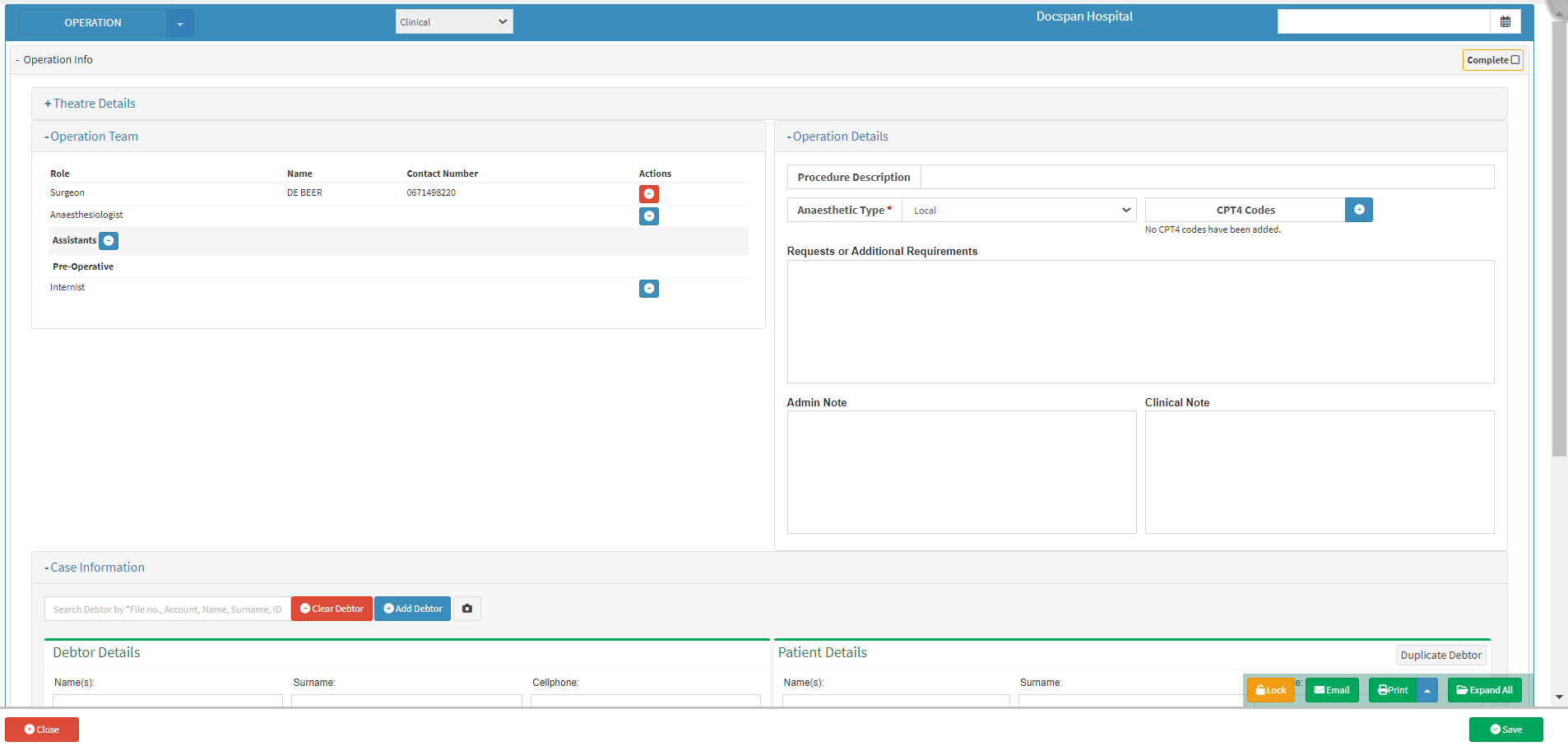
- Click on the +Add/Edit Case button.

- The Hospital Case List screen will open.
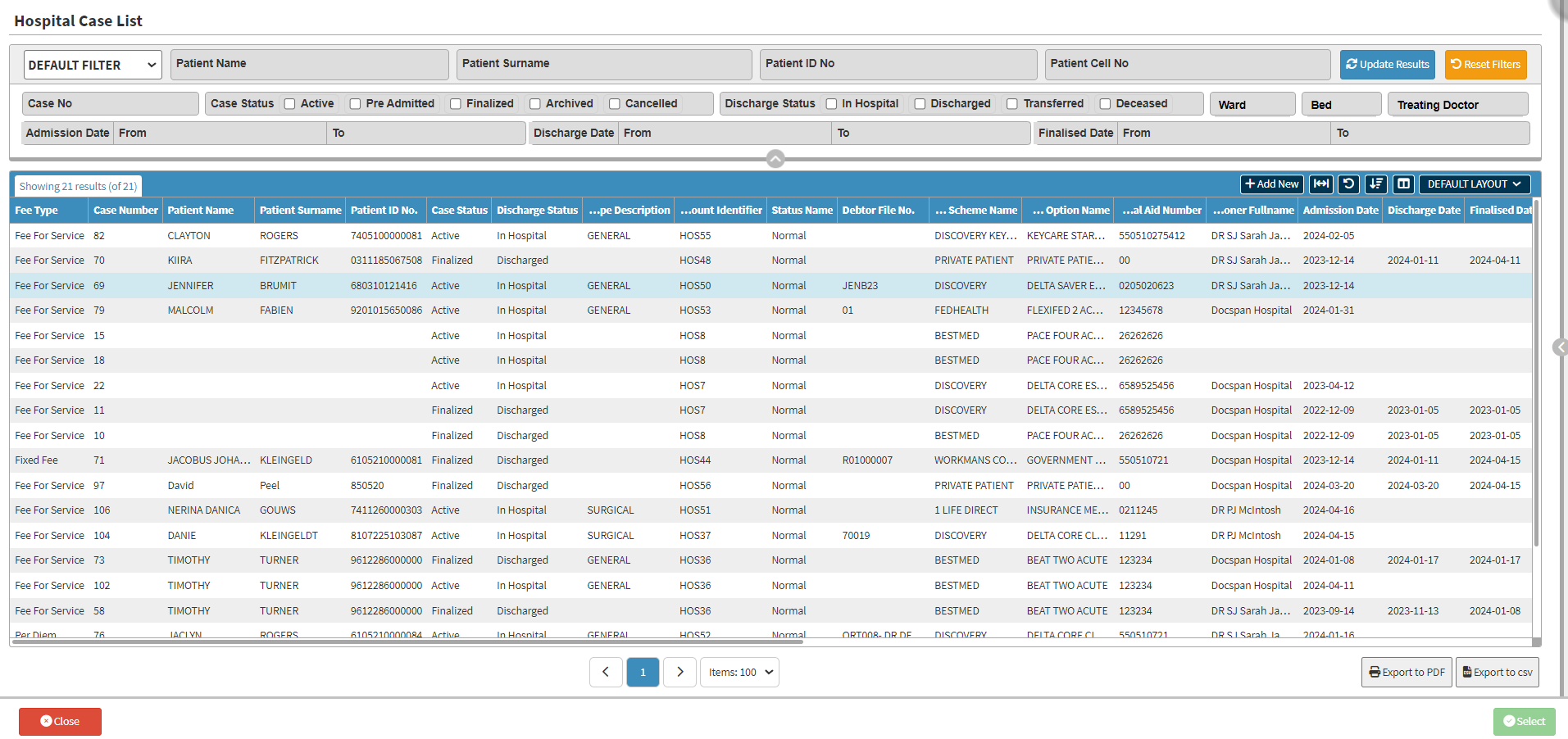
- Select the Case you wish to add an Operation for.

- Click on the Select button.

- The Case Details will be inserted into the Case Details section.

- Click on the Save button.

- The Theatre Booking will show on the Theatre List.

Last modified: Friday, 27 March 2026, 6:47 AM