Once a Recurring Service for a Patient has been actioned/done, you are able to mark the task as completed to show that the specific task has been finalised.

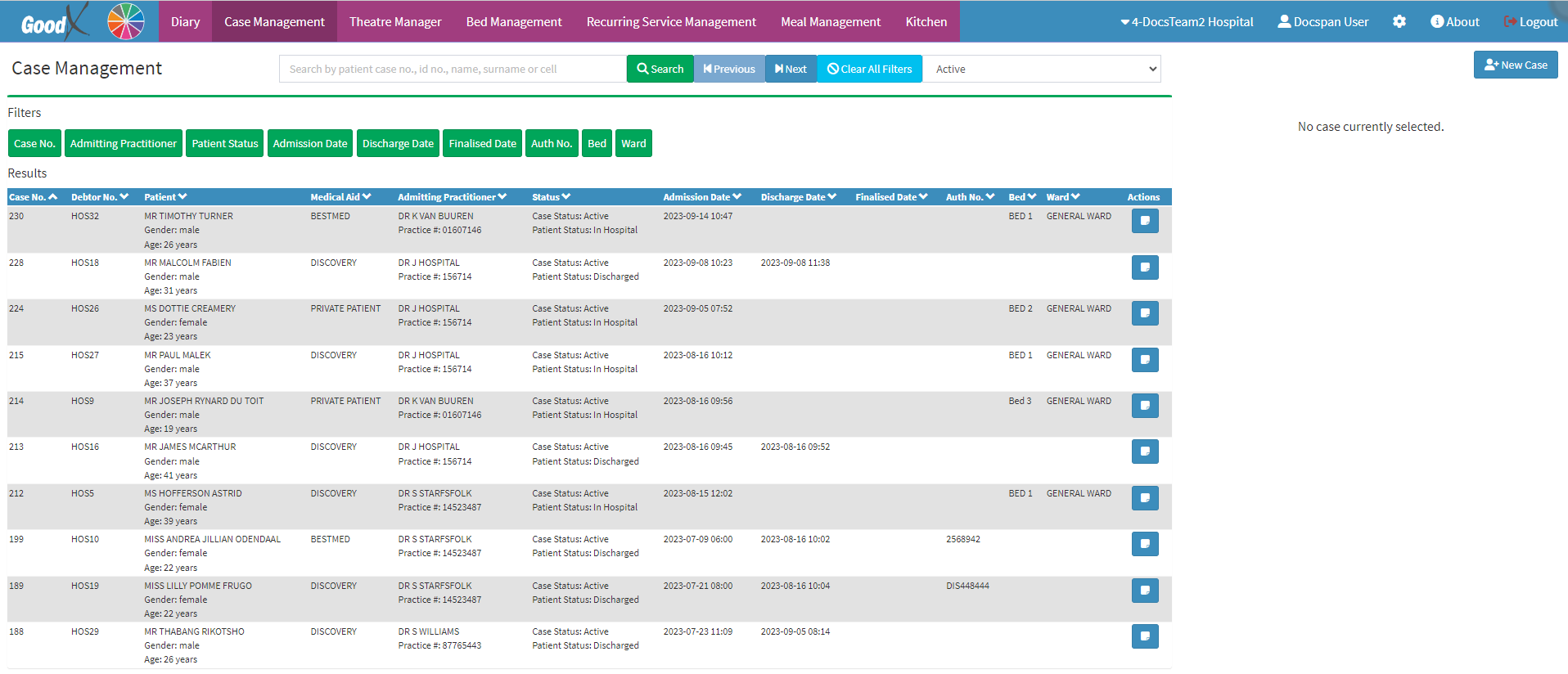
  • This user manual will start on the Case Management screen.

  • Click on the Bed Management tab on the Navigation bar.

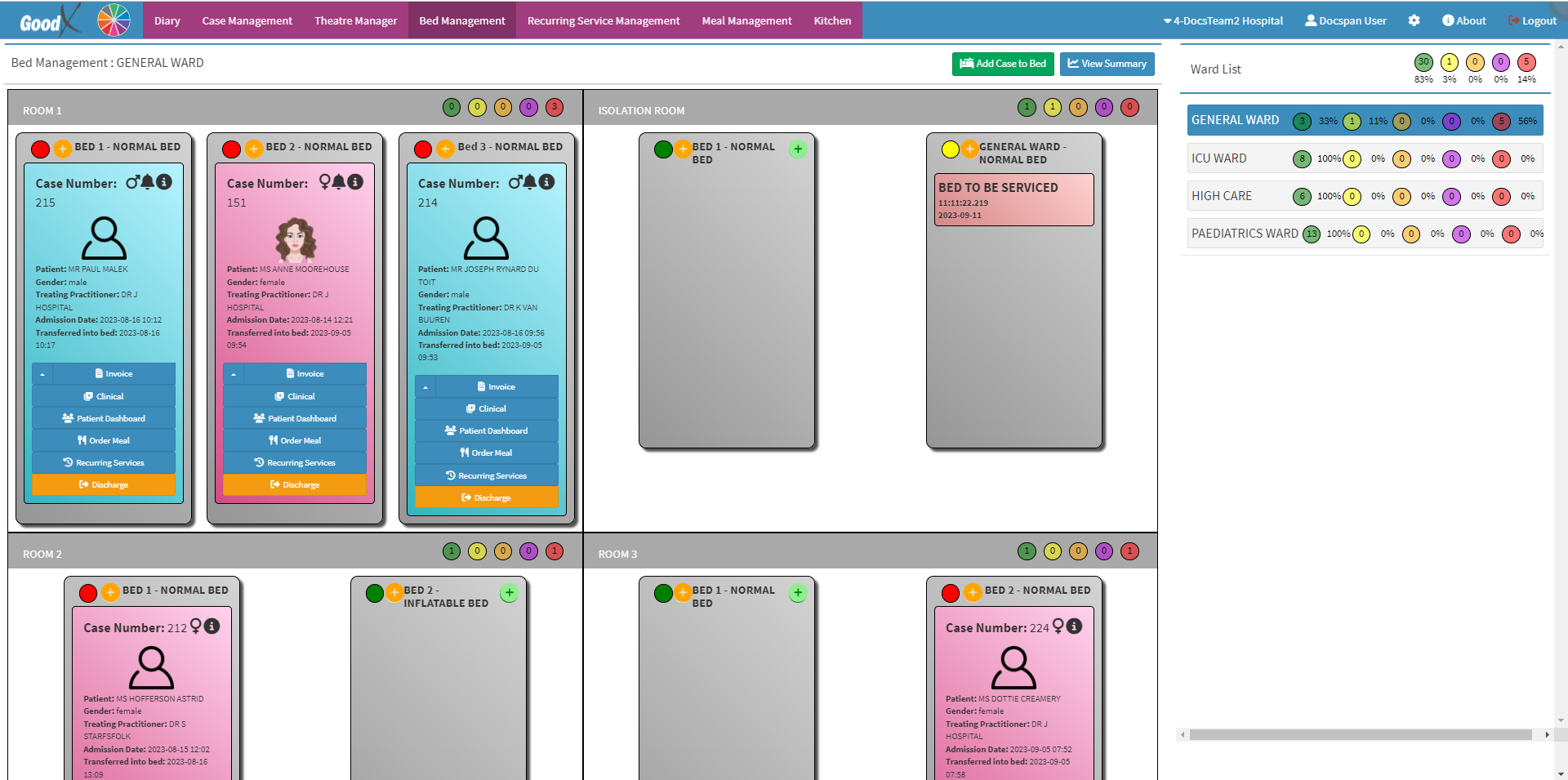
  • The Bed Management screen will open.


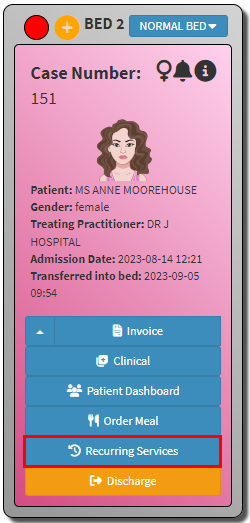
  • Click on the Recurring Services button on the bed of the desired Patient for whom you would like to complete a Recurring Service task.

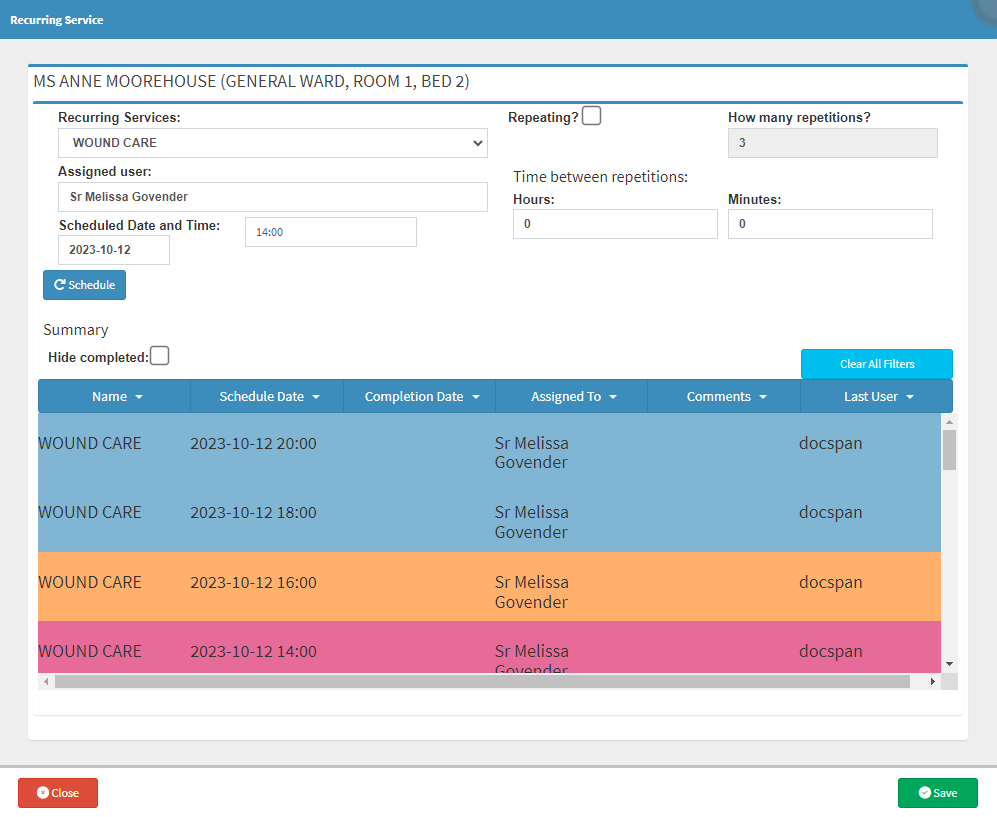
  • The Recurring Service screen will open.

    • Click on the Recurring Service task that you wish to Complete.
    • Click on the Complete Recurring Service button.

Please Note: Once a task has been selected, you are able to add a Service Comment to the task, where you can make notes on the task.

    • Once the Recurring Service task has been Completed the colour of the task will change to green to indicate the task has been Completed.


    • Click on the Save button to save all changes that have been made.

Last modified: Friday, 27 March 2026, 11:31 AM