Text size
Line height
Text spacing
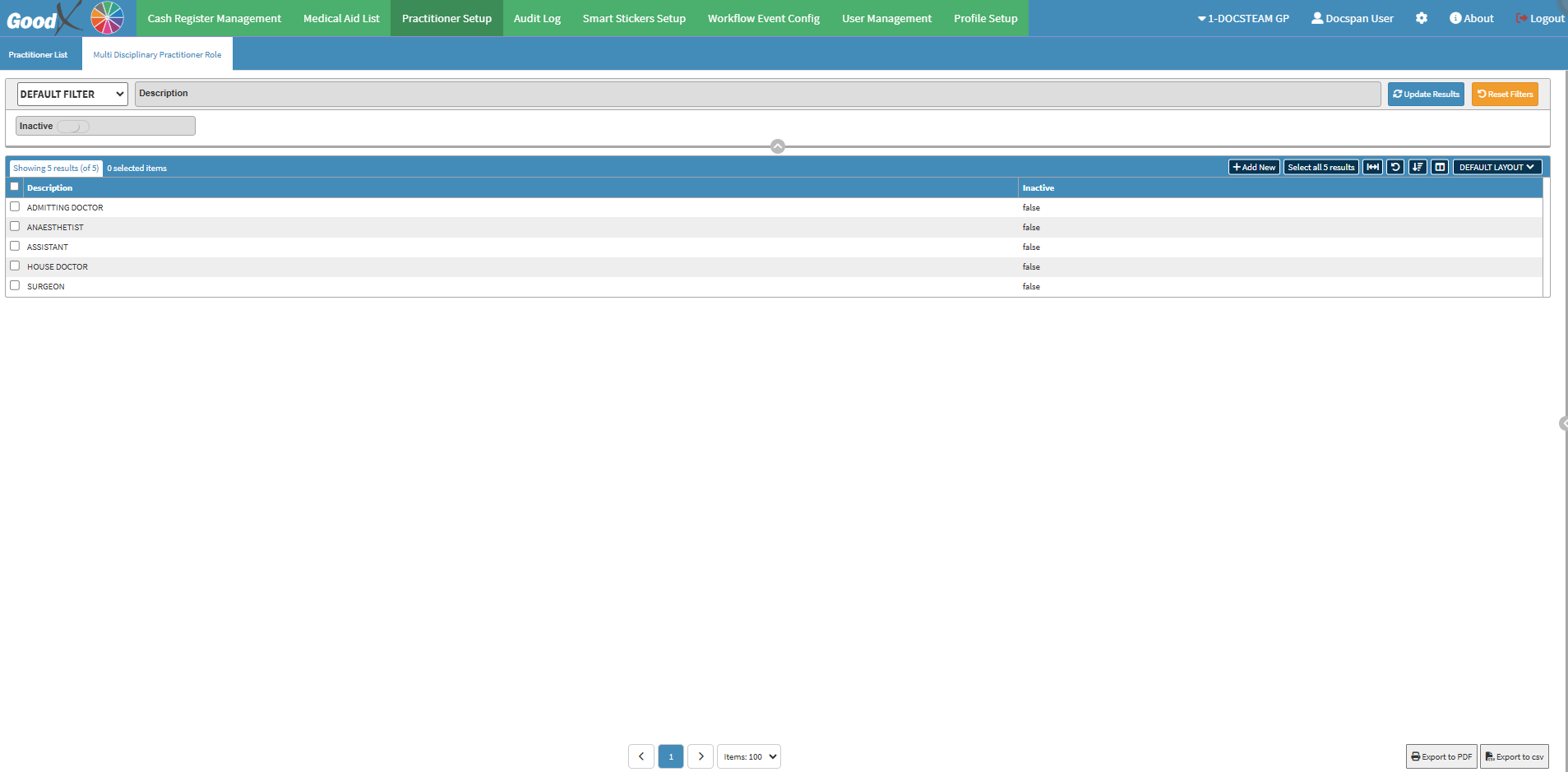
The Practitioner Setup List serves as a central point for managing Practitioners involved in the Practice's daily operations. It allows you to add new Practitioners and update existing details to ensure accurate and up-to-date information. Additionally, you can configure Multi-Disciplinary Practitioner Roles for Practitioners who perform multiple functions within the Practice, ensuring efficient role management.
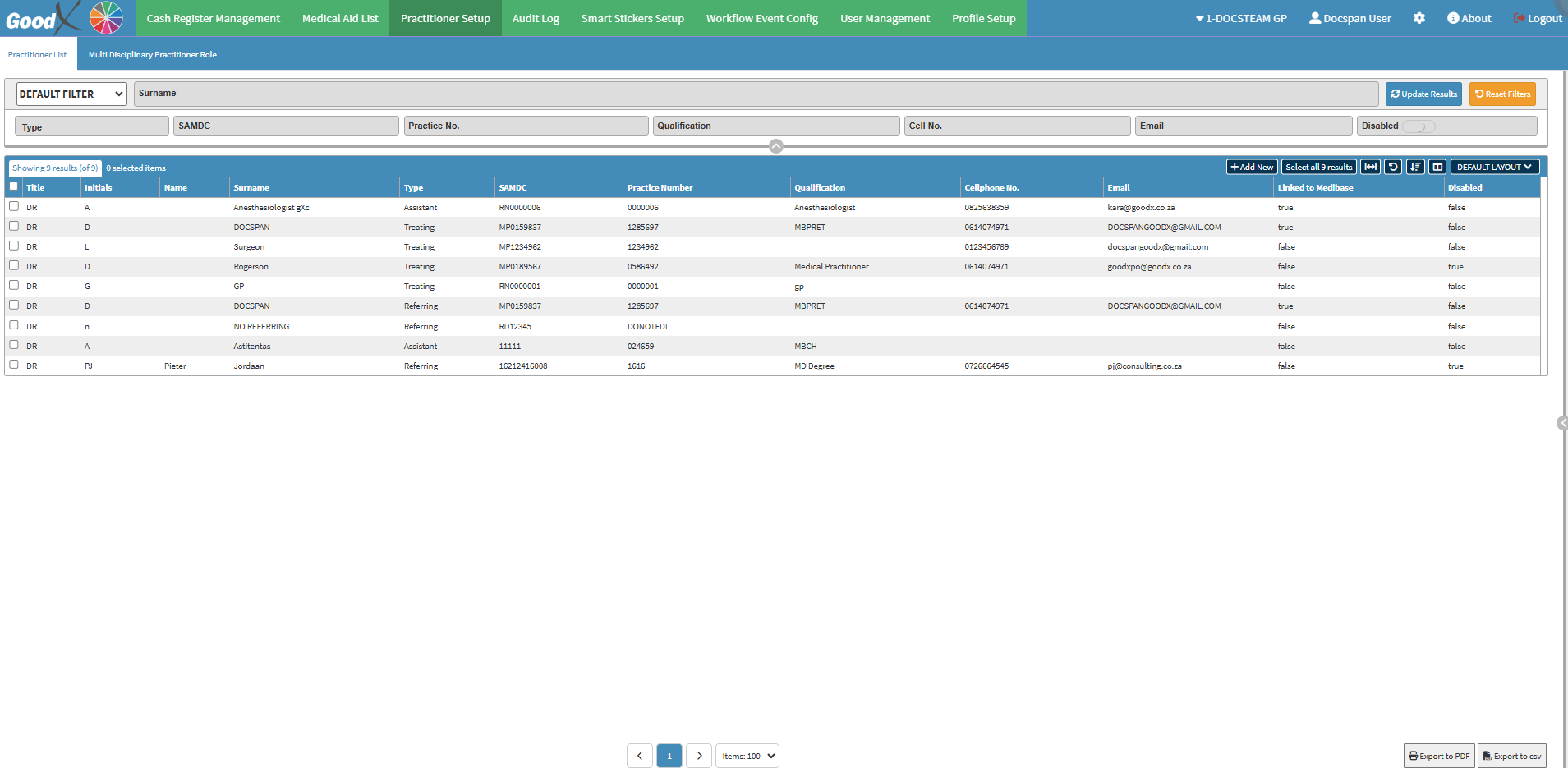
The Practitioners List is a general list of all Practitioners registered in the system. It includes all medical professionals linked to the Practice, regardless of their specific roles or disciplines.
Allows a Practitioner to be assigned multiple roles in different cases. For example, a Practitioner who works as both a General Practitioner and a Specialist can have multiple roles within the specific Medical Case.