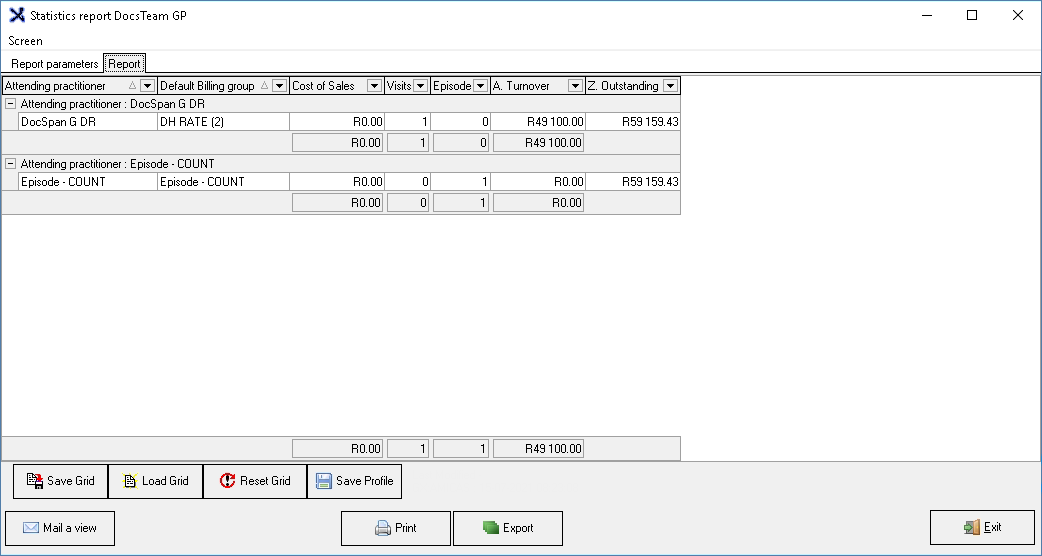
The purpose of reports is for the Practitioner to draw a Report for bookkeeping purposes. A report is a document that presents information in an organized format for a specific audience and purpose. In this case for the Practice and the Doctors
A Debtor Statistics report is a report that will show statistics regarding specific debtor transactions such as summarised transactions per turnover, cash flow and journals transactions.
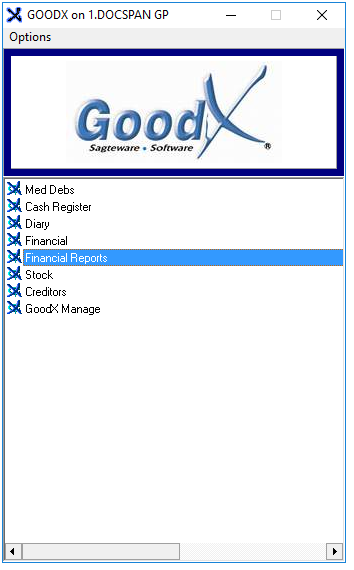
Log in to the GoodX Desktop using your GoodX username and password.
From the Navigator,Double Click on the Financial Reports Module.
The main Financial Reports Screen will open.
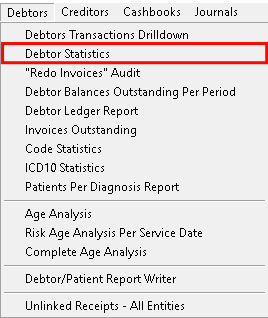
Click on Debtors on the menubar.
Click on Debtors Statistics on the sub-menu.
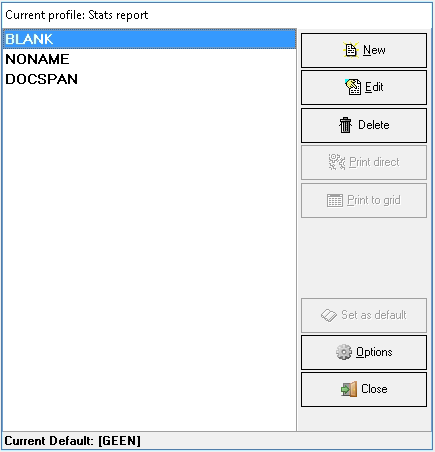
Current Profile: Debtor Statistics Overview
The Current profile: Stats reportpop-up will open.
Click on Print to Grid.
The Timespan for report screen will open where the dates of the report can be checked and altered if the need arises.