Text size
Line height
Text spacing
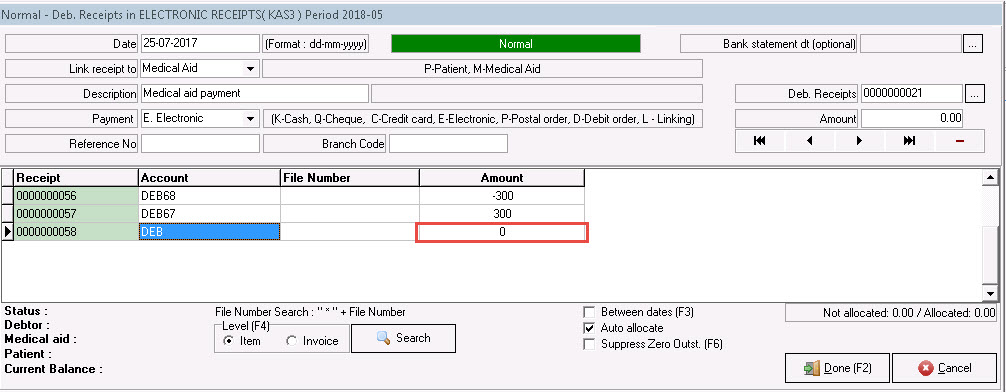
When a receipt was done but posted on the wrong debtor, a ZERO receipt can be done to correct this allocation.
Please see example:
An incorrect R300 receipt was done on Mr Wrong's (DEB68) account, and should have been posted to Mr Correct's account.
STEP1:
Do a normal Medical aid/patient receipt (Depends on who paid the account) but leave the amount on ZERO.

STEP2:

STEP3:
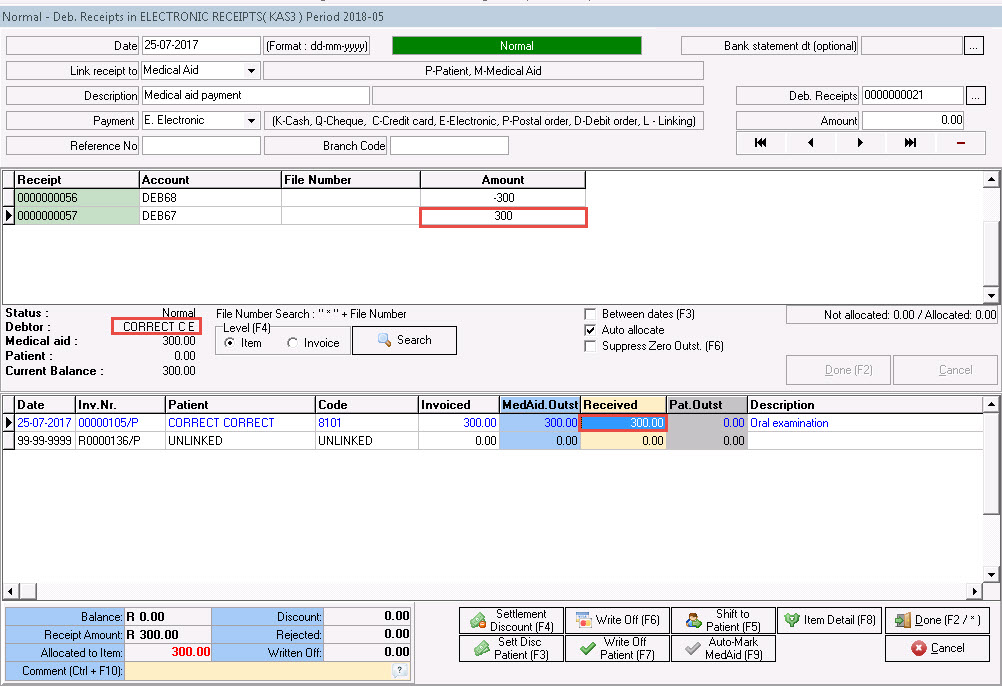
Step4:
Your next receipt line should now balance to a ZERO and you can post the transaction.