The Travel History Panel allows you to capture a Patient's previous and planned travel destinations. This information can be essential when assessing exposure to region-specific illnesses or when making informed decisions about vaccinations, screenings, or treatments. Understanding where a Patient has travelled, or intends to travel, helps guide accurate diagnoses and ensures preventative care is in place where needed.
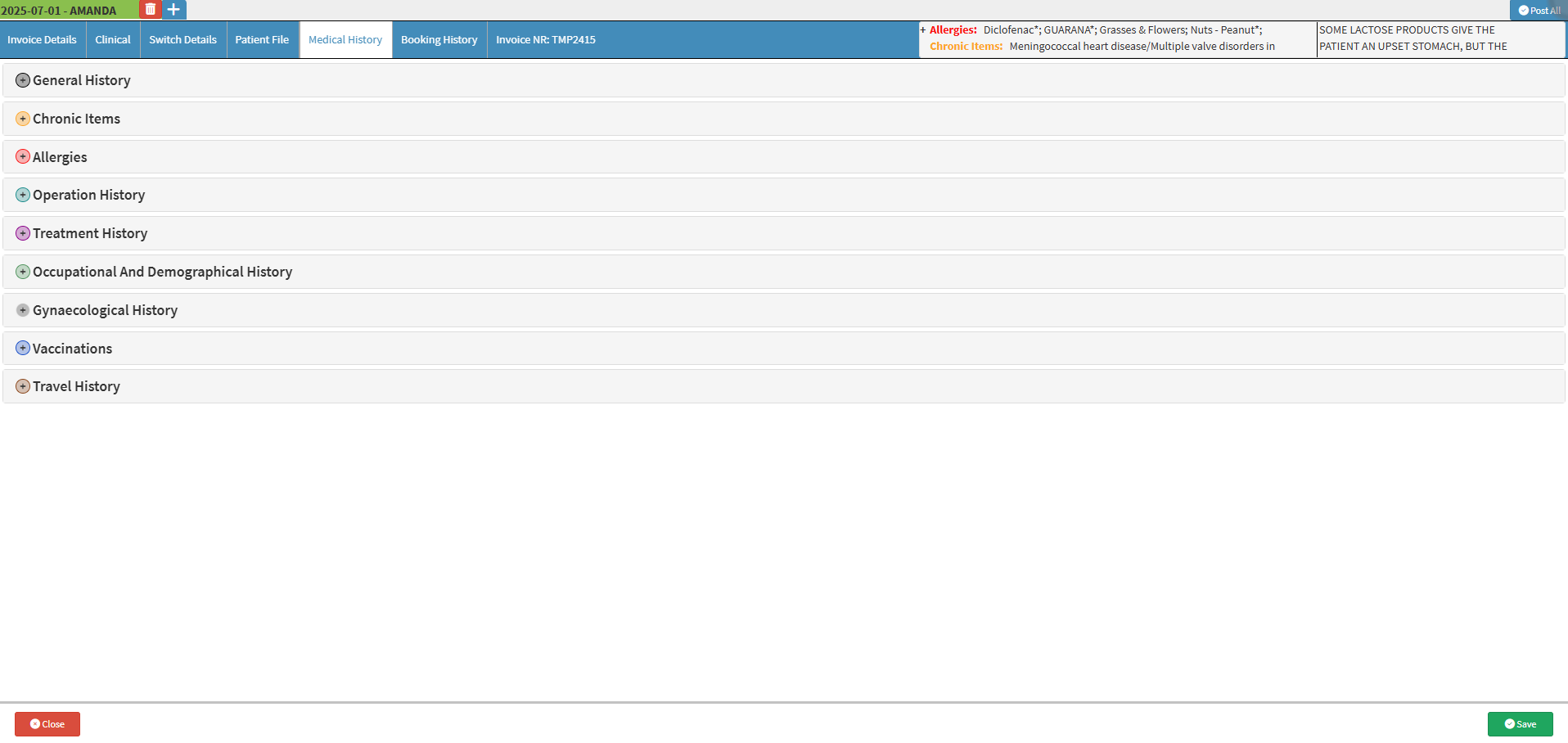
This user manual will start on the Medical History screen.
For more information on how to navigate to the Medical History screen, please refer to the user manual: Clinical Screen: Navigation and Use.
Click on the TravelHistory panel.
The Travel History panel will expand.
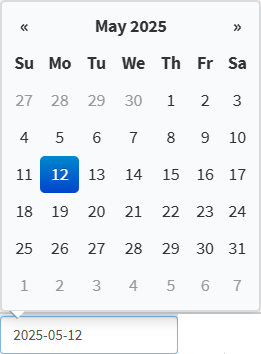
Click on the From field to select the start date of travel from the date picker that becomes available.
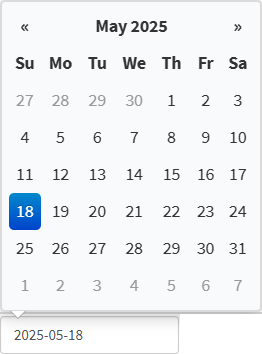
Click in the To field to select the return or end date of travel.
Click on the Location field to enter the place the Patient visited or plans to visit.
Click in the Additional Information field to note any relevant travel details or risks.
Click on the Remove button to remove a place the Patient travelled to.
Click on the Add Travel History Item button to add a past or planned travel destination.