Why Use This Function:

Capturing allergy information in the Allergies Panel is essential to help safeguard a Patient's health and support safe prescribing. By recording known allergies here, the system can reduce the risk of harmful reactions by alerting you when certain medications, such as Amoxicillin for a Patient allergic to penicillin, are selected. Keeping this information up to date ensures that treatment decisions are made with the Patient’s safety in mind.
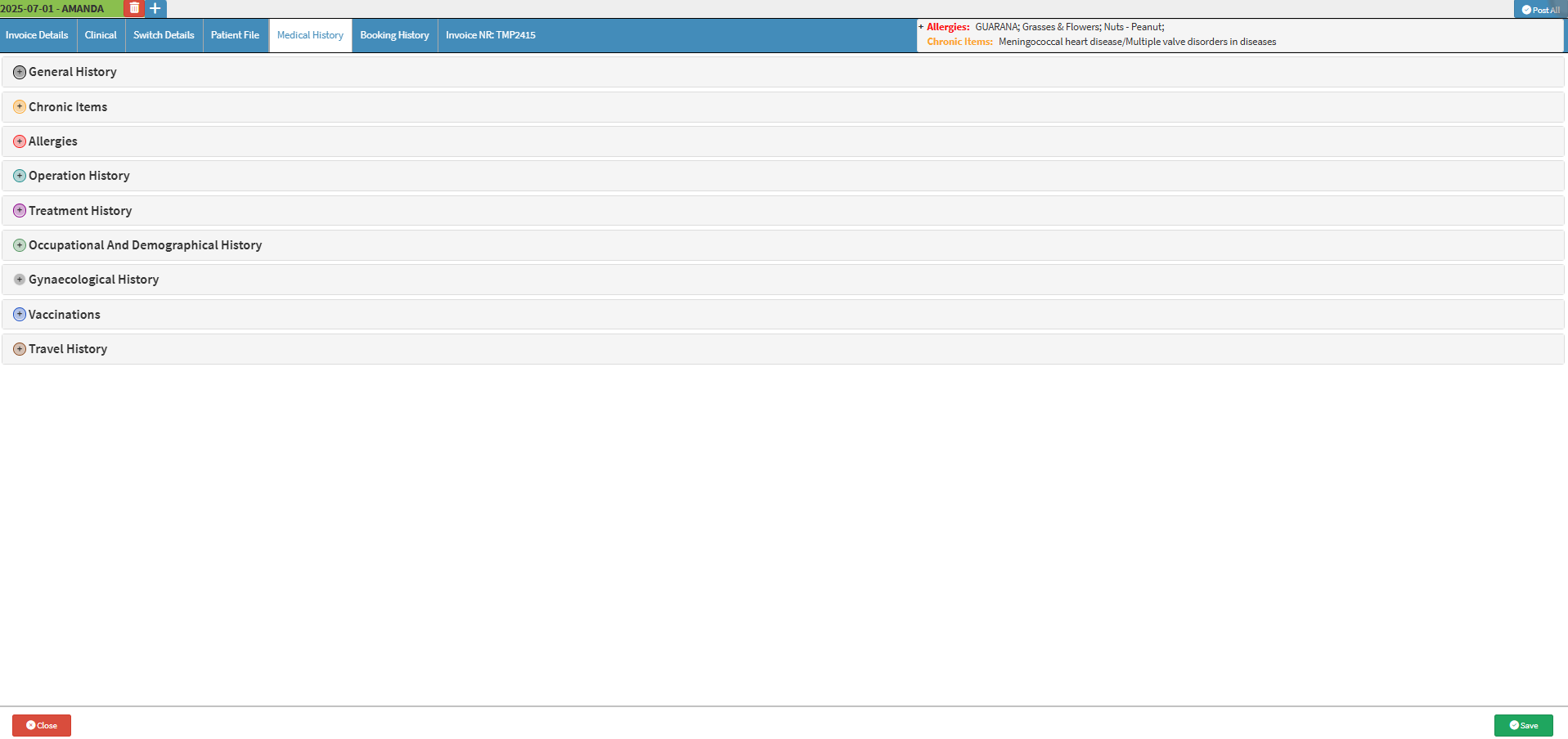

  • This user manual will start on the Medical History screen.

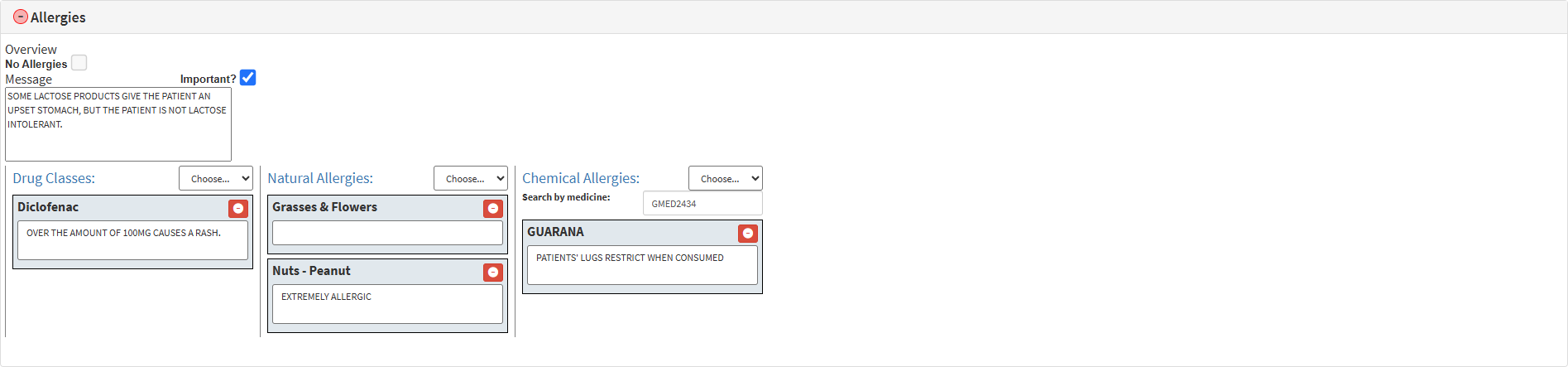
  • The Allergies panel will expand.

  • Tick the No Allergies checkbox if the Patient has no allergies.

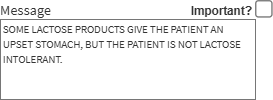
  • Click on the Message field to enter any relevant information regarding the Patient's allergies.

    • Tick the Important checkbox to mark the message as important.

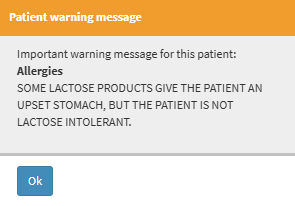
💡Please Note: If the message is marked as Important. You will receive a Patient Warning Message that displays your message each time you access the Debtors file.
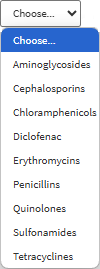
  • Click on the Drug Classes drop-down menu to select a drug the Patient is allergic to, if any.

  • Click on the Remove button to remove any allergies added if needed.

  • Click on any Selected Allergy text field to enter any additional information.

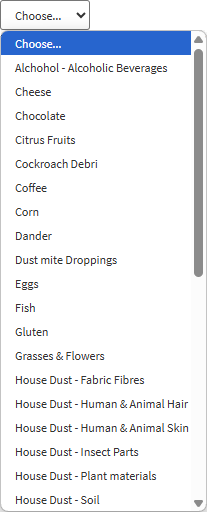
  • Click on the Natural Allergies drop-down menu to select a Natural Allergy the Patient is allergic to, if any.

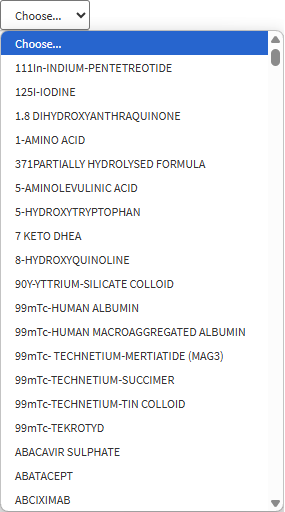
  • Click on the Chemical Allergies drop-down menu to select a Chemical Allergy the Patient is allergic to, if any.

  • Click on the Search by Medicine text field to search for a specific medicine the Patient is allergic to.

  • Click on the Save button to save all your changes made on the Allergies panel.


Last modified: Sunday, 29 March 2026, 8:20 PM