Why Use This Function:

Cloud Capture allows you to save images and audio directly to the cloud, freeing up local storage, enhancing accessibility across devices, providing secure backups, and facilitating real-time collaboration and organisation.


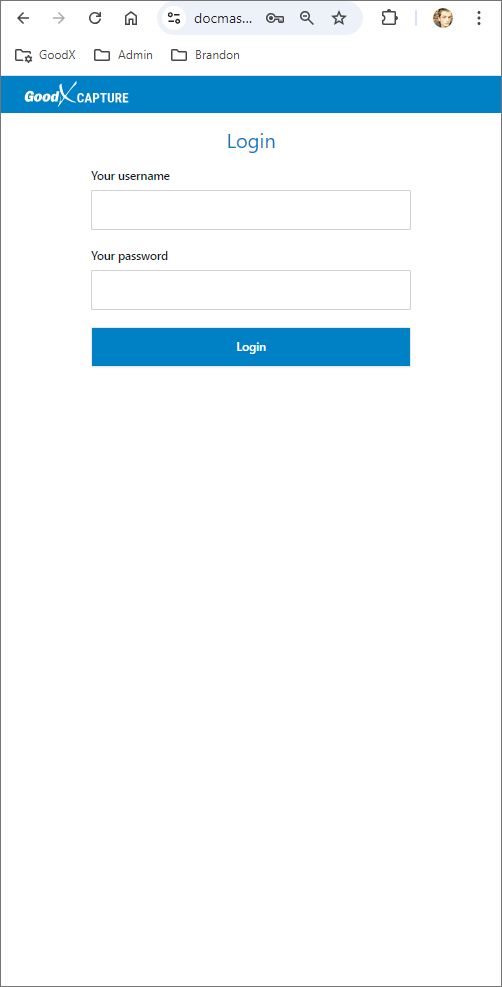
  • This user manual will start on the Cloud Capture Login screen.
 

  • Once logged in the Photo tab of the Cloud Capture screen will open.

  • Click/Tap on the Audio tab.

  • The Audio Capture screen will open.

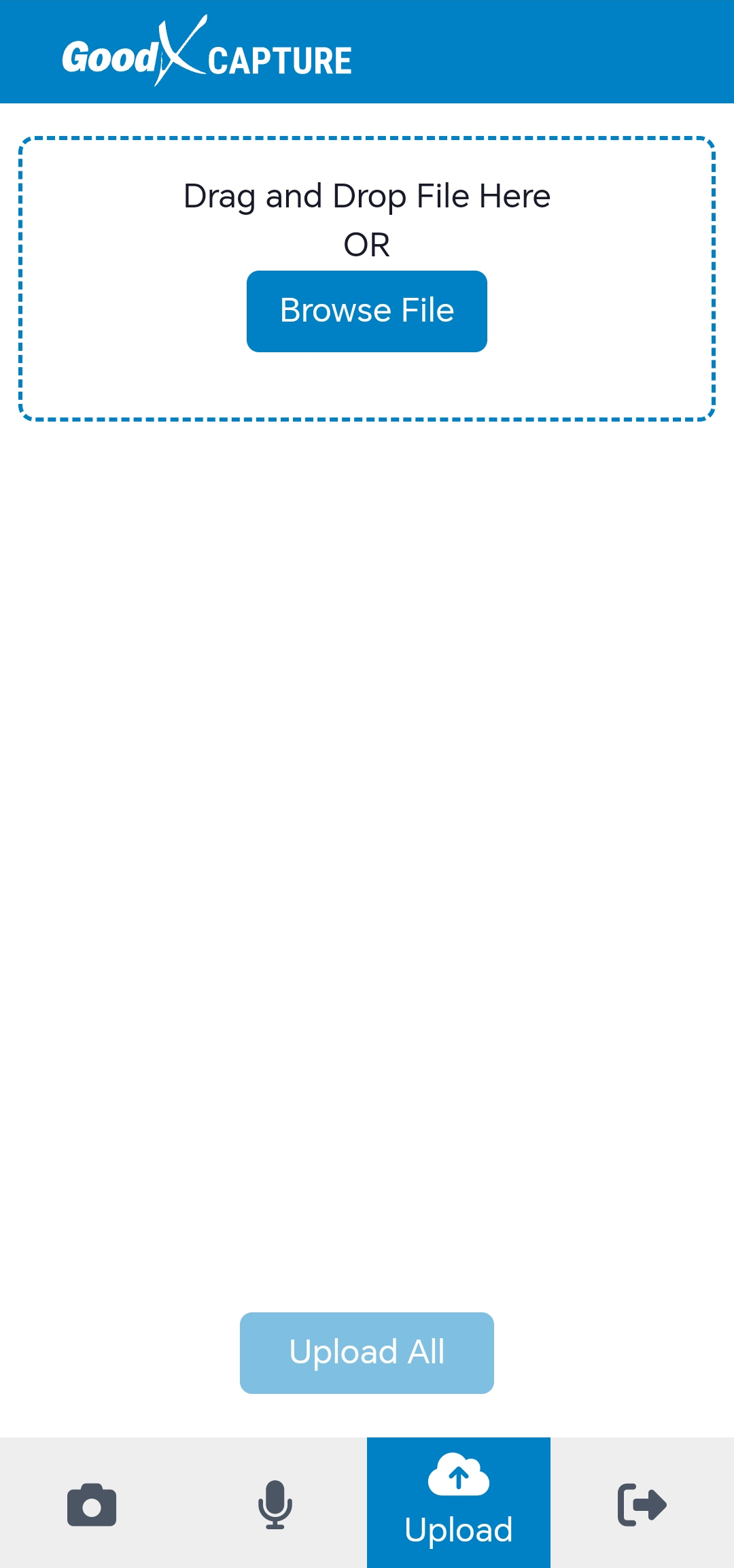
  • Click/Tap on the Upload tab.

  • The Upload screen will open.

  • Click/Tap on the Logout button.

    • A Notification will appear stating that the logout was successful.

Last modified: Thursday, 9 April 2026, 9:22 AM