Why Use This Function:
Questionnaires on myGC provide Practitioners with any additional details required before a consultation, eliminating the need for physical forms.
- This user manual will start on the Email that you received from the Practitioner.
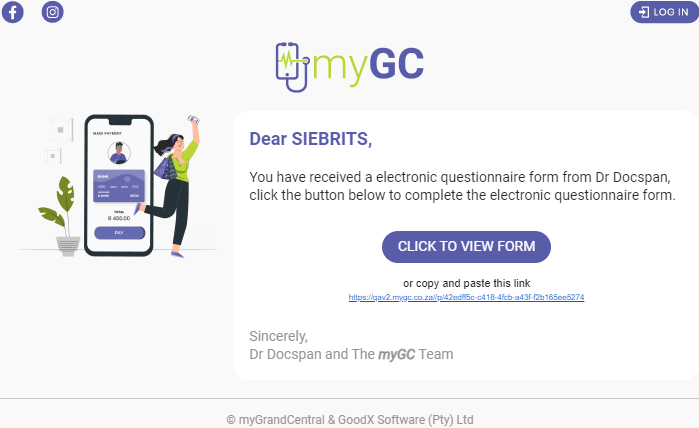
- Click/Tap on the Click to View Form button.

- The Questionnaire screen will open.
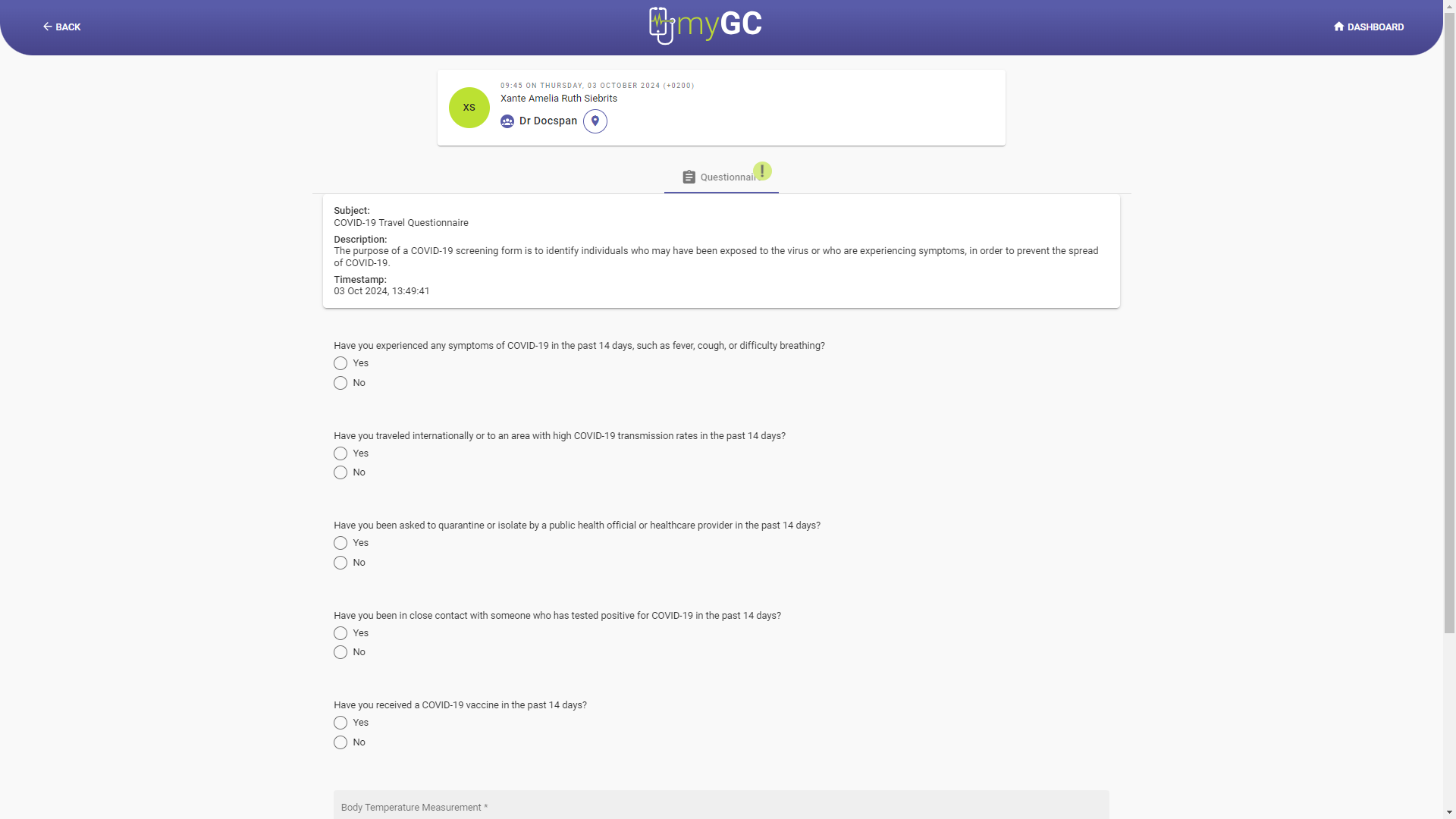
- Click on the Save and Send button after filling in the Questionnaire.

- A Notification will appear stating that the Questionnaire has been submitted successfully.
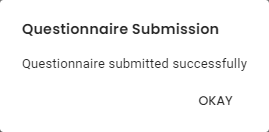
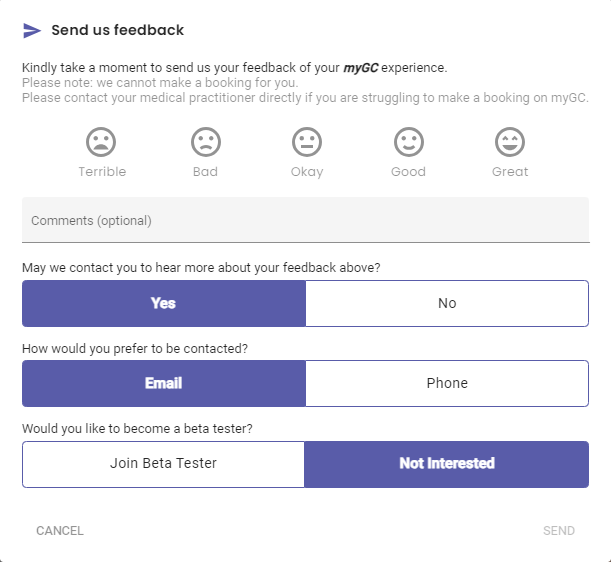
- Click/Tap on the Okay button to close the notification and advance to the Feedback screen.
Last modified: Tuesday, 7 April 2026, 11:10 AM