Text size
Line height
Text spacing
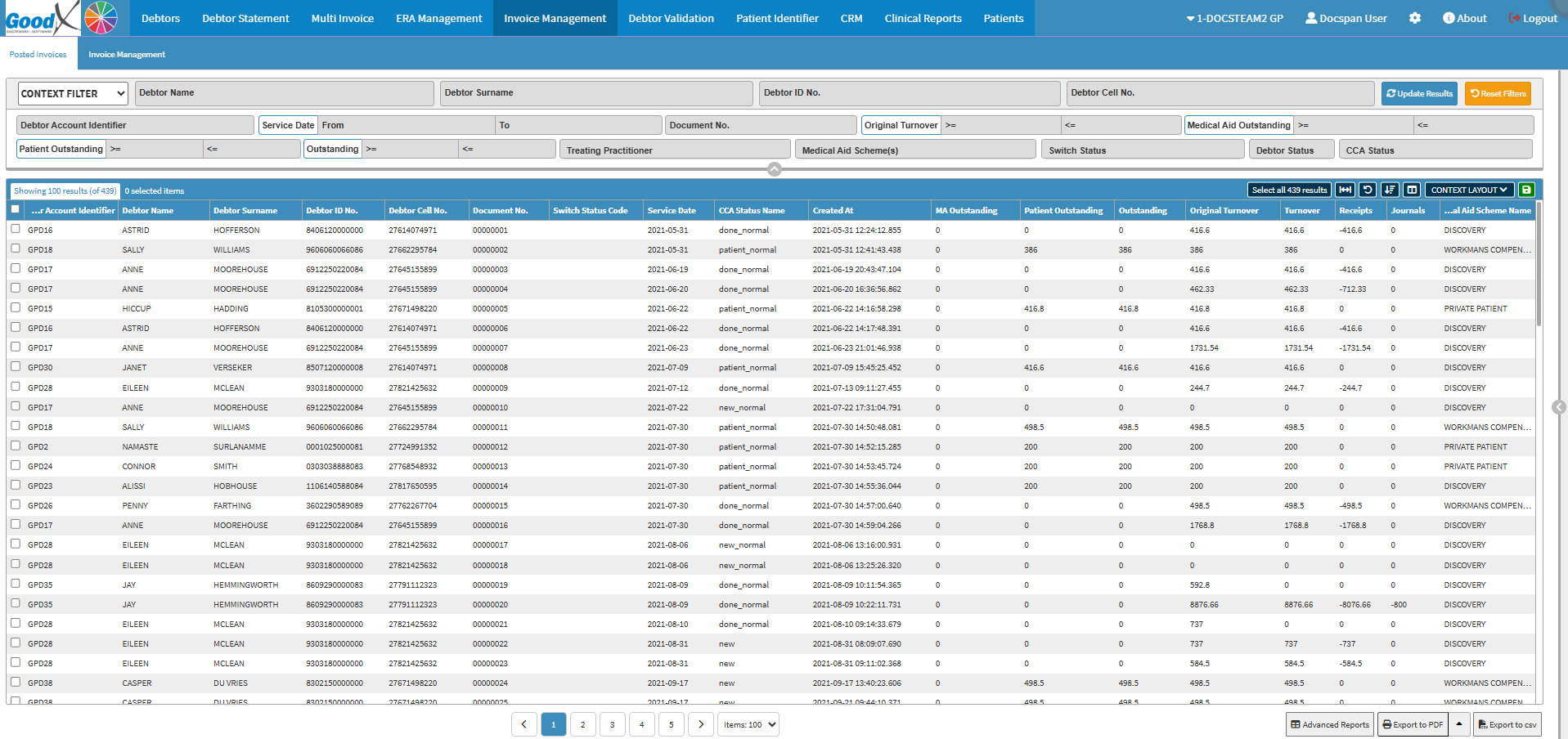
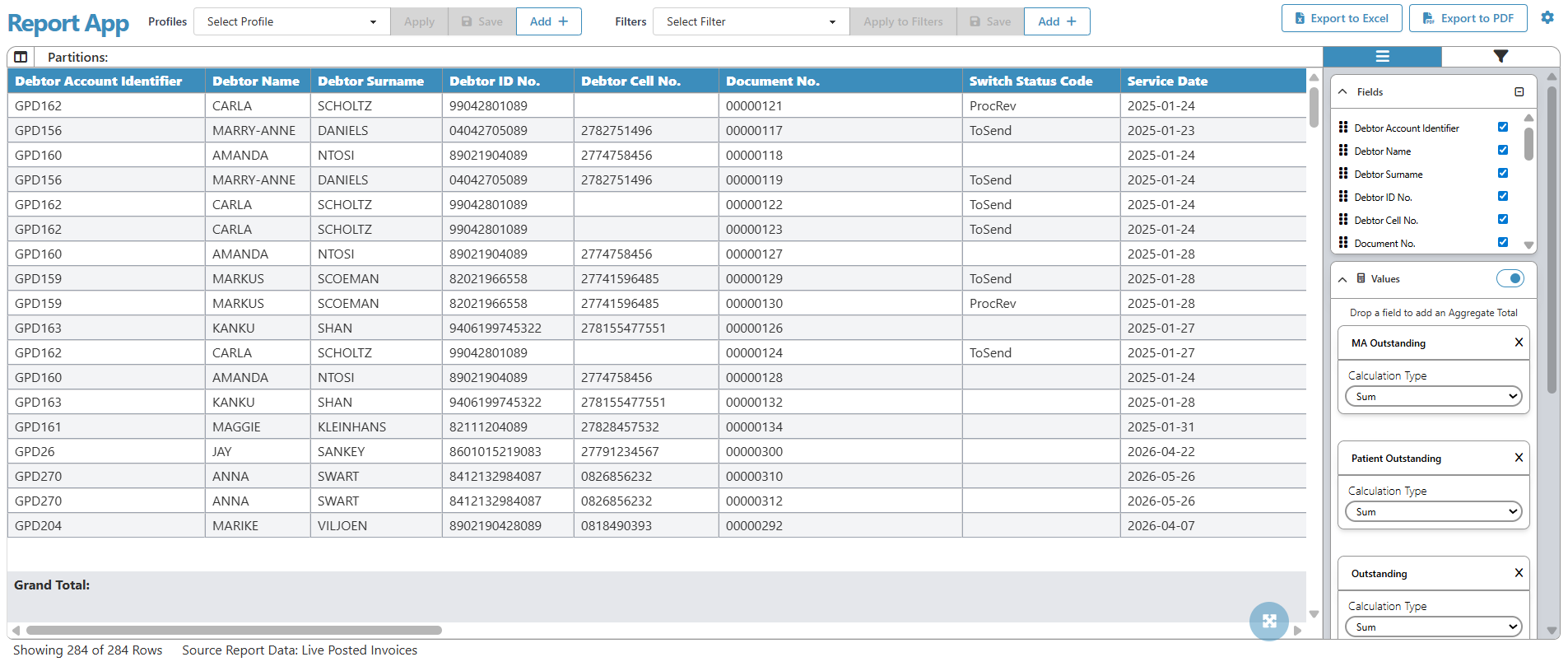
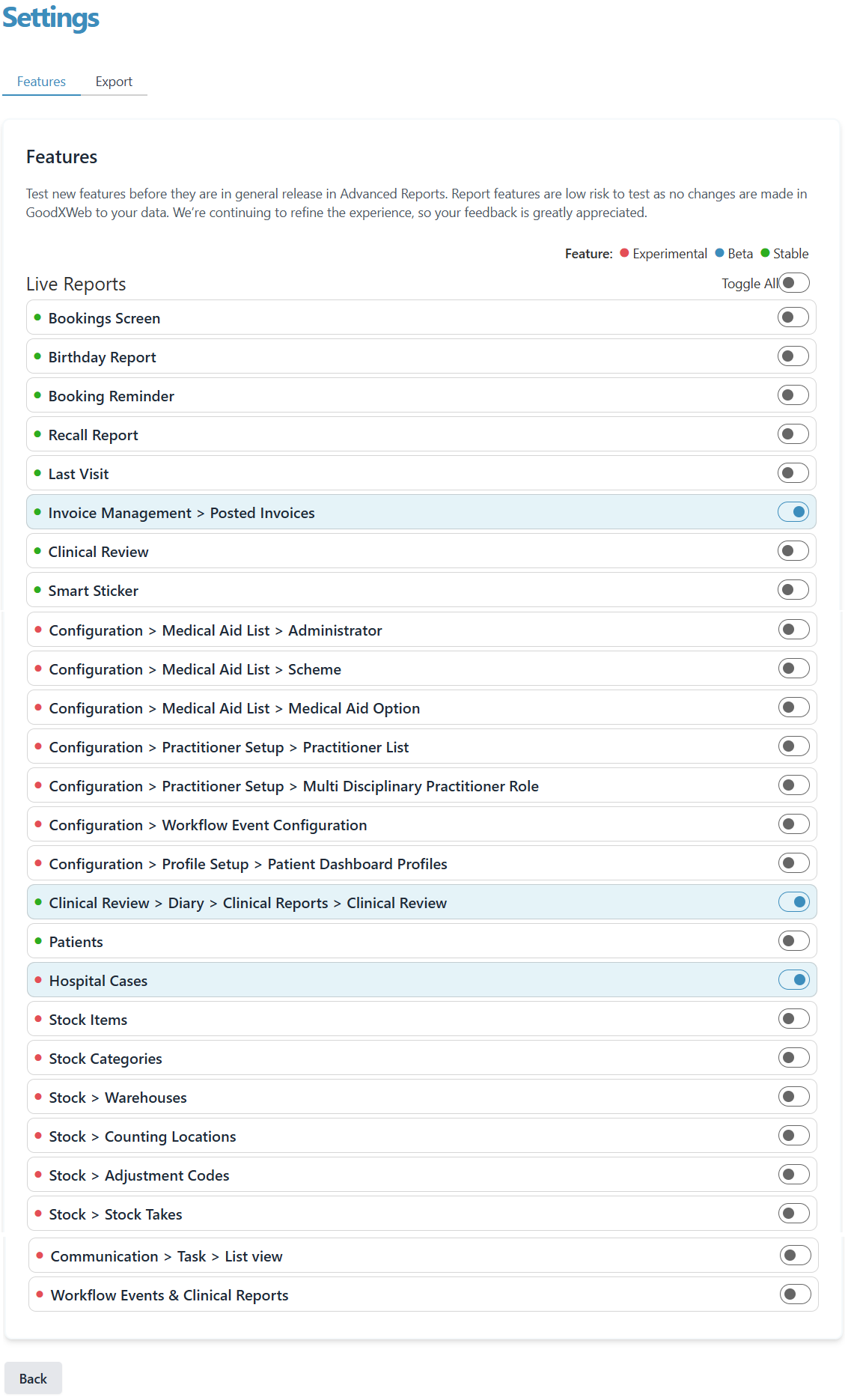
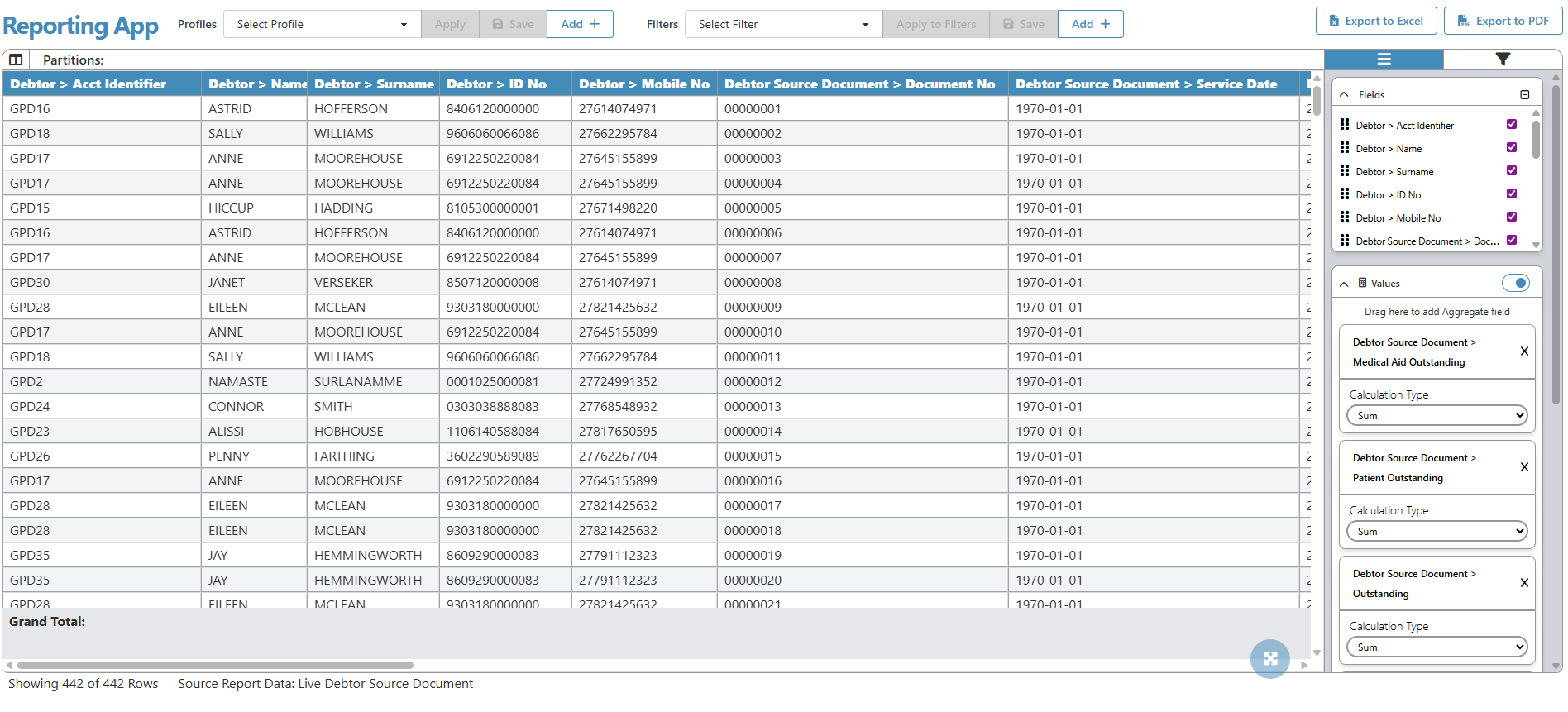
Enabling live report data on list screens allows you to work with real-time information directly from the Report App while remaining in familiar list views. This function provides instant access to updated invoice data, supports faster decision-making, and removes the need to generate separate reports. Activating live data ensures accurate insights and a smoother workflow whenever you need immediate financial or status-related information.