Enabling live report data on list screens allows you to work with real-time information directly from the Reporting App while remaining in familiar list views. This function provides instant access to updated invoice data, supports faster decision-making, and removes the need to generate separate reports. Activating live data ensures accurate insights and a smoother workflow whenever you need immediate financial or status-related information.
This user manual will start on the Invoice Management screen.
For more information on how to navigate to the Invoice Management screen, please refer to the user manual: Debtors Segment.
Click on the Advanced Reports button in the bottom right corner.
The Settings screen of the Reporting App will open.
Click on the Invoice Management toggle for the purpose of this user manual to enable the live Invoice reports.
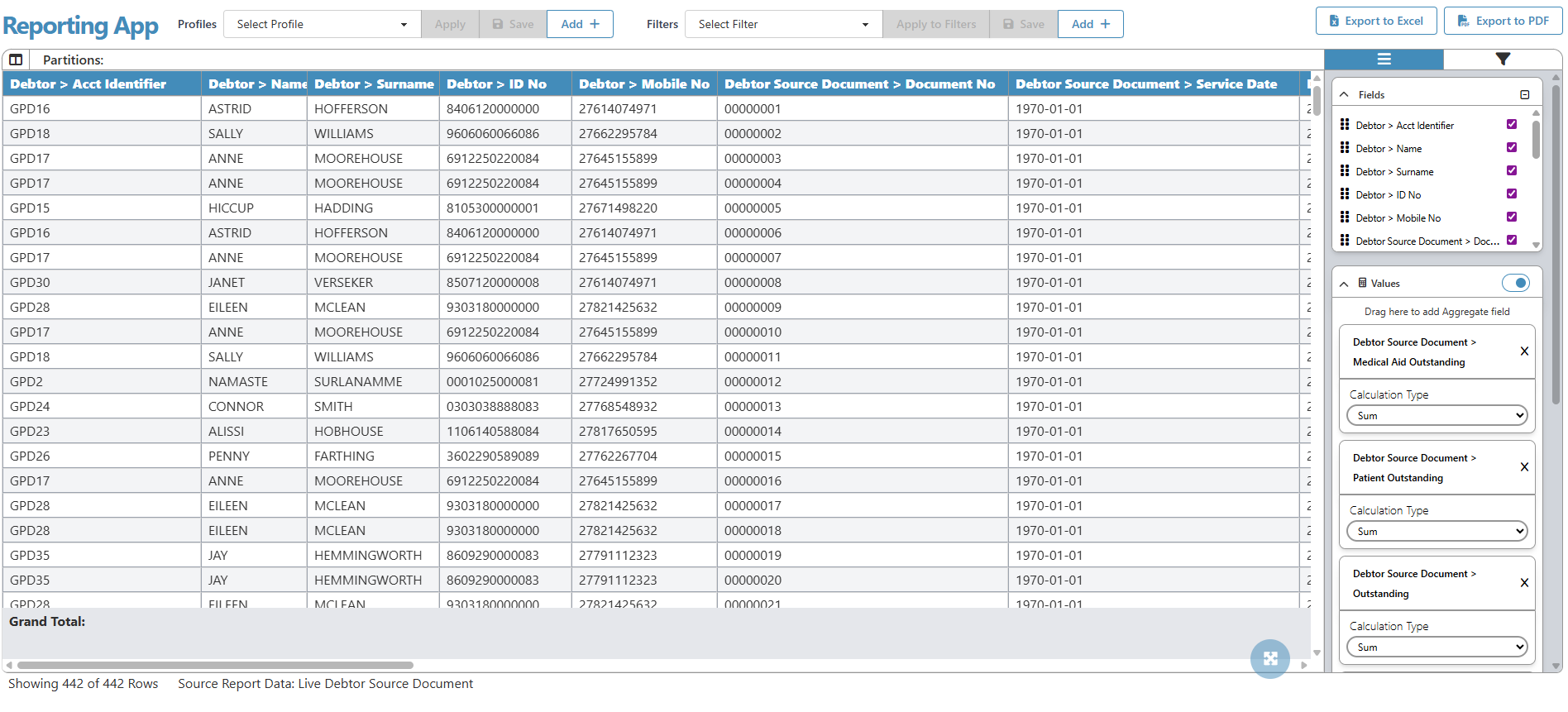
The Reporting App will open with live report data.