The purpose of the Account Details screen is for the User to access all Account-Related matters, Print Invoices / Receipts / Statements, Download or Email Invoices / Receipts / Statements, make Clinical Notes, perform Special Actions, and view the History (Archived Transactions)of the Debtors Account in one screen.
Log in to the GoodX WebApp using your GoodX username and password.
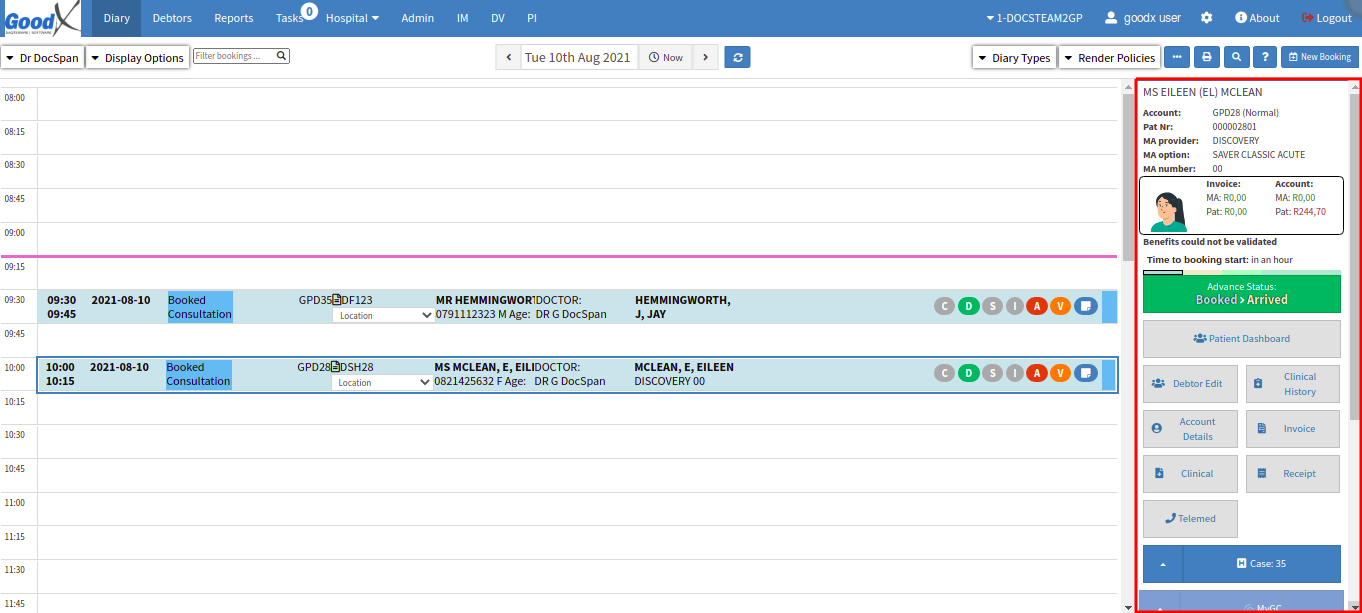
From the Diary screen, click on the correct Patient booking.
The Sidebar will open on the right-hand side of the screen.
Click on the Account Detailsbutton.
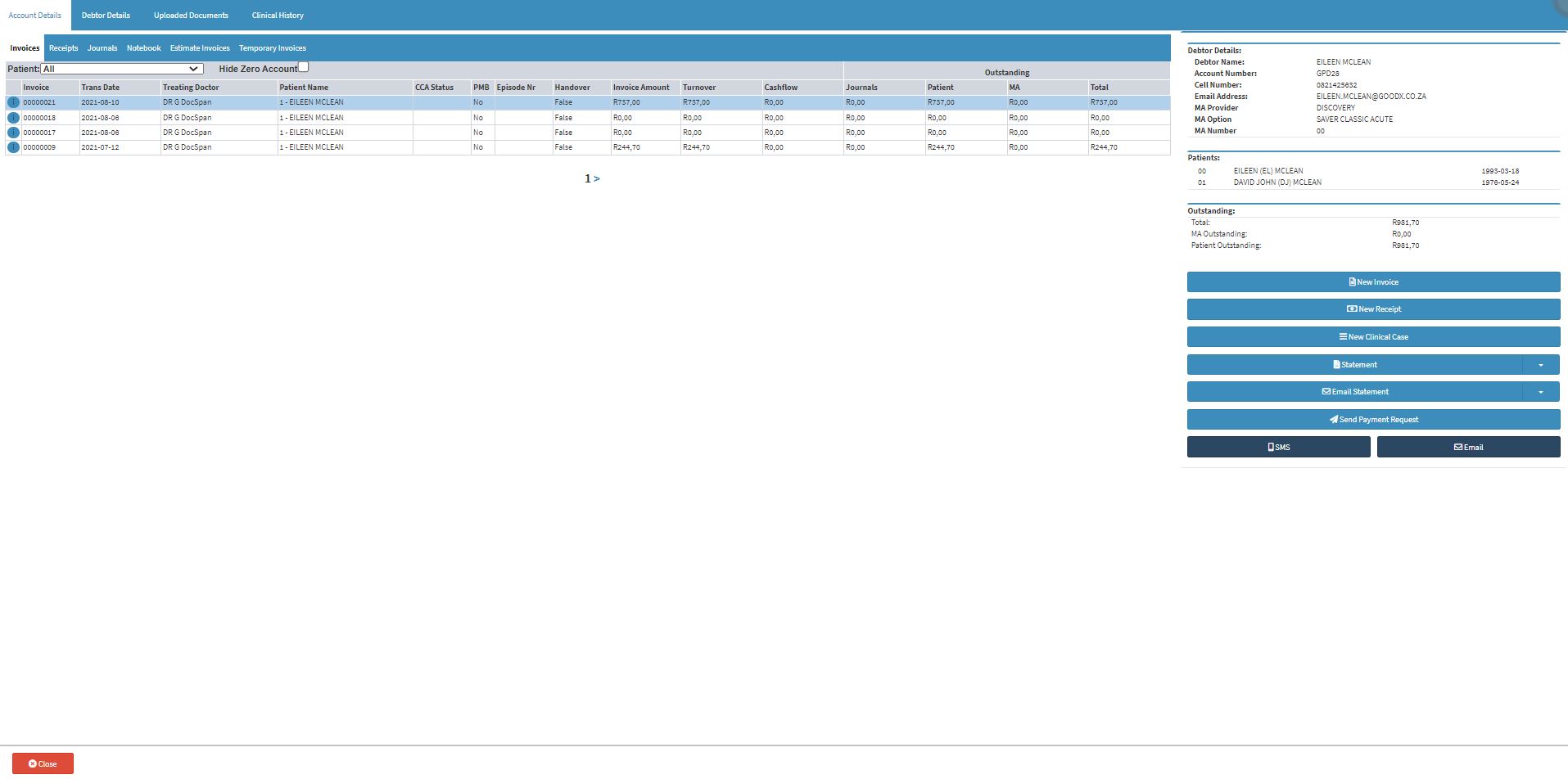
The Account Details screen will open.
From the Account Details screen, the User can access all Account-Related matters, Print Invoices / Receipts / Statements, Download or Email Invoices / Receipts / Statements, make Clinical Notes, perform Special Actions, and view the History (Archived Transactions)of the Debtors Account.
Receipts
Receipt Lines, you can see on what Invoice the Receipt was posted with the Invoice number/date, in what Cashbook it was received and if it was for Patient or Medical Aid liable.