Printing a statement for the debtor or patient on his current and due account.
- Log into the GoodX Web App
- From the taskbar, select the Debtors tab

- Select the right debtor, click once on their name


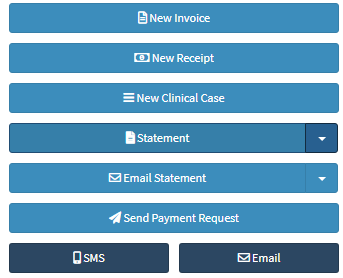
- A PDF will download, open the PDF, and Print (Ctrl + P)

Last modified: Wednesday, 1 April 2026, 10:06 AM