An emergency is a serious, unexpected, and often dangerous medical situation requiring immediate action.
The Patient needs attention immediately. This indication assists the medical practitioner to know who to help first.
This is for a patient that is not yet loaded as a debtor on the system, this booking will be handled as a new patient.
Log into the GoodX Web App with your username and password
From the menu bar, click on the Diary tab
Click on the New Booking button, or double click on the timeslot on the Diary
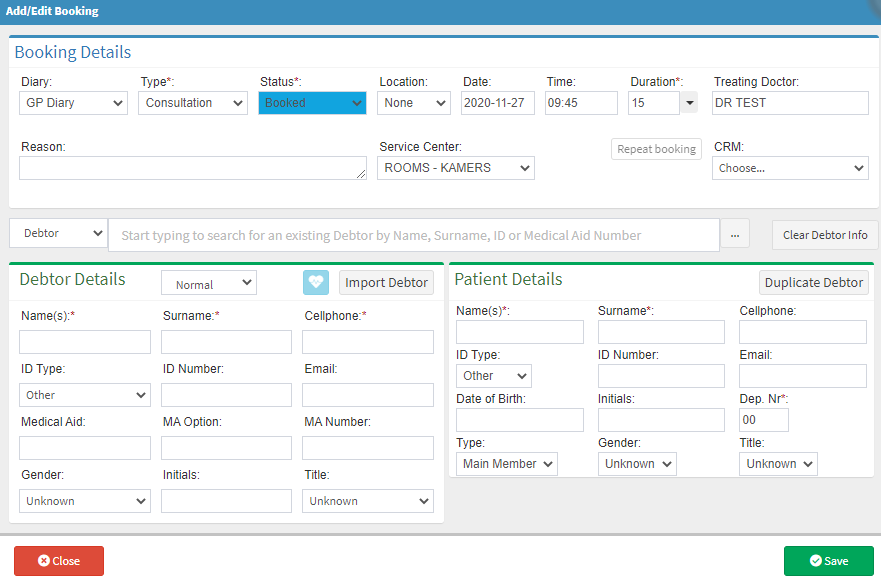
The Add/Edit booking screen will appear
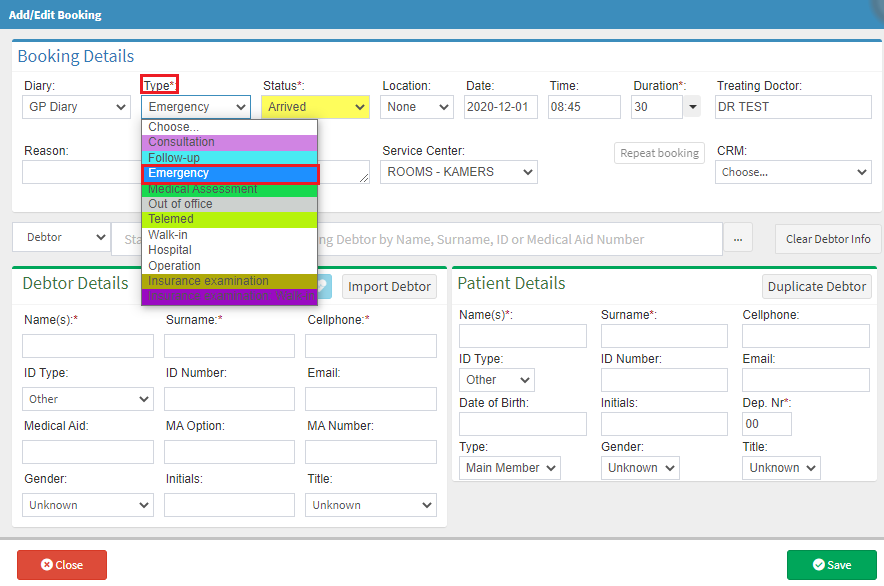
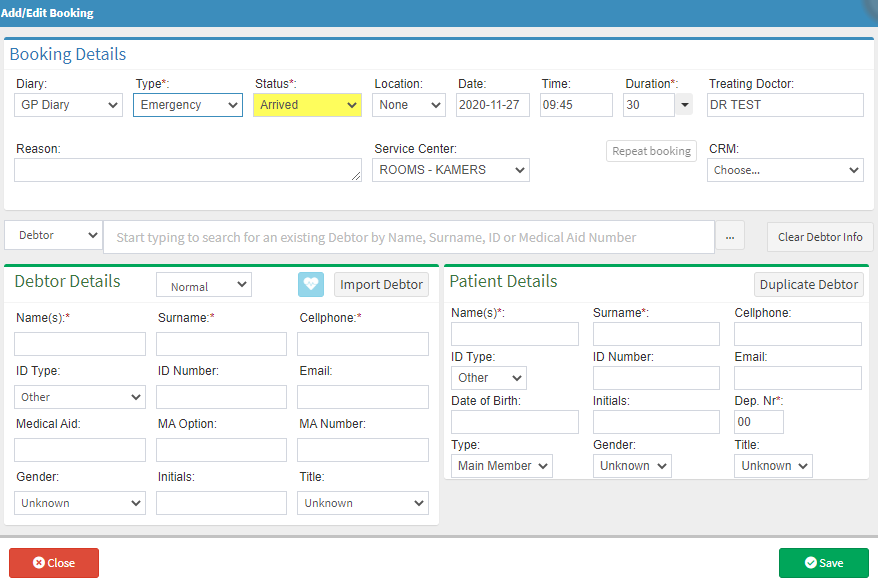
Change the booking type to Emergency, it will automatically change the booking status to Arrived depending on the practice setup
Complete the name, surname, and cell number, click on Duplicate Debtor to complete the patient details
Click on the Save buttonto save the debtor information and to go back to the diary
Click on the Close buttonto exit without saving
NB: Remember to add a Debtor and to create an electronic file for the patient, otherwise you won't be able to bill the patient. Click on the Create New Debtor user manual to see how to create a new Debtor.