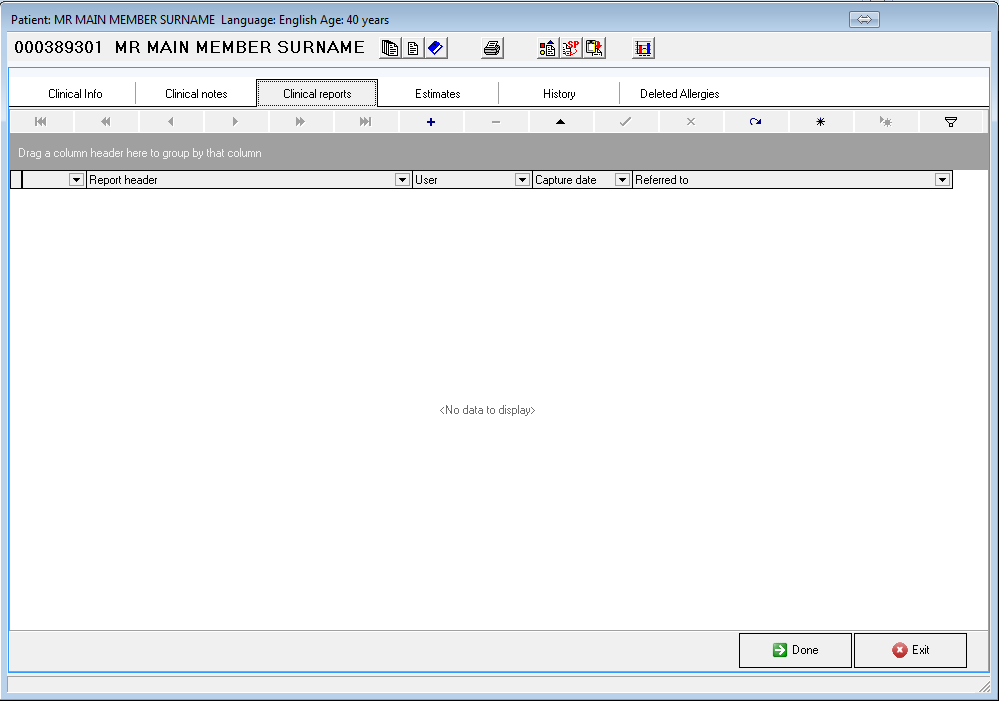
- Under the Clinical Reports tab, you can create Reports, eg. Referral Letters for a Patient.
- Click on the + (plus sign)
- Enter the required information in the fields provided or click on the ellipsis (...) box next to the fields to select the information from a list.
- Type the Report / Letter and click on Save Note.

- This Report can also be printed by clicking on the Print icon.

- The Letter will look as follow:

- You can also do your Medical Certificate and any other Letter in Clinical Reports.
TAKE NOTE: Please send an e-mail to help@goodx.co.za and the Letter in Word format for us to set it up for you.
Last modified: Tuesday, 13 April 2021, 2:54 PM