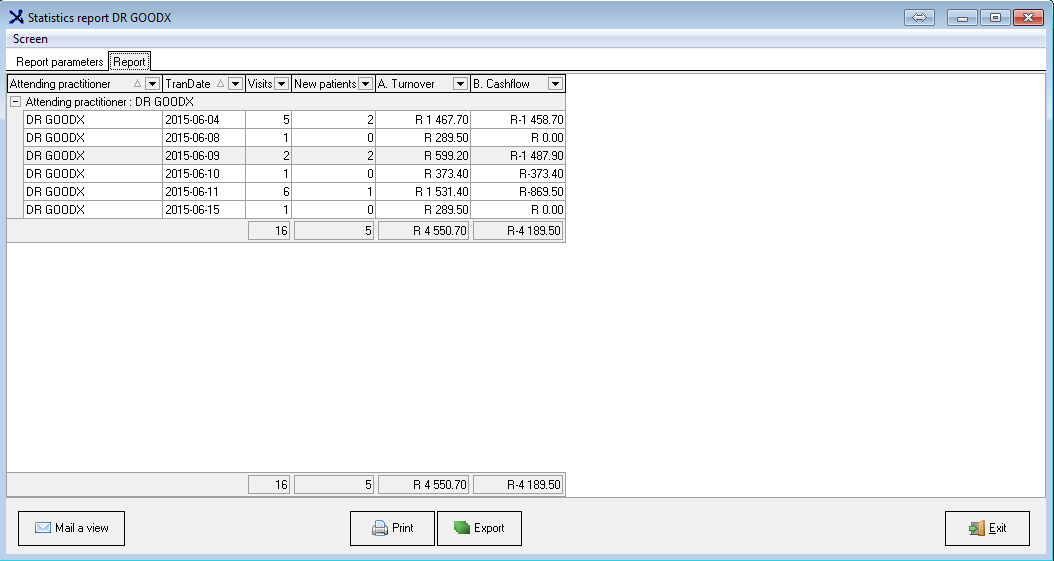
- This Report provides a Turnover amount for the Provider (Doctor).
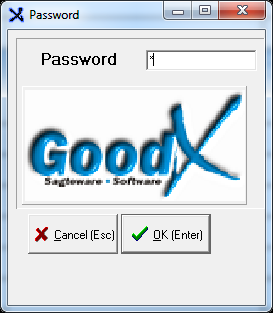
- The Profile is forcibly set for access purposes. A Password is also required before the Report setup can be accessed.
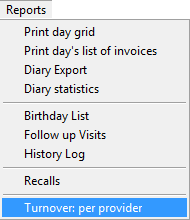
- Select Turnover per Provider from the drop-down menu.
- Select the required Parameters.
- Click on Next.
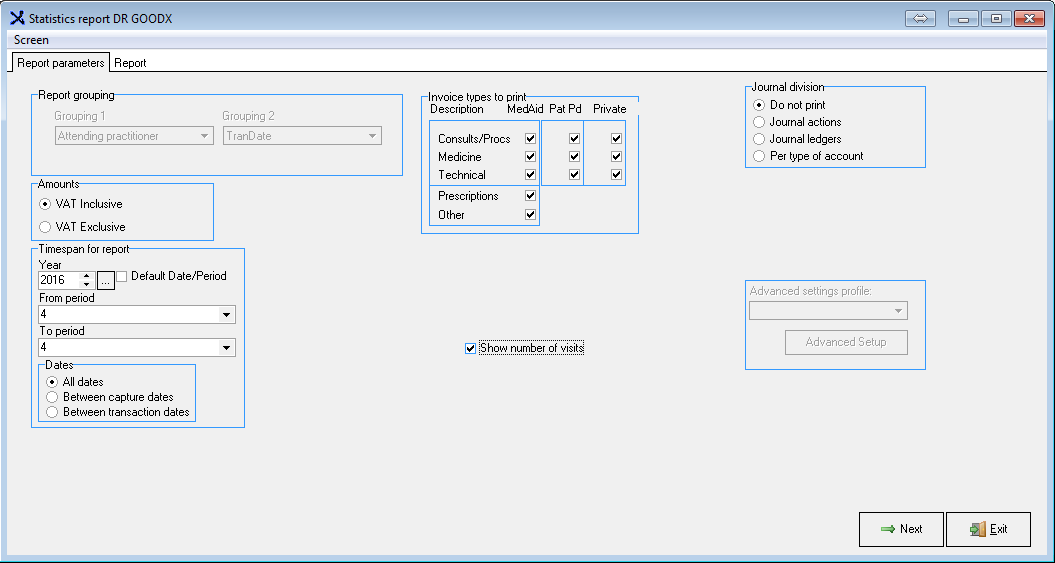
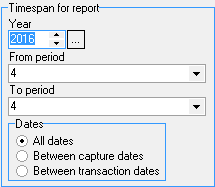
- Select the Timespan for the Report.
- The Report will reflect as follows:

Last modified: Wednesday, 11 March 2026, 12:10 PM